1
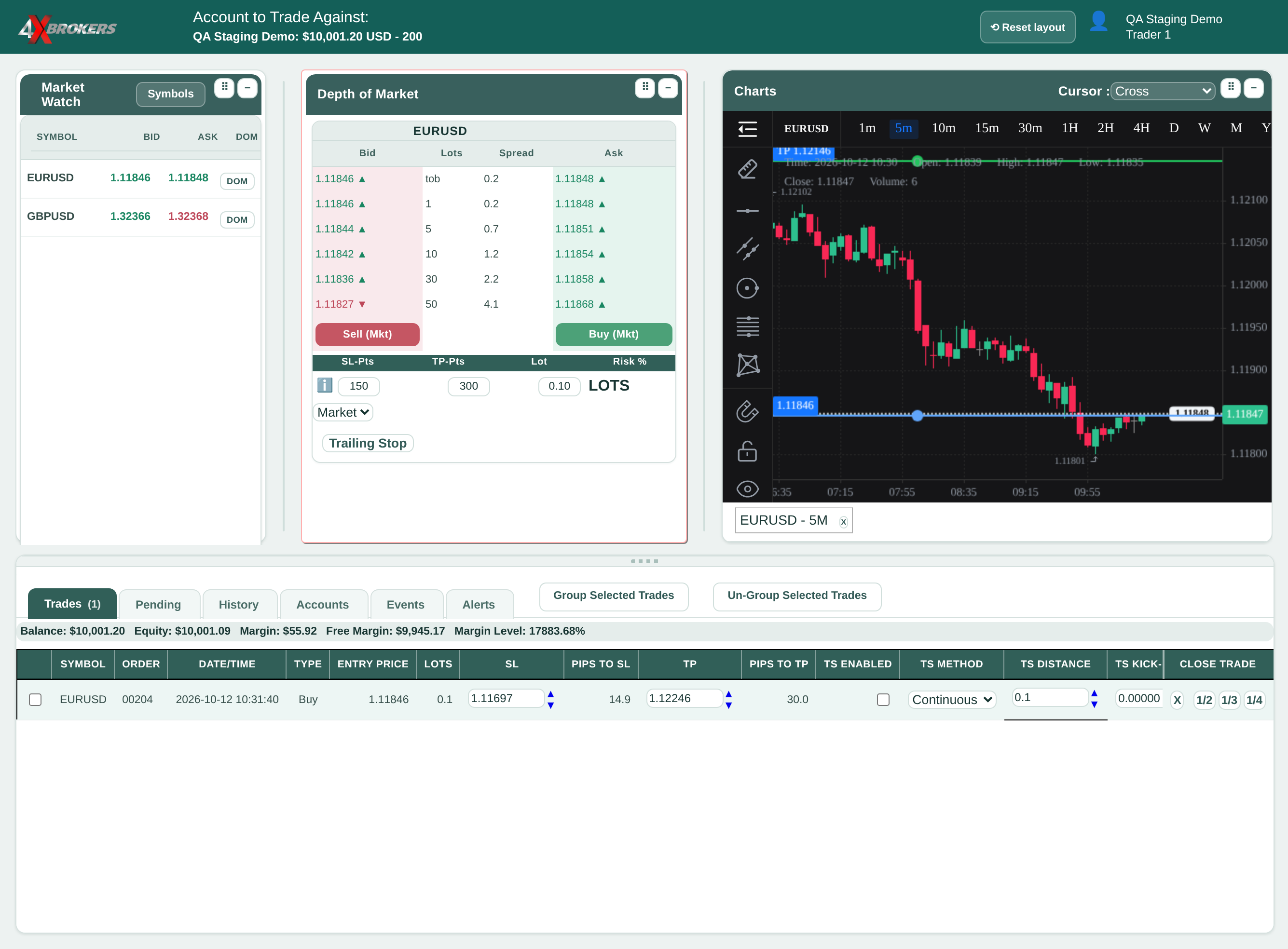
In the Trades tab, find the trade's SL field.
Each open trade shows its current stop-loss (SL) and take-profit (TP) prices.
Trading Help Center › Trading on 4XTerminal
Move the stop loss or take profit of a trade that is already open.
How to use this guide: Follow the numbered steps in order. Each heading names the button, field or control to use, the note below it explains what happens, and the pointer on the screenshot shows exactly where to click.
14 Step-by-step guide
Move the stop loss or take profit of a trade that is already open.
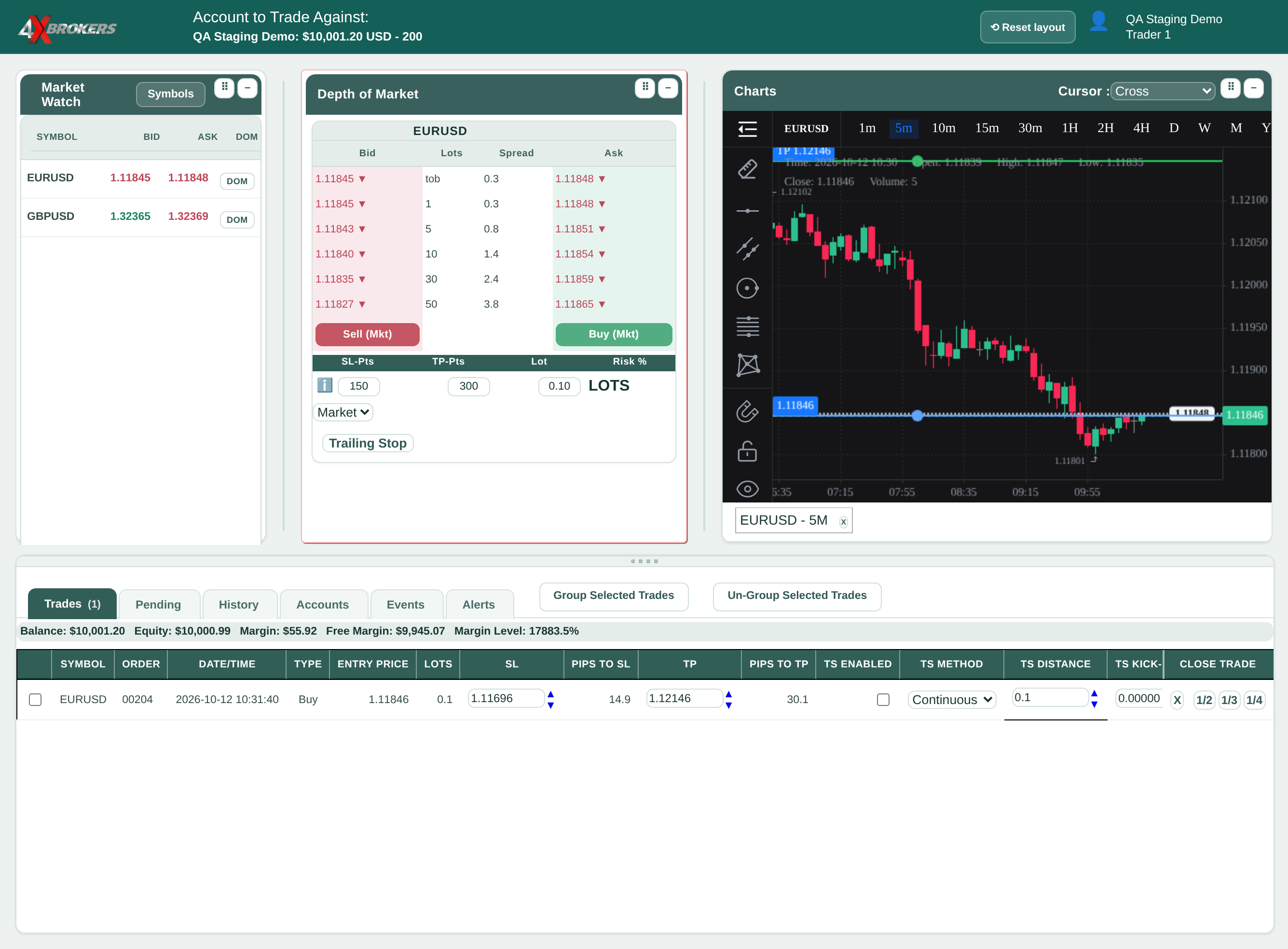
Each open trade shows its current stop-loss (SL) and take-profit (TP) prices.
Each click moves the stop loss by one point and is applied straight away. The TP field has the same arrows.
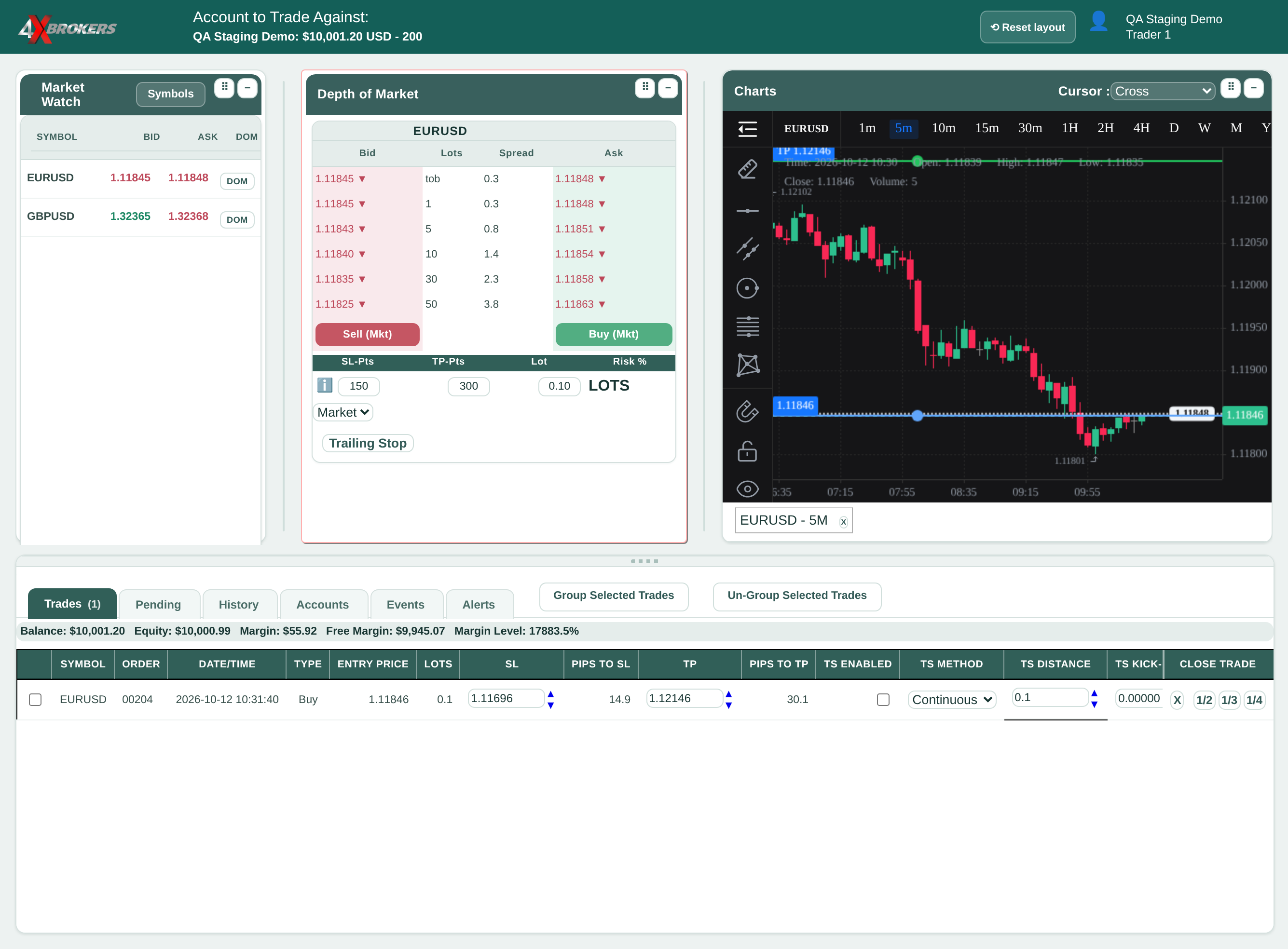
Use this to move a level by a larger amount in one go. Check the new price in the field before you continue.