1
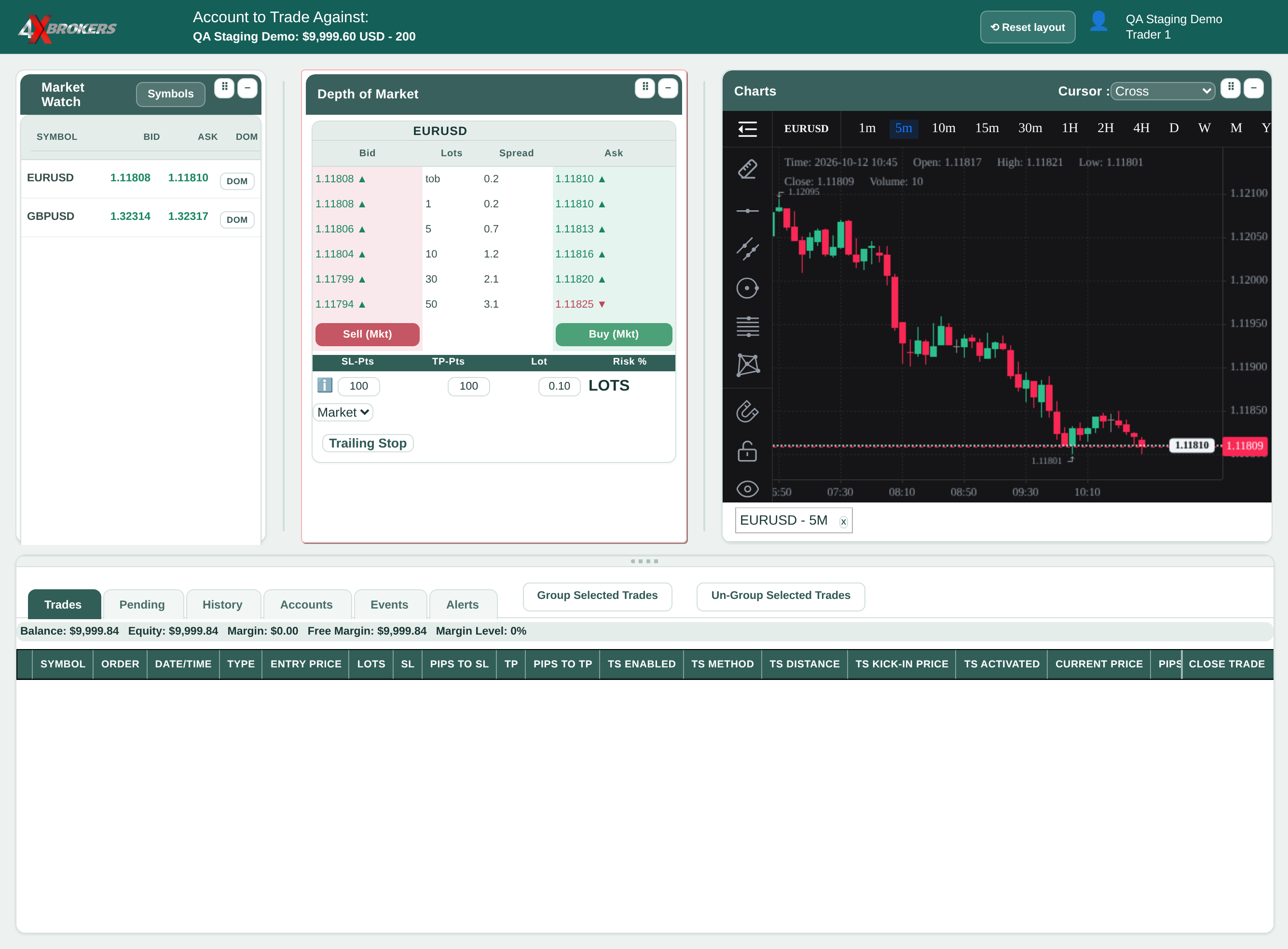
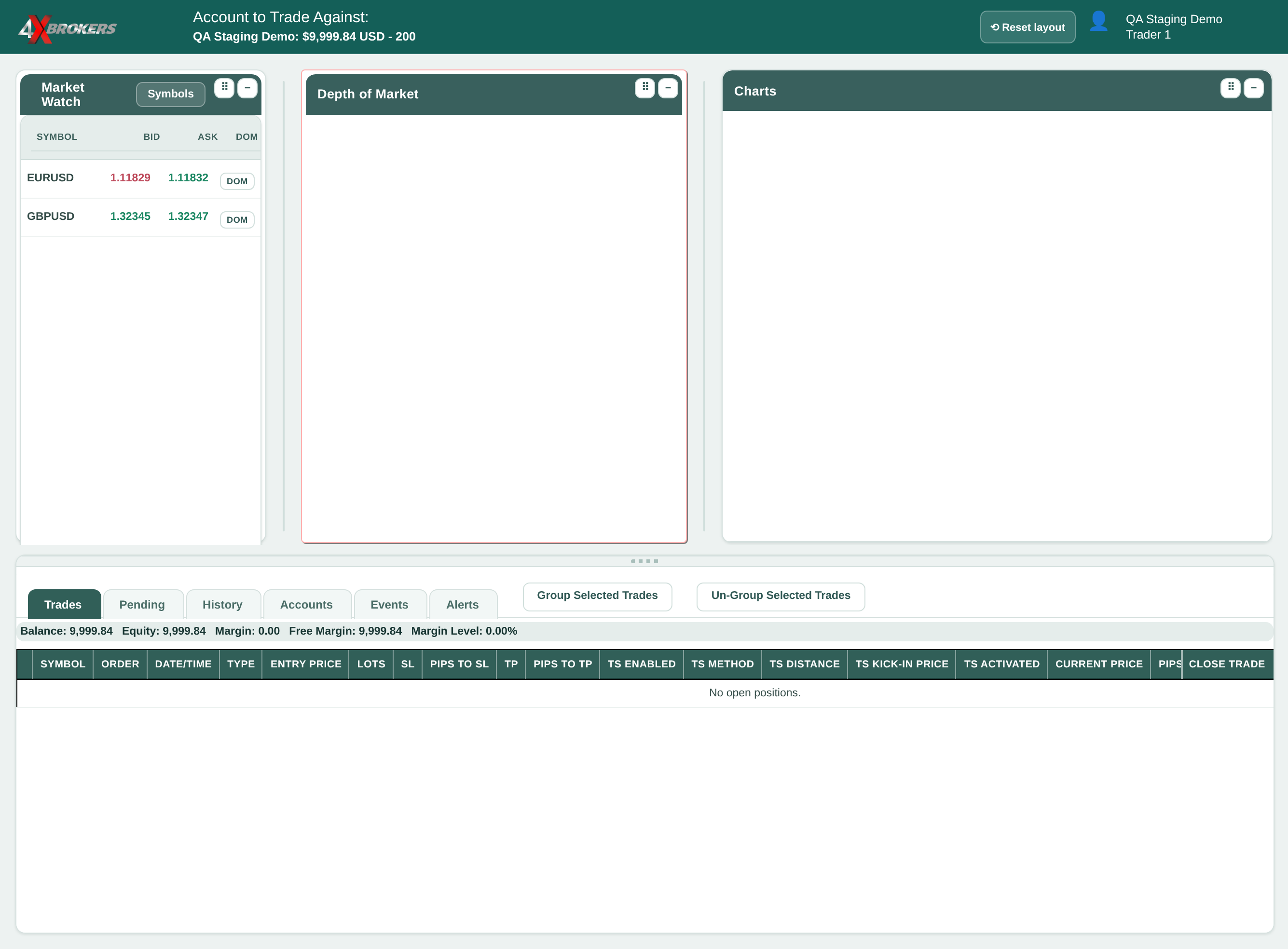
Select DOM for a symbol to load its chart.
The chart opens in the Charts window next to the order panel.
Trading Help Center › Trading on 4XTerminal
Open a symbol's chart, change its timeframe and adjust the workspace.
How to use this guide: Follow the numbered steps in order. Each heading names the button, field or control to use, the note below it explains what happens, and the pointer on the screenshot shows exactly where to click.
20 Step-by-step guide
Open a symbol's chart, change its timeframe and adjust the workspace.
The chart opens in the Charts window next to the order panel.
Timeframes run from 1 minute to monthly. Each candle shows the price movement over that period.
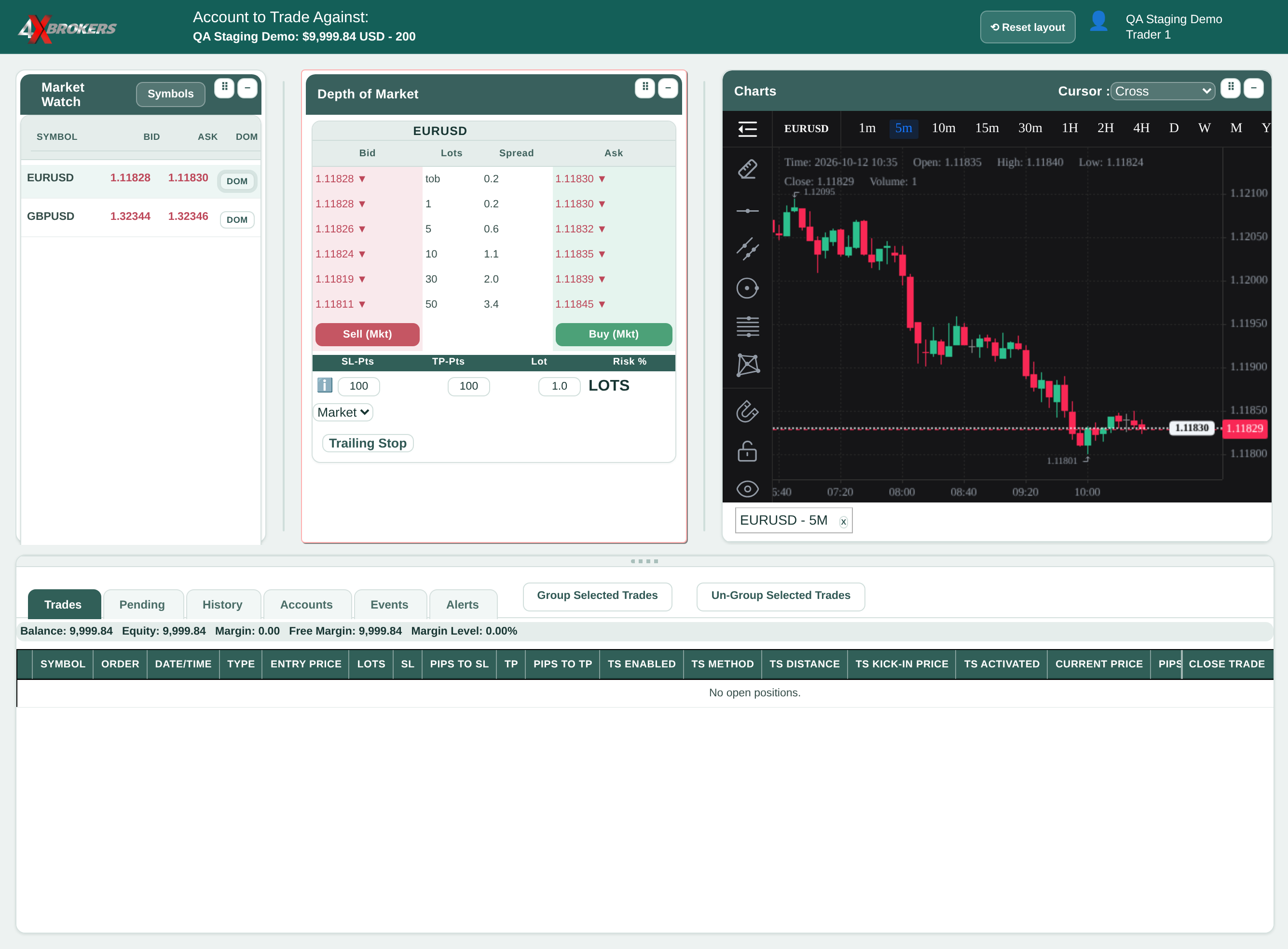
The drawing tools, such as trend lines, are on the left of the chart.
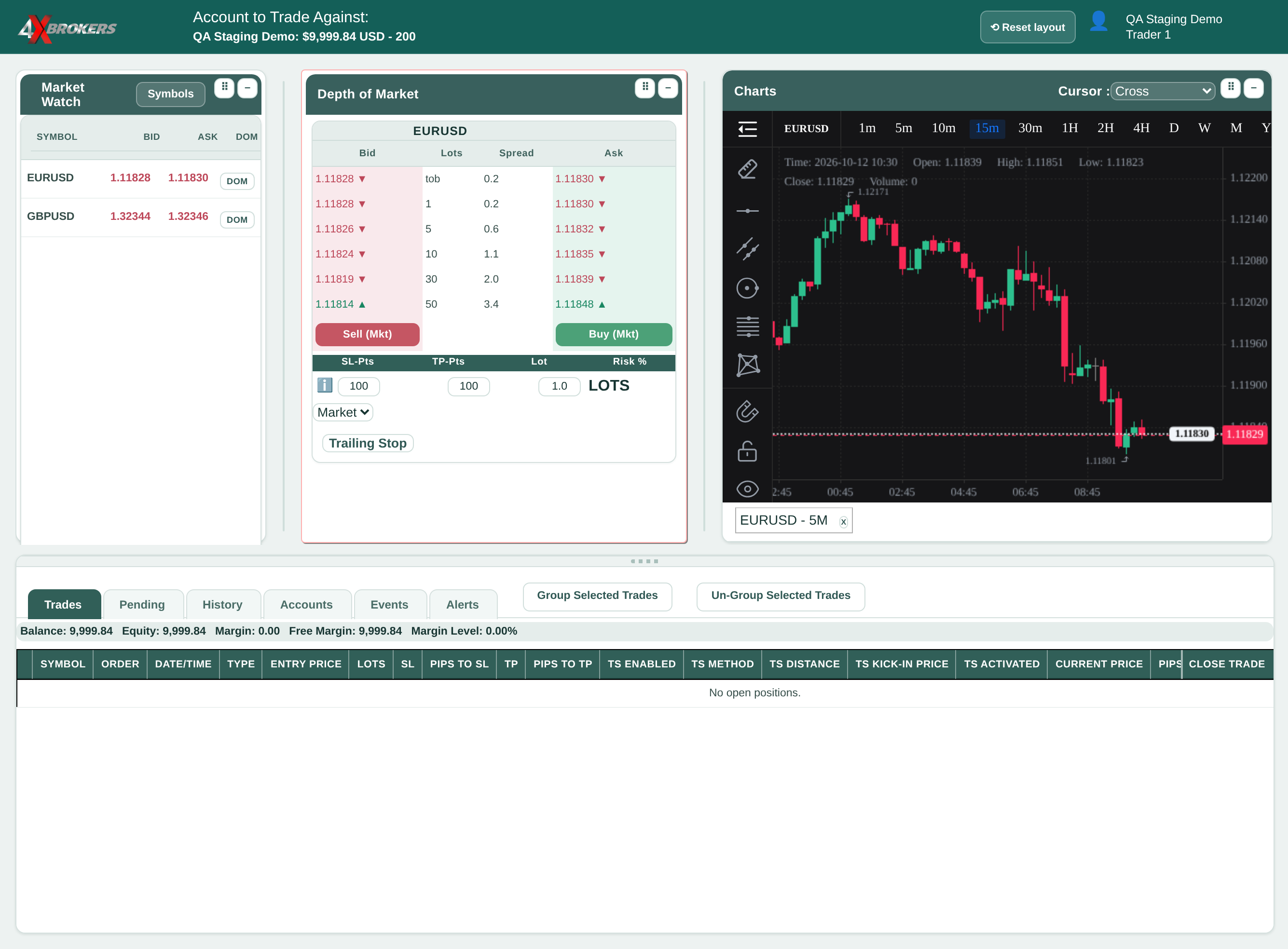
Use this if you have moved or resized the windows and want the standard layout back.