1
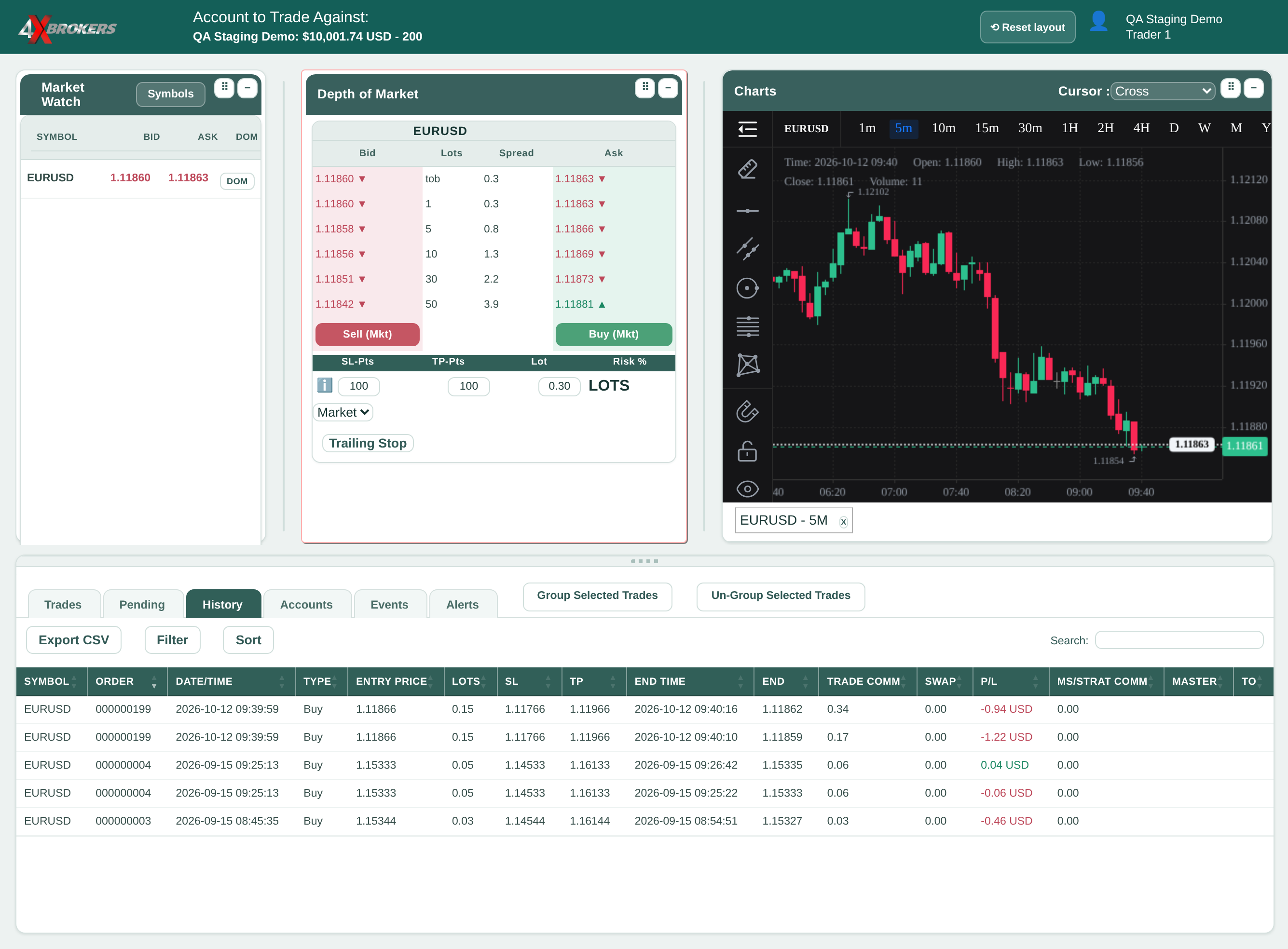
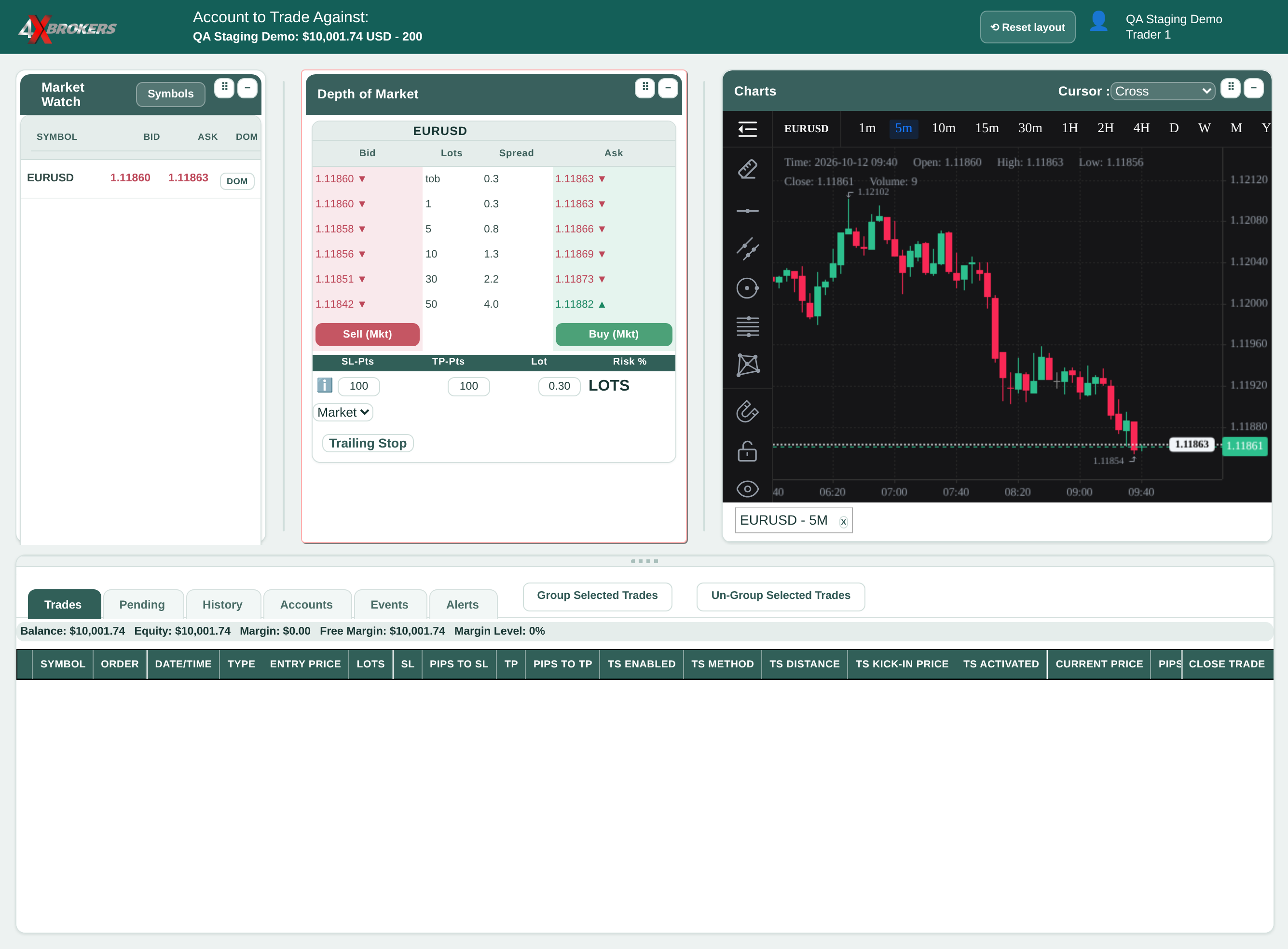
On the trading platform, open the History tab.
Every trade you have closed on this account is listed here.
Trading Help Center › Trading on 4XTerminal
Review closed trades with their entry and exit prices, profit or loss and commission, and download them.
How to use this guide: Follow the numbered steps in order. Each heading names the button, field or control to use, the note below it explains what happens, and the pointer on the screenshot shows exactly where to click.
21 Step-by-step guide
Review closed trades with their entry and exit prices, profit or loss and commission, and download them.
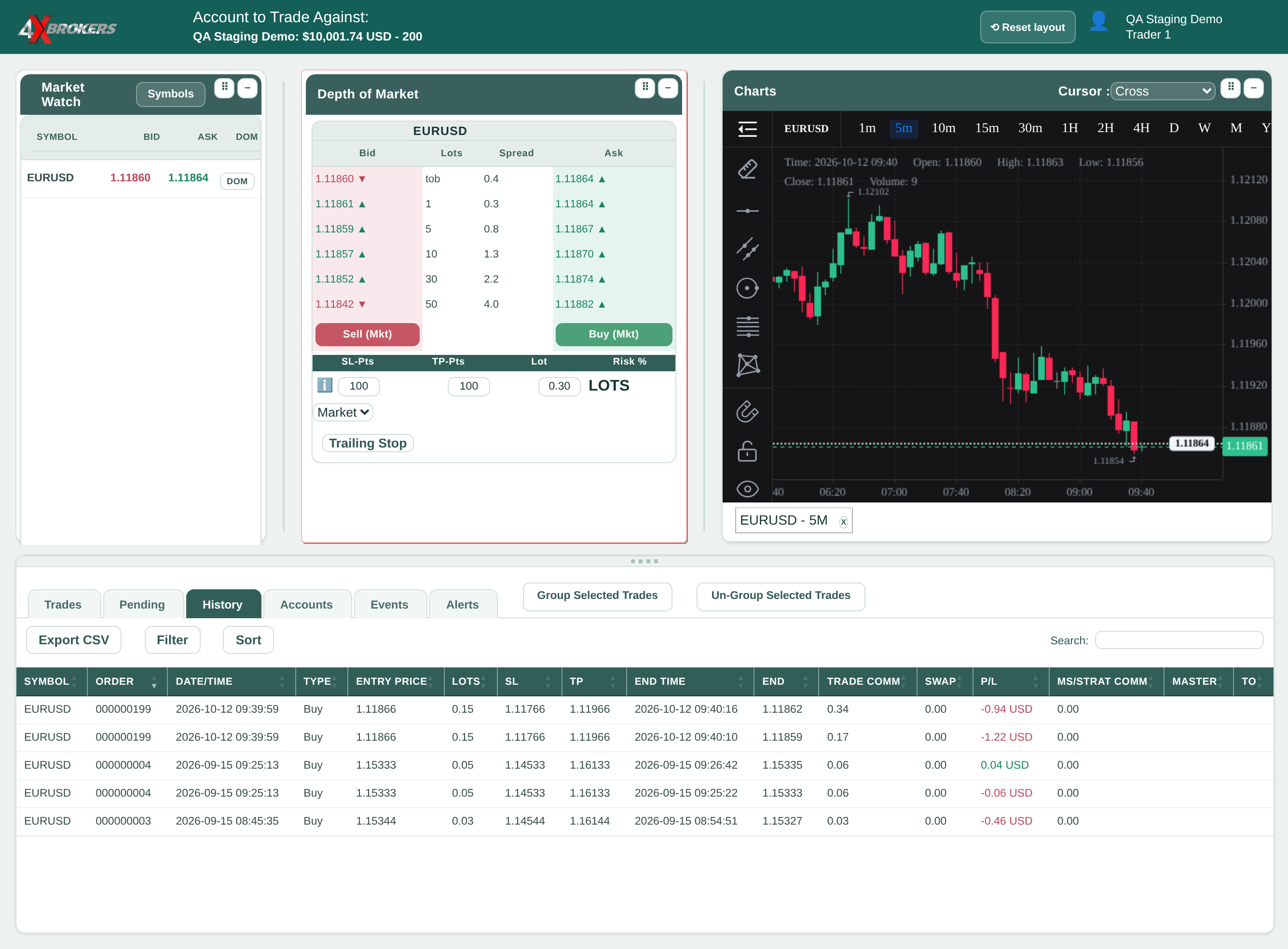
Every trade you have closed on this account is listed here.
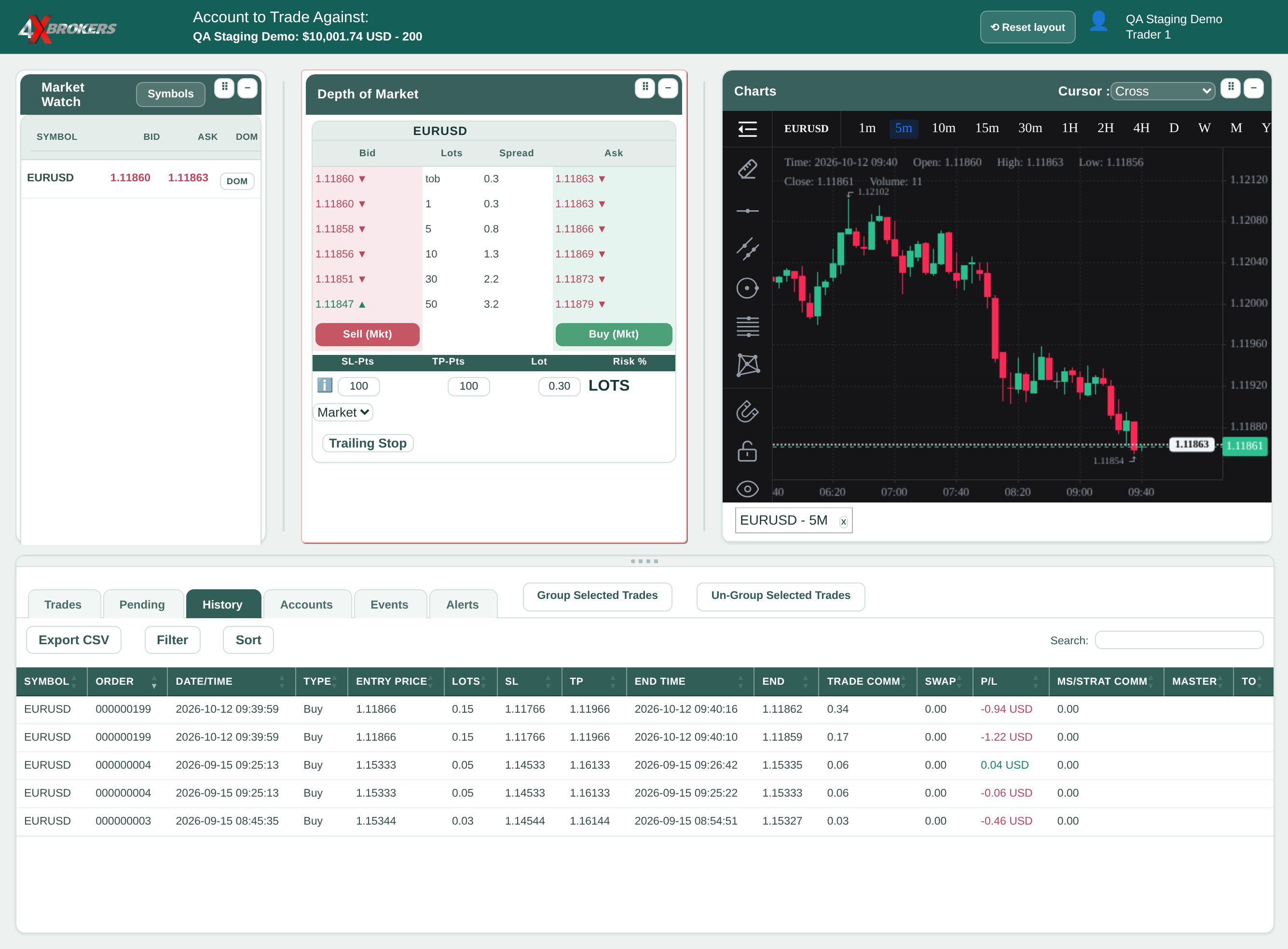
Each row shows the entry and end price, the end time, the profit or loss and the commission. A partial close appears as its own row.
You can filter by date range, symbol, trade type and win or loss.
The file opens in a spreadsheet program such as Excel.