1
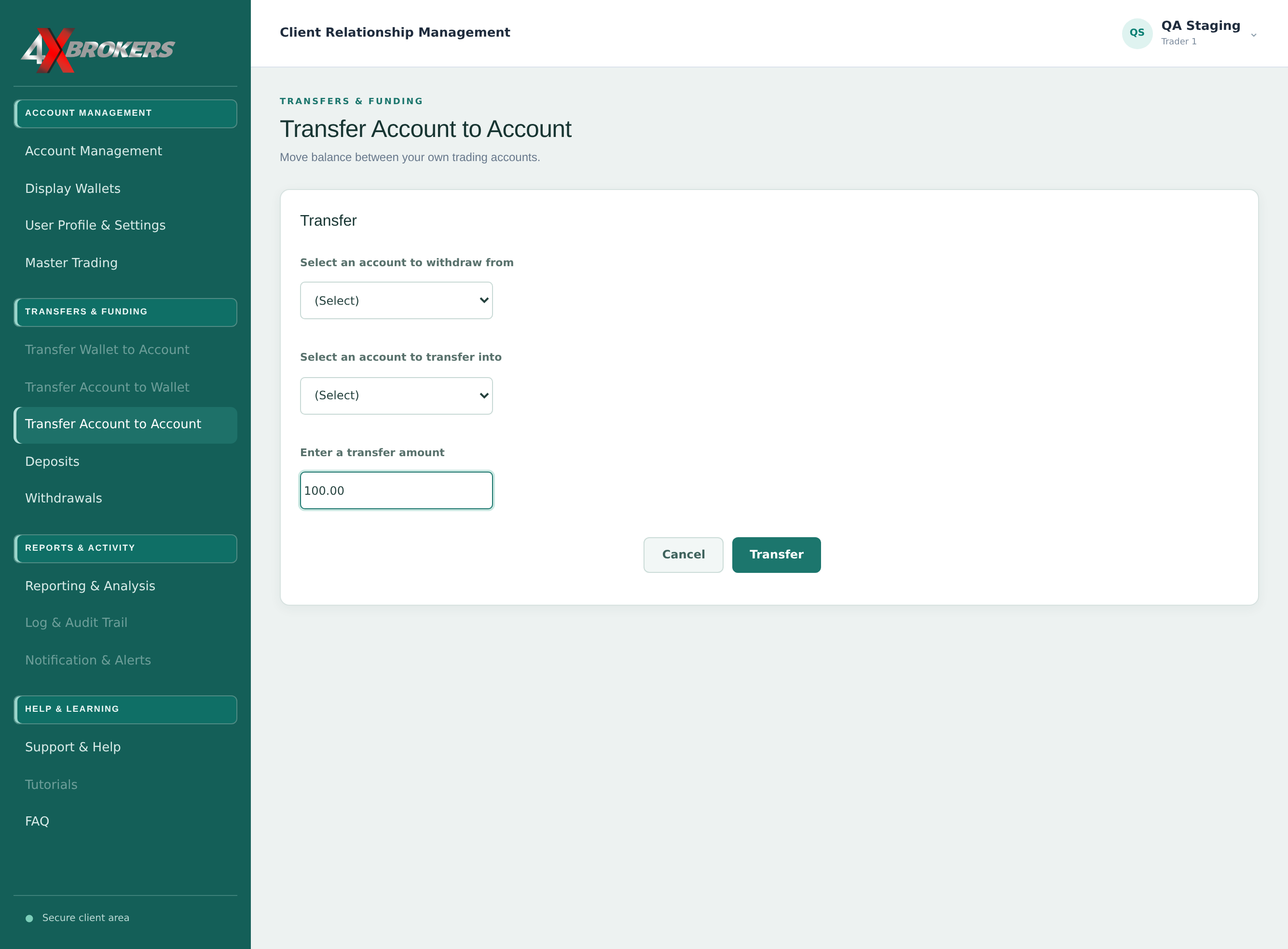
Open Transfer Account to Account.
It is in the Transfers & Funding section of the left-hand menu.
Trading Help Center › Funding your account
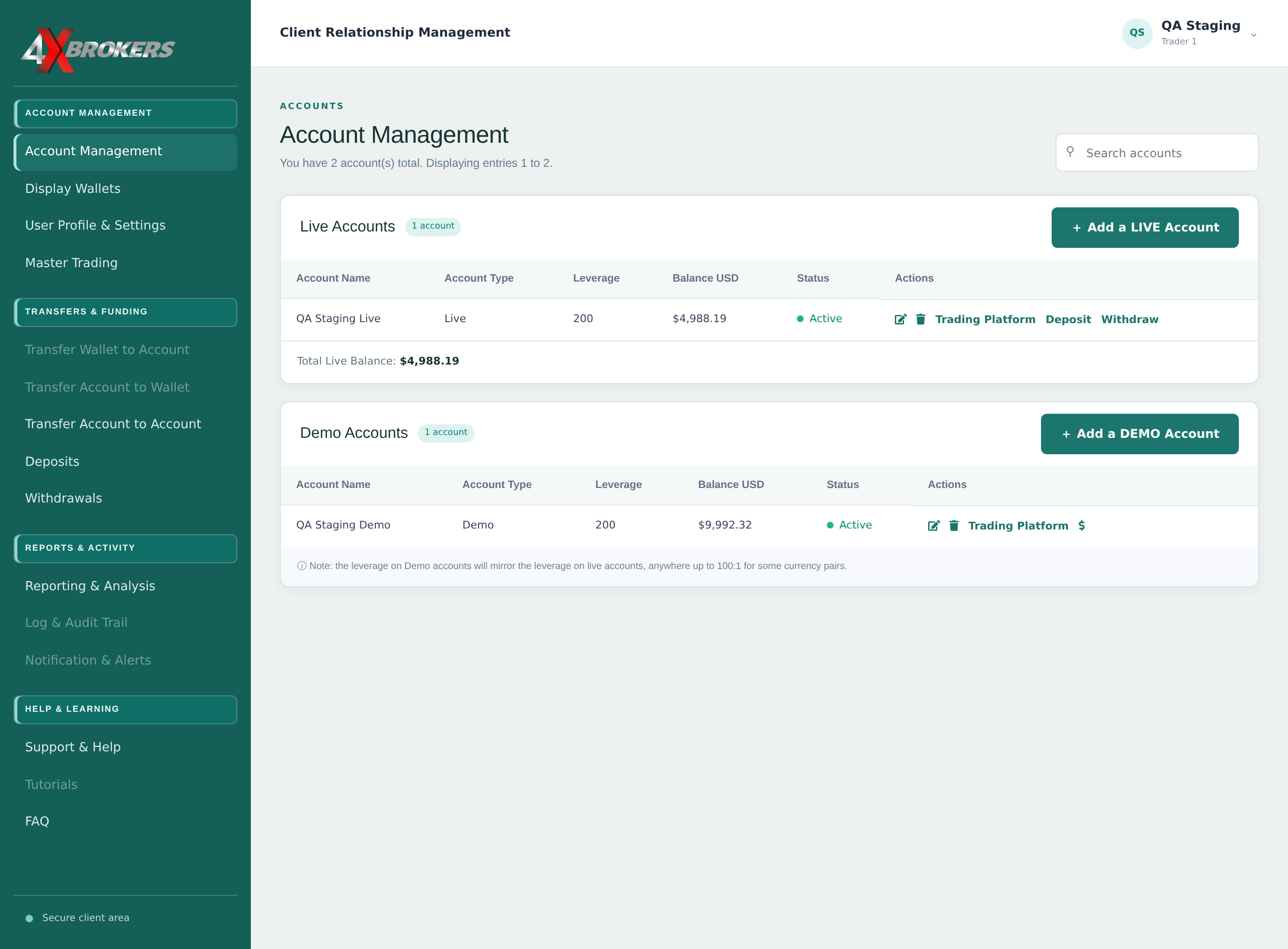
Move money from one of your trading accounts to another of the same type.
How to use this guide: Follow the numbered steps in order. Each heading names the button, field or control to use, the note below it explains what happens, and the pointer on the screenshot shows exactly where to click.
3 Step-by-step guide
Move money from one of your trading accounts to another of the same type.
It is in the Transfers & Funding section of the left-hand menu.
Only your own accounts are listed.
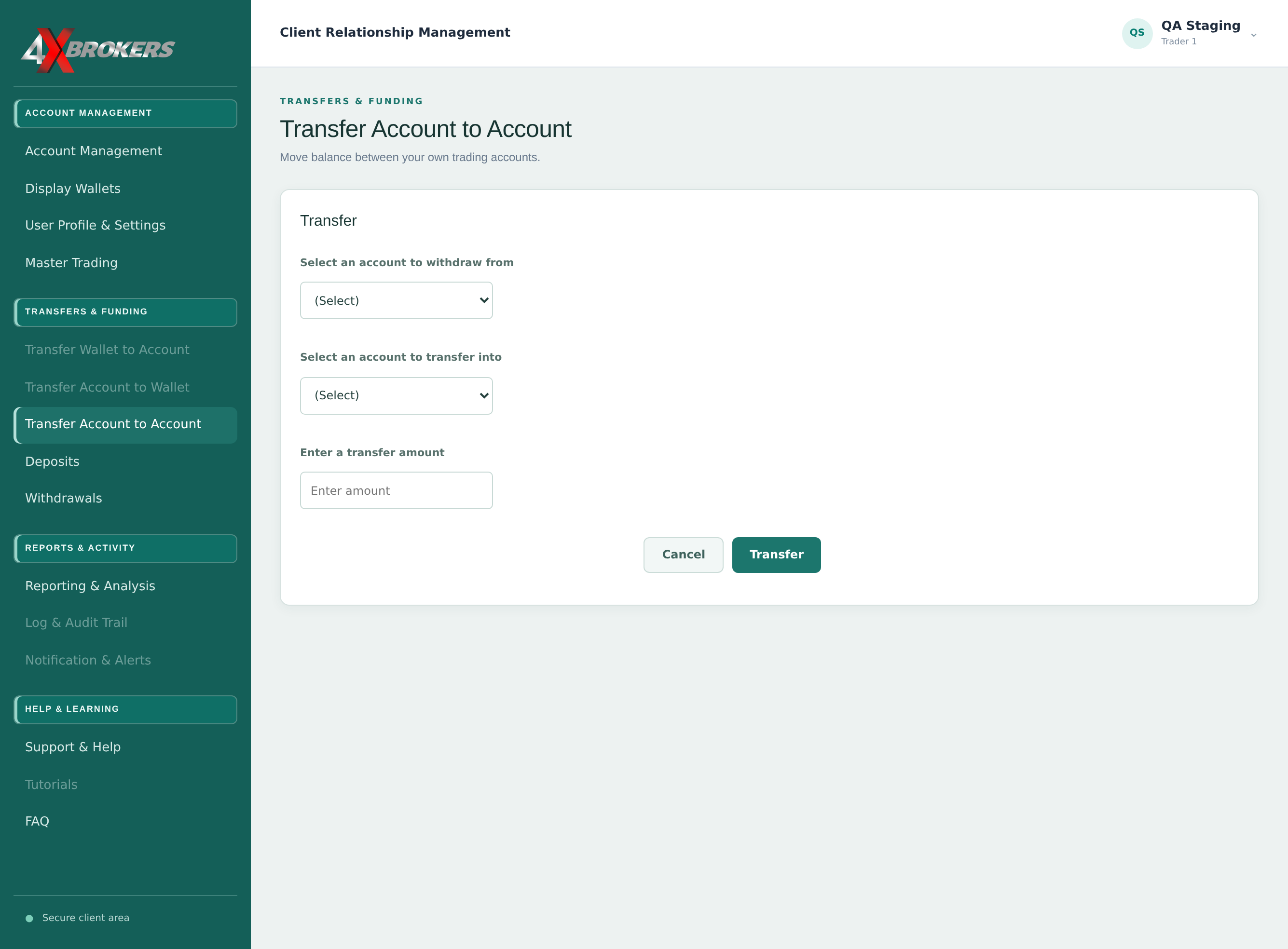
Both accounts must be the same type: live to live, or demo to demo.
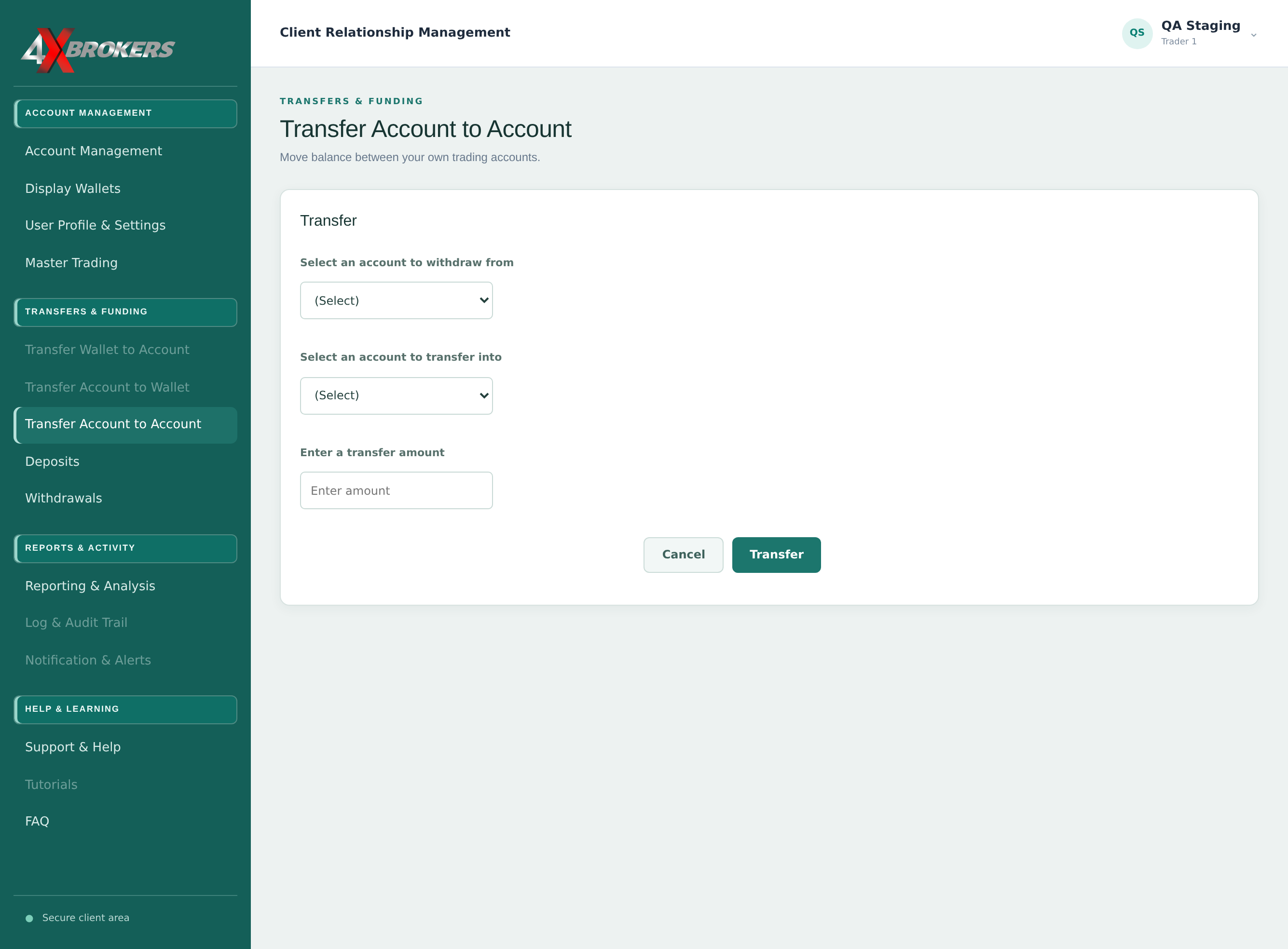
The amount cannot be more than the balance of the account you are taking it from.
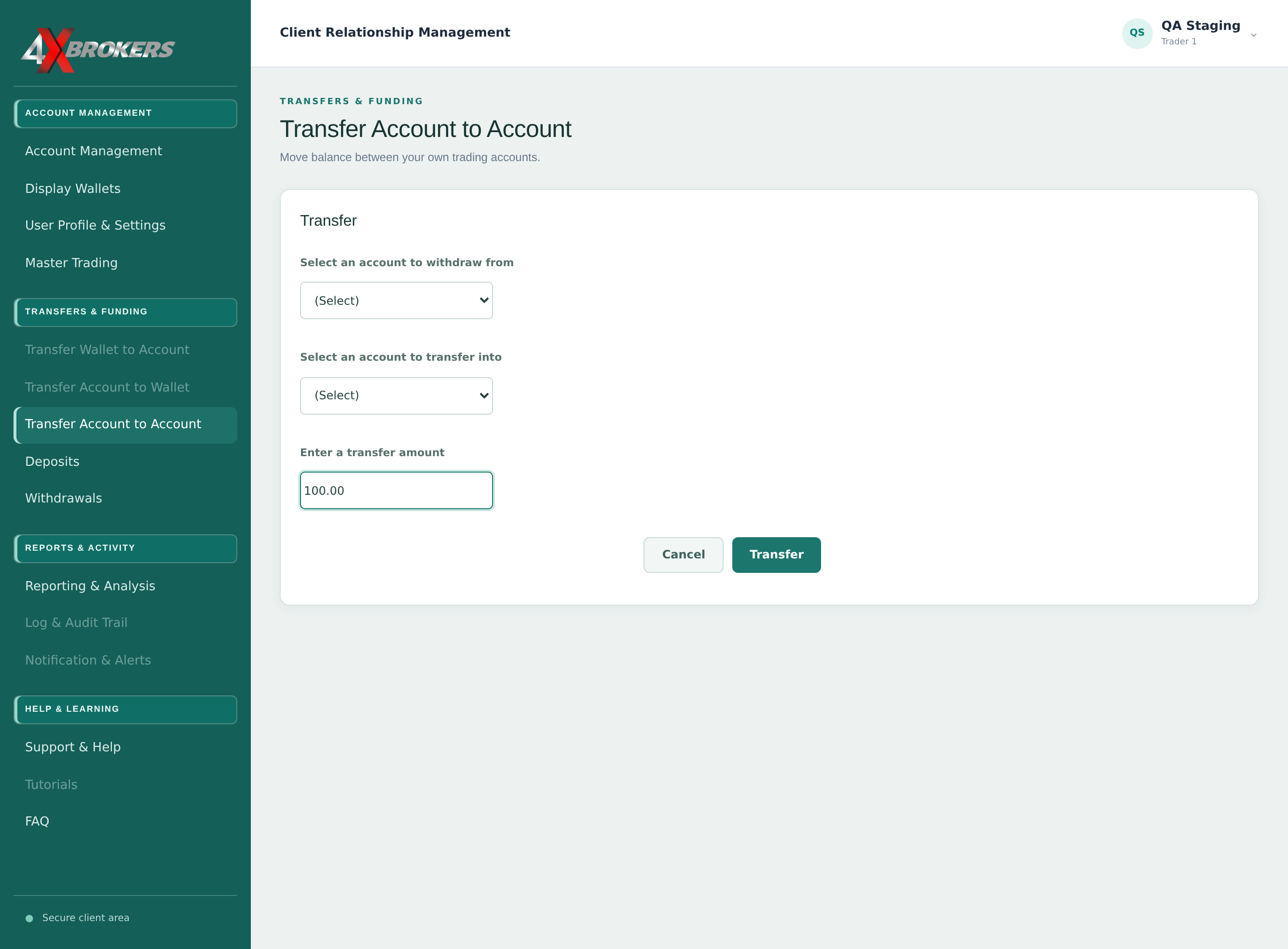
Both balances update straight away. Select Cancel to leave without transferring.