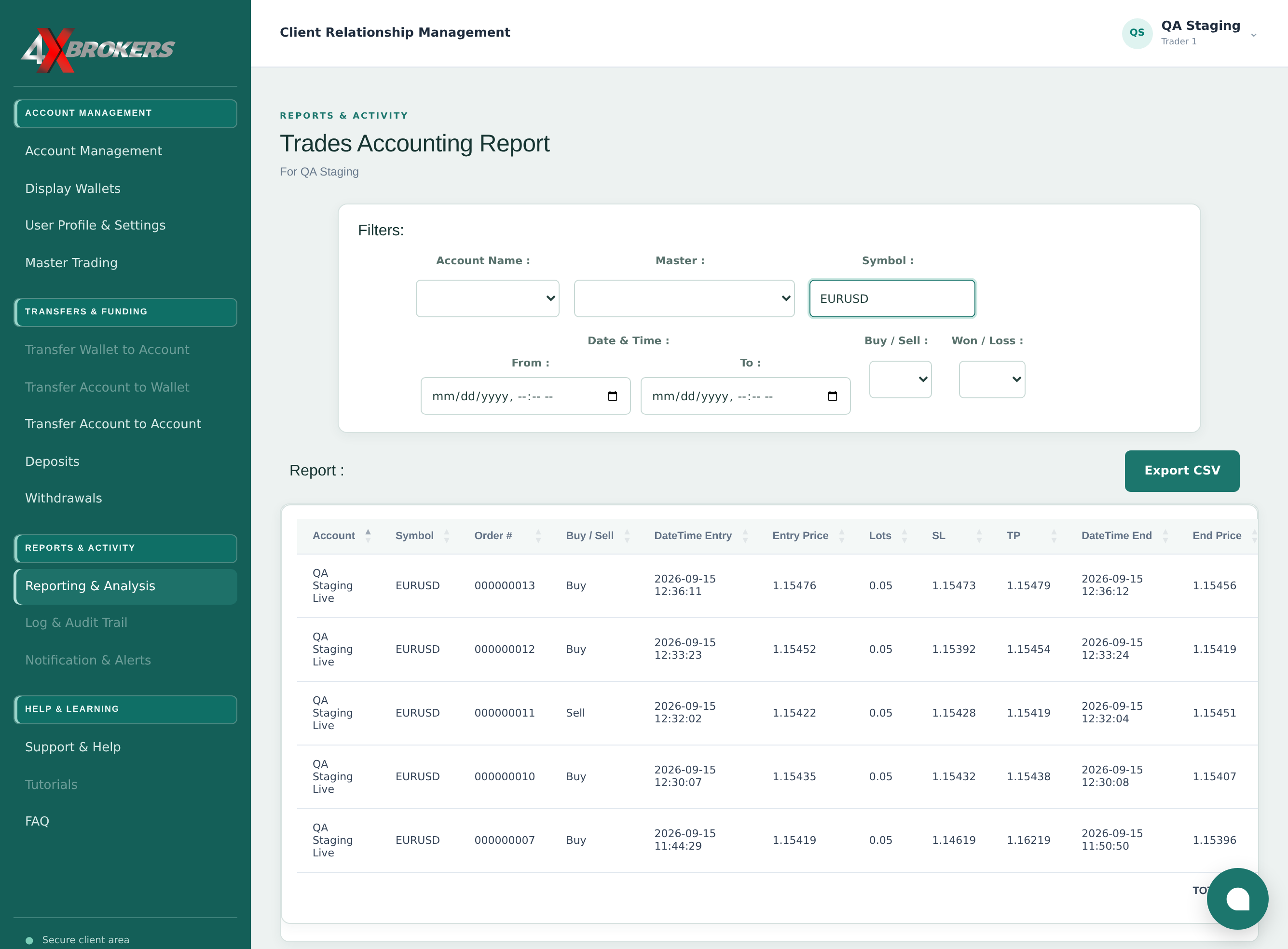
1
Open Reporting & Analysis.
The trades accounting report lists your trades across your accounts.
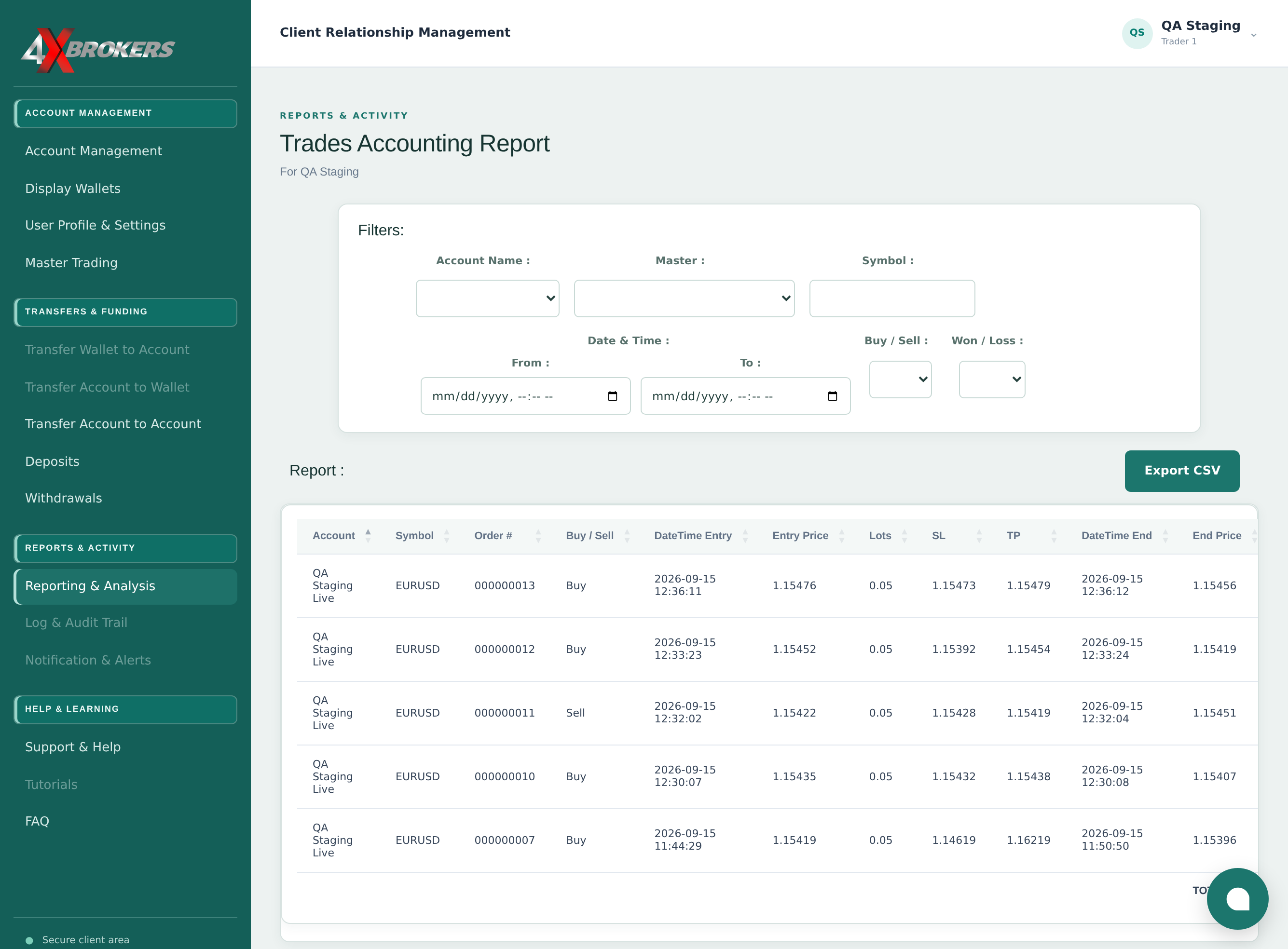
Trading Help Center › Reports & support
List your trades with entry and exit details, filter them and export them to a spreadsheet.
How to use this guide: Follow the numbered steps in order. Each heading names the button, field or control to use, the note below it explains what happens, and the pointer on the screenshot shows exactly where to click.
25 Step-by-step guide
List your trades with entry and exit details, filter them and export them to a spreadsheet.
The trades accounting report lists your trades across your accounts.
For trades from a master you follow, you can also choose the Master.
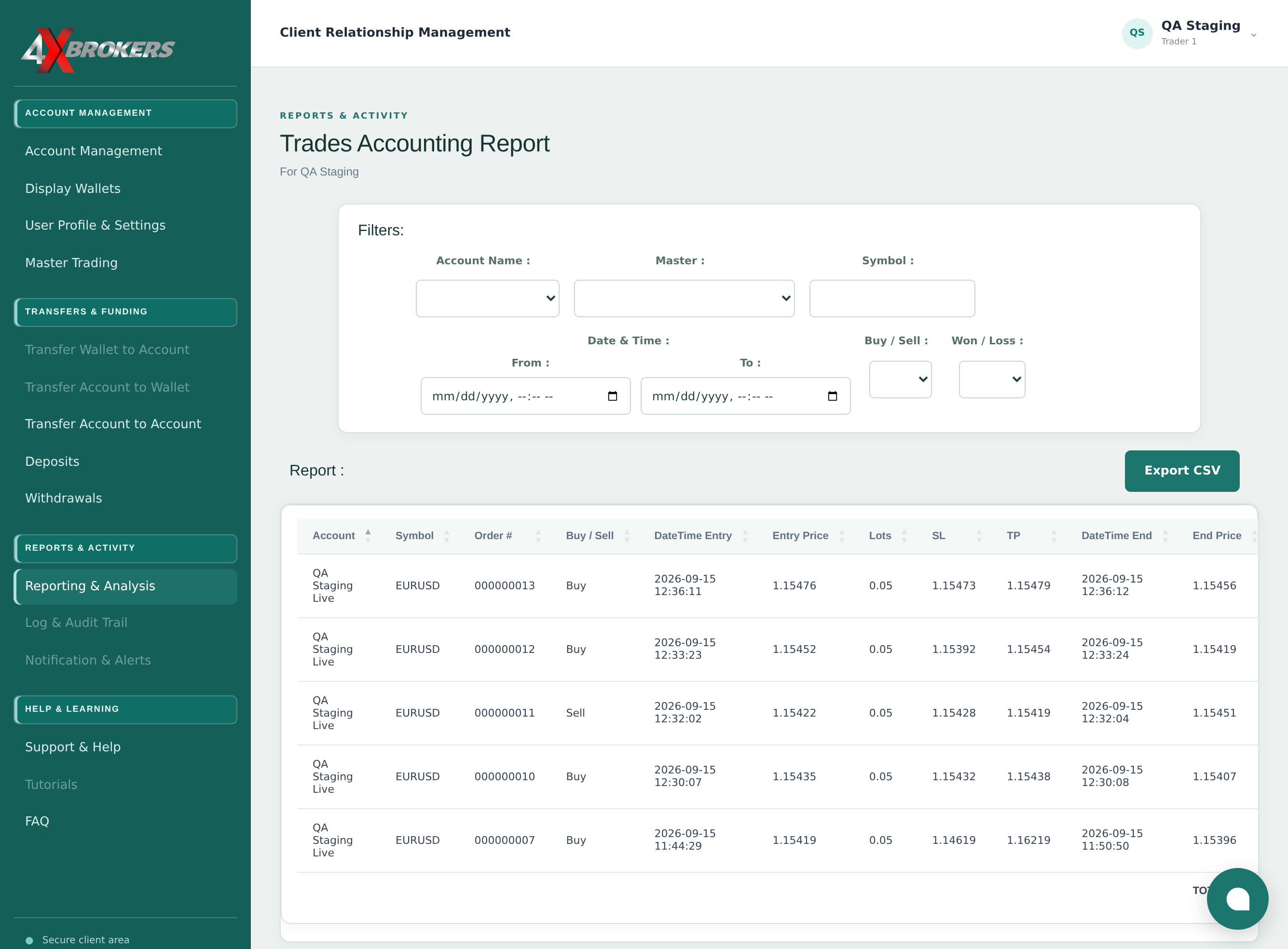
Leave it empty to include every symbol.
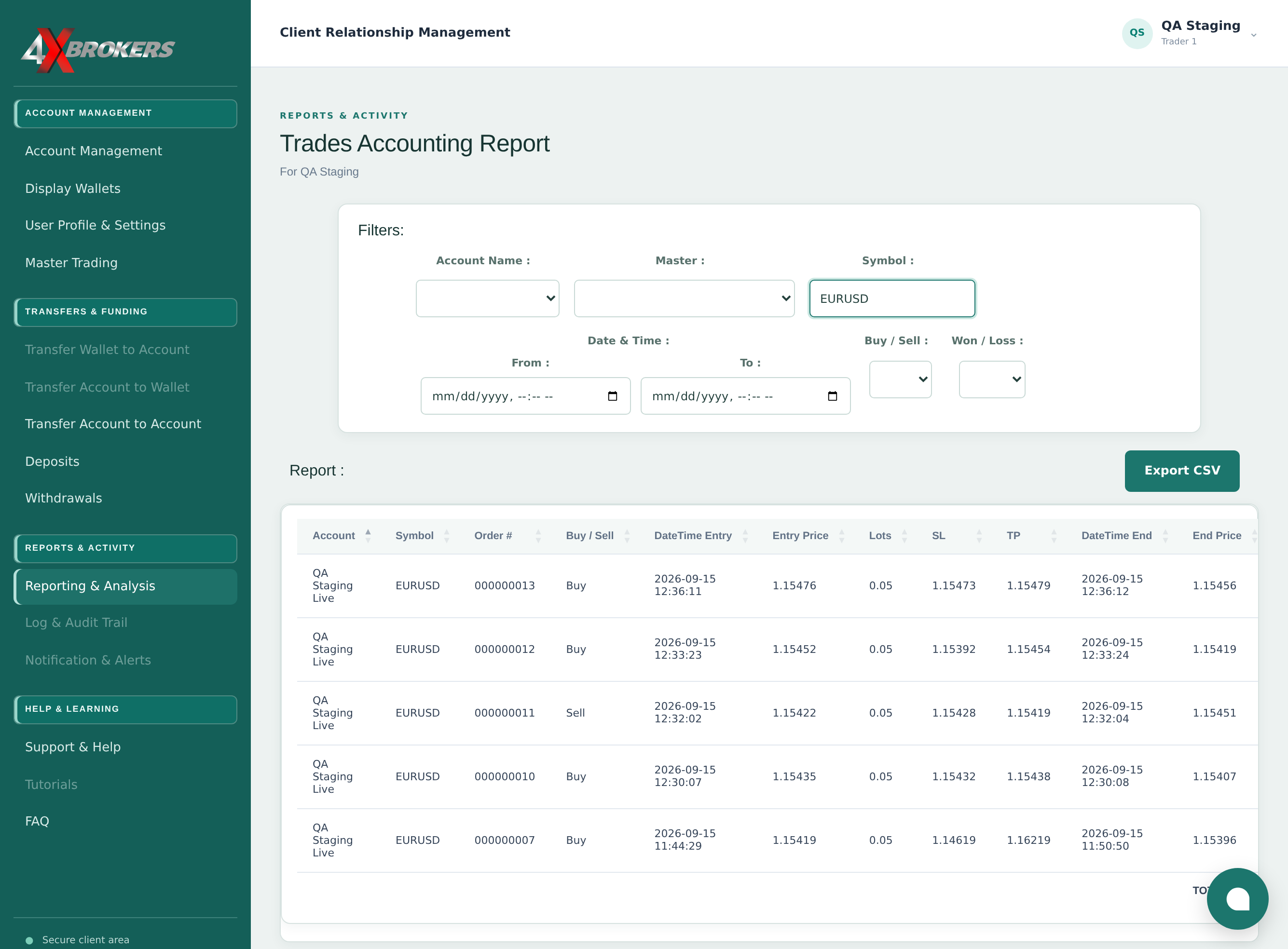
Only trades within this period are shown.
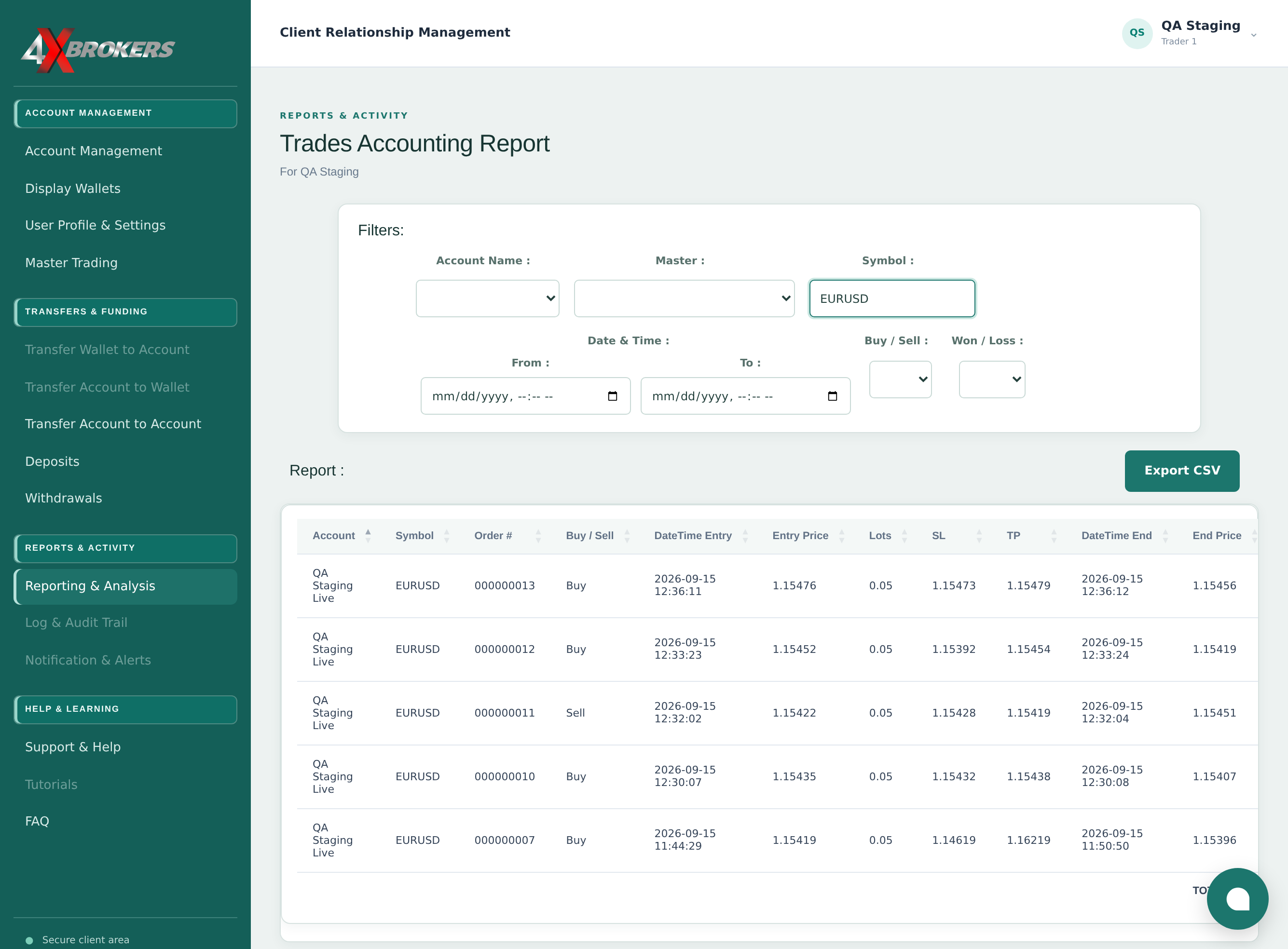
The filters can be combined.
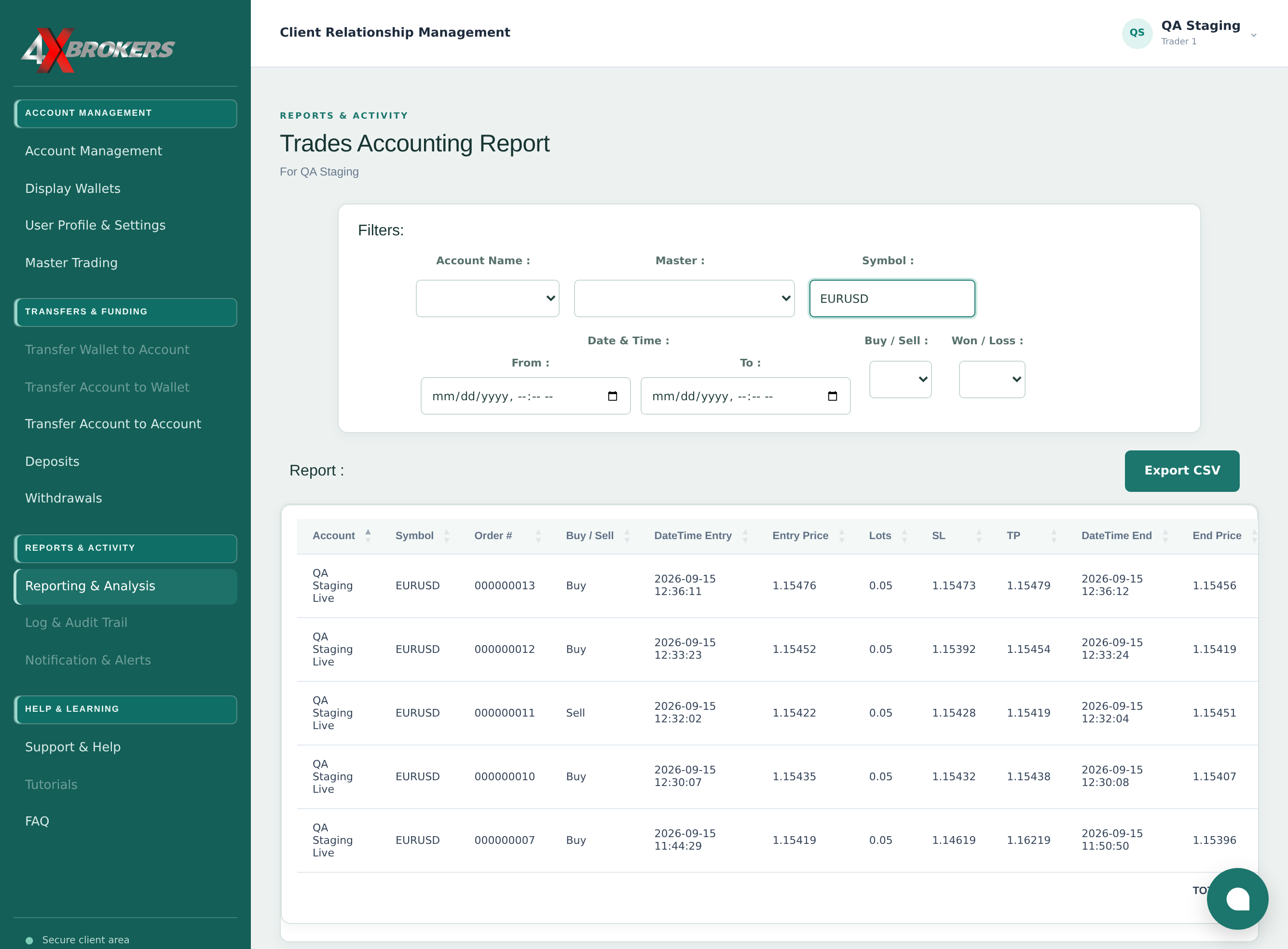
The file includes the trades currently shown, with all of their columns.