1
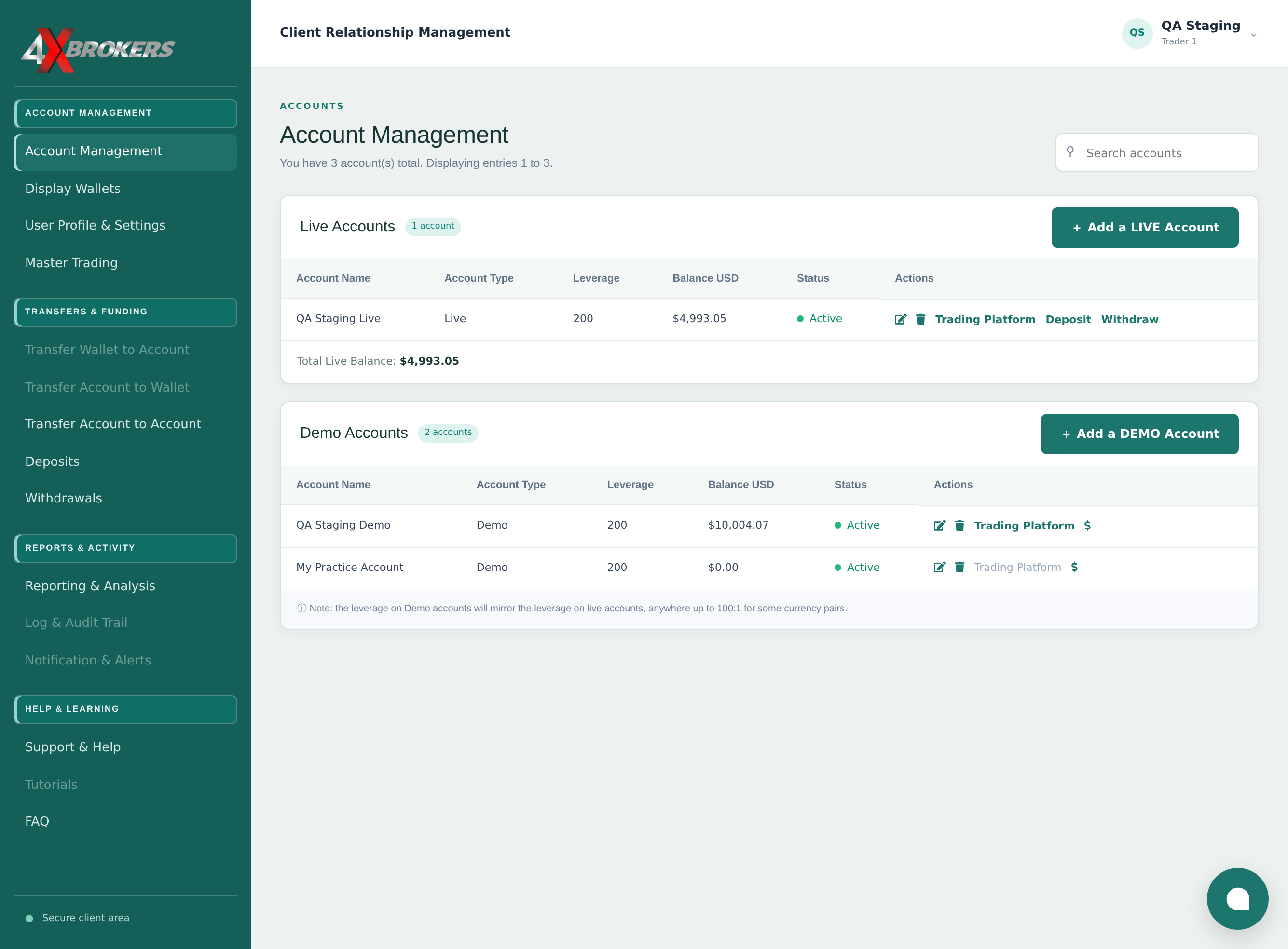
Open Account Management in the client portal.
This page lists all of your live and demo trading accounts.
Trading Help Center › Accounts & settings
Open a practice account that trades with virtual funds, then give it a balance so you can start trading.
How to use this guide: Follow the numbered steps in order. Each heading names the button, field or control to use, the note below it explains what happens, and the pointer on the screenshot shows exactly where to click.
6 Step-by-step guide
Open a practice account that trades with virtual funds, then give it a balance so you can start trading.
This page lists all of your live and demo trading accounts.
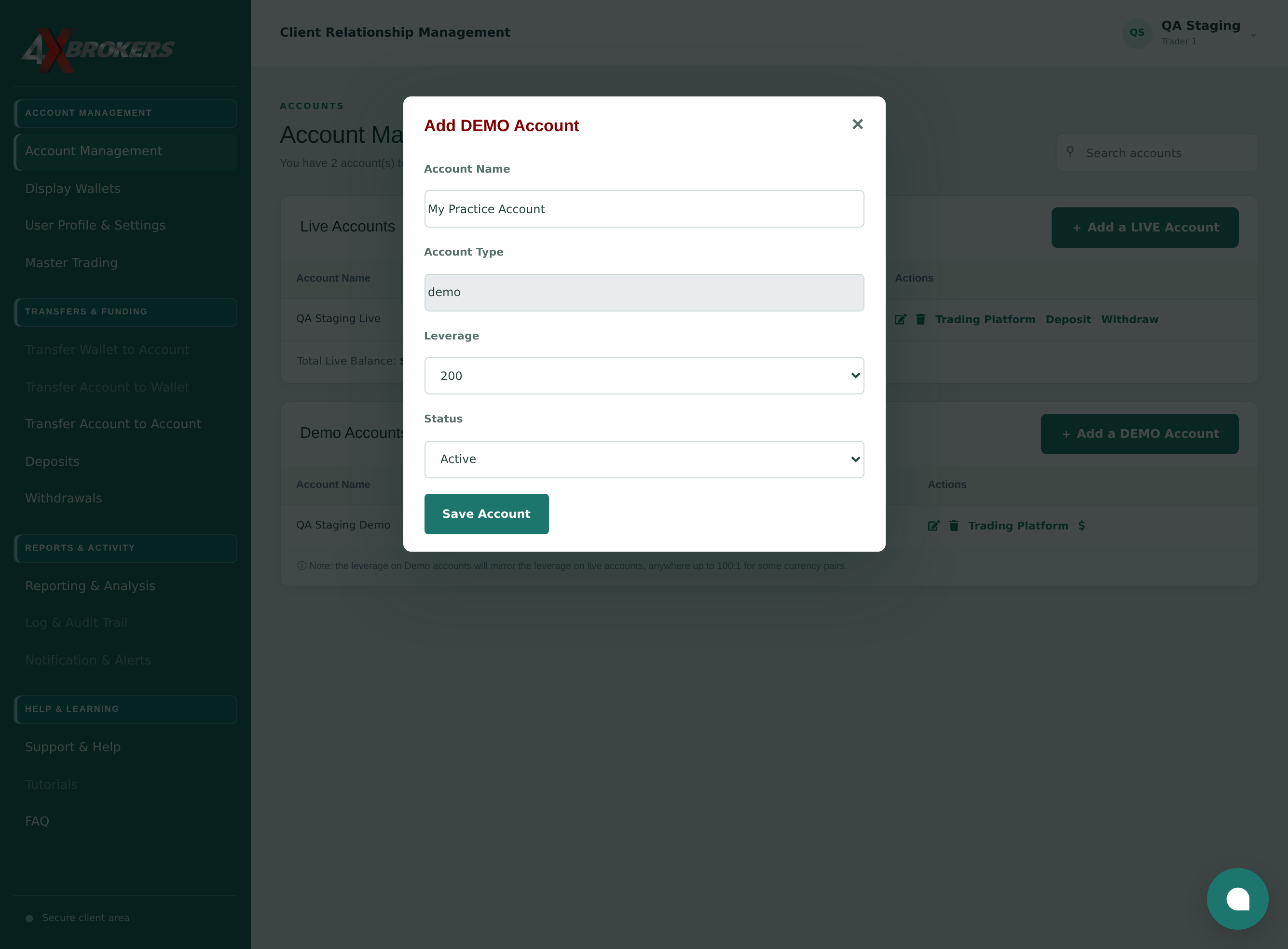
A form opens for the new practice account.
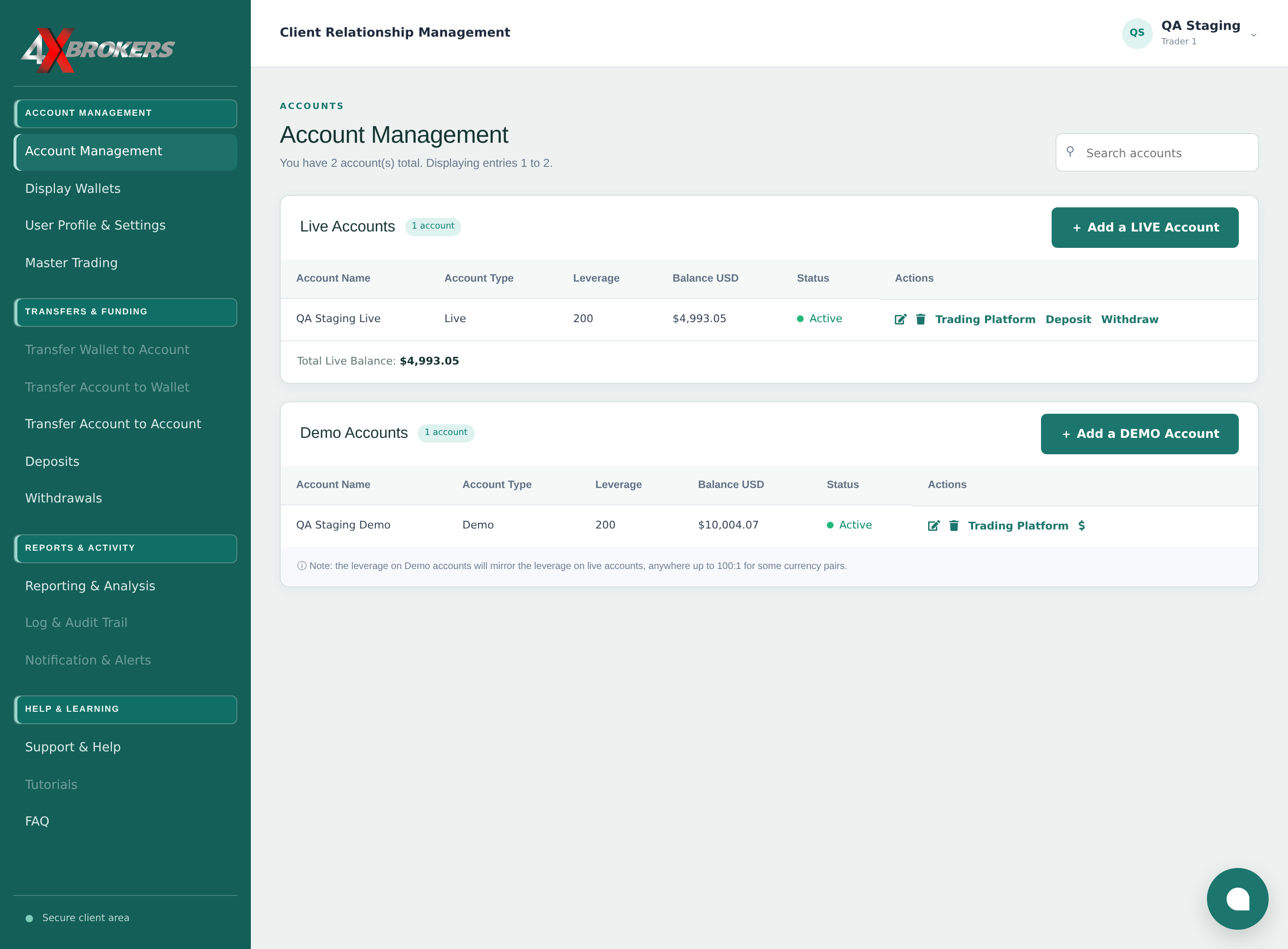
Choose a name you will recognise later, for example the strategy you want to practise.
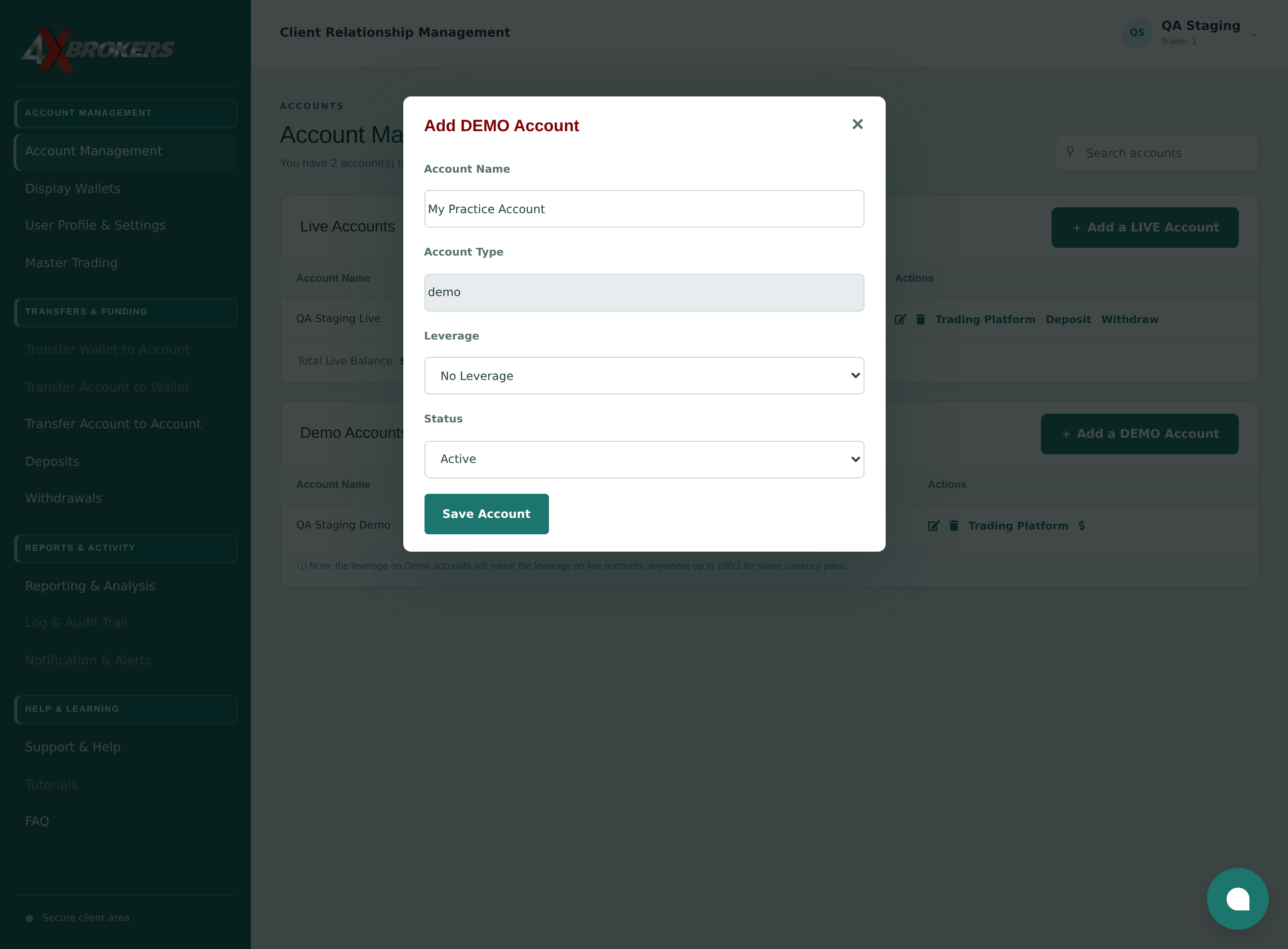
Leverage sets how much margin your trades need. A higher leverage needs less margin, but increases the risk on each trade.
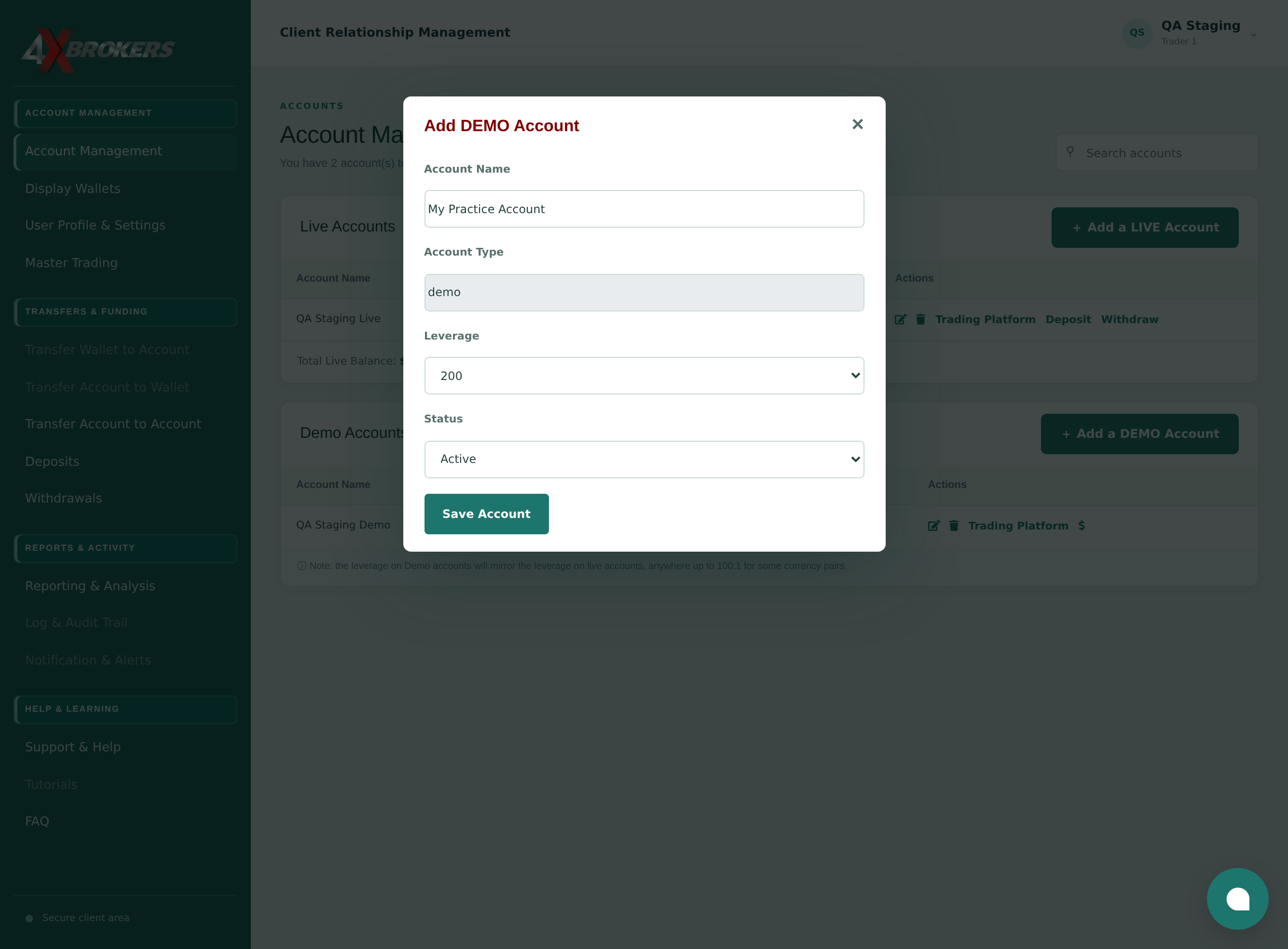
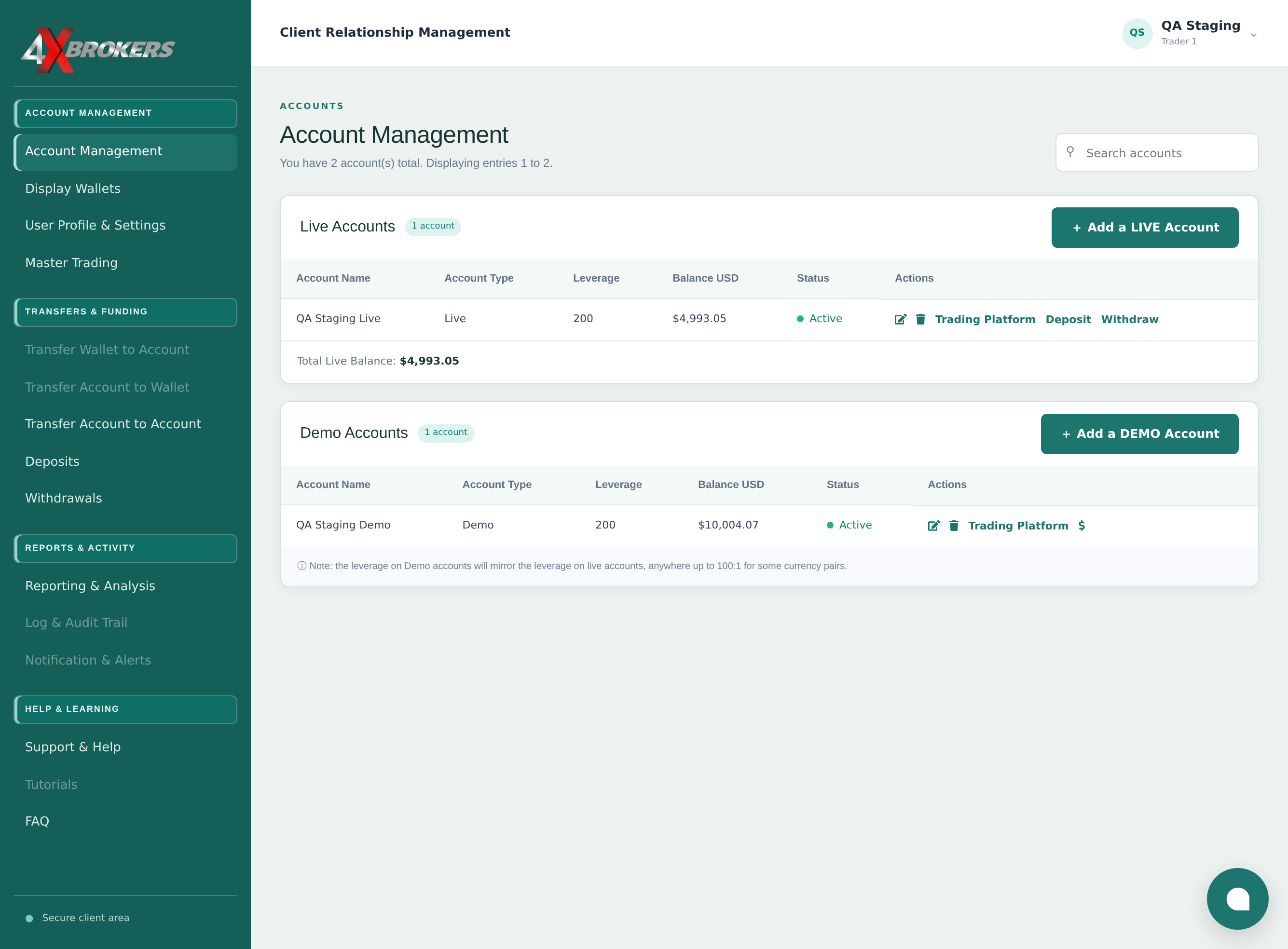
The new account appears under Demo Accounts with a balance of zero.
Trading Platform becomes available once the account has funds. See Add or Update a Demo Balance for the details.