1
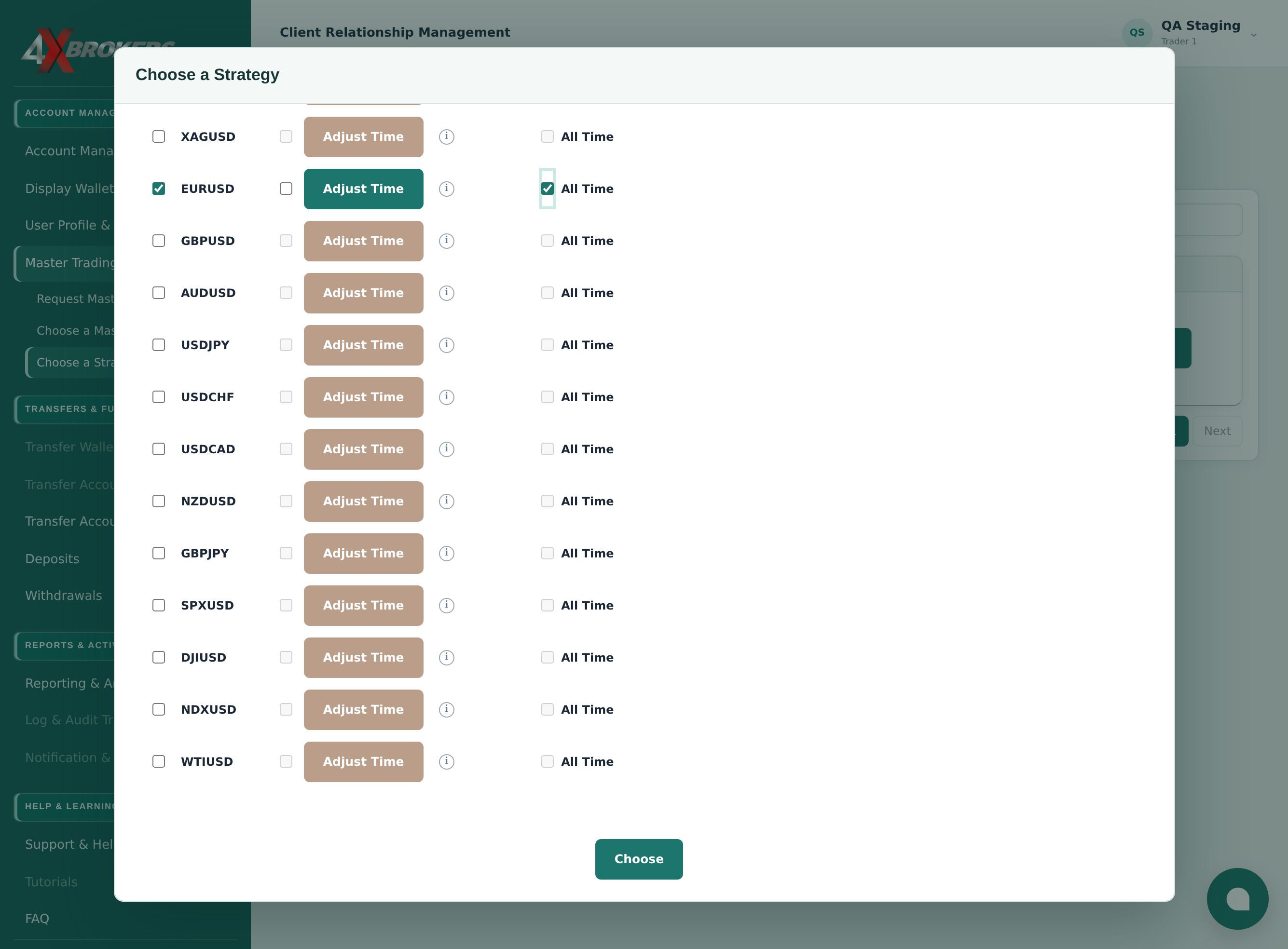
Open Master Trading › Choose a Strategy.
The page lists the strategies you can follow.
Trading Help Center › Master trading
Follow a master's strategy so that its trades are placed on your own accounts, with your own lot sizes.
How to use this guide: Follow the numbered steps in order. Each heading names the button, field or control to use, the note below it explains what happens, and the pointer on the screenshot shows exactly where to click.
22 Step-by-step guide
Follow a master's strategy so that its trades are placed on your own accounts, with your own lot sizes.
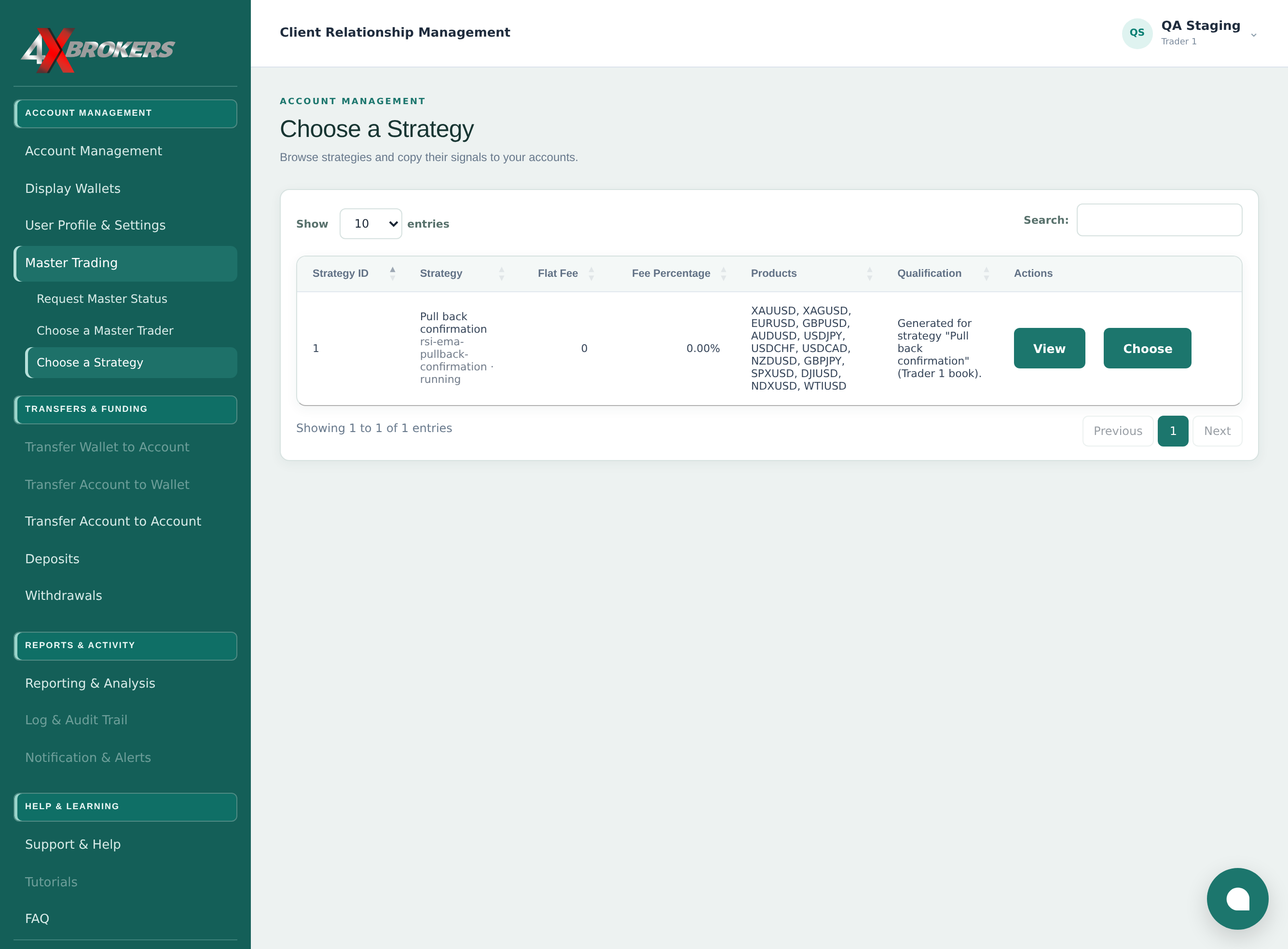
The page lists the strategies you can follow.
Use View first to see the strategy's details.
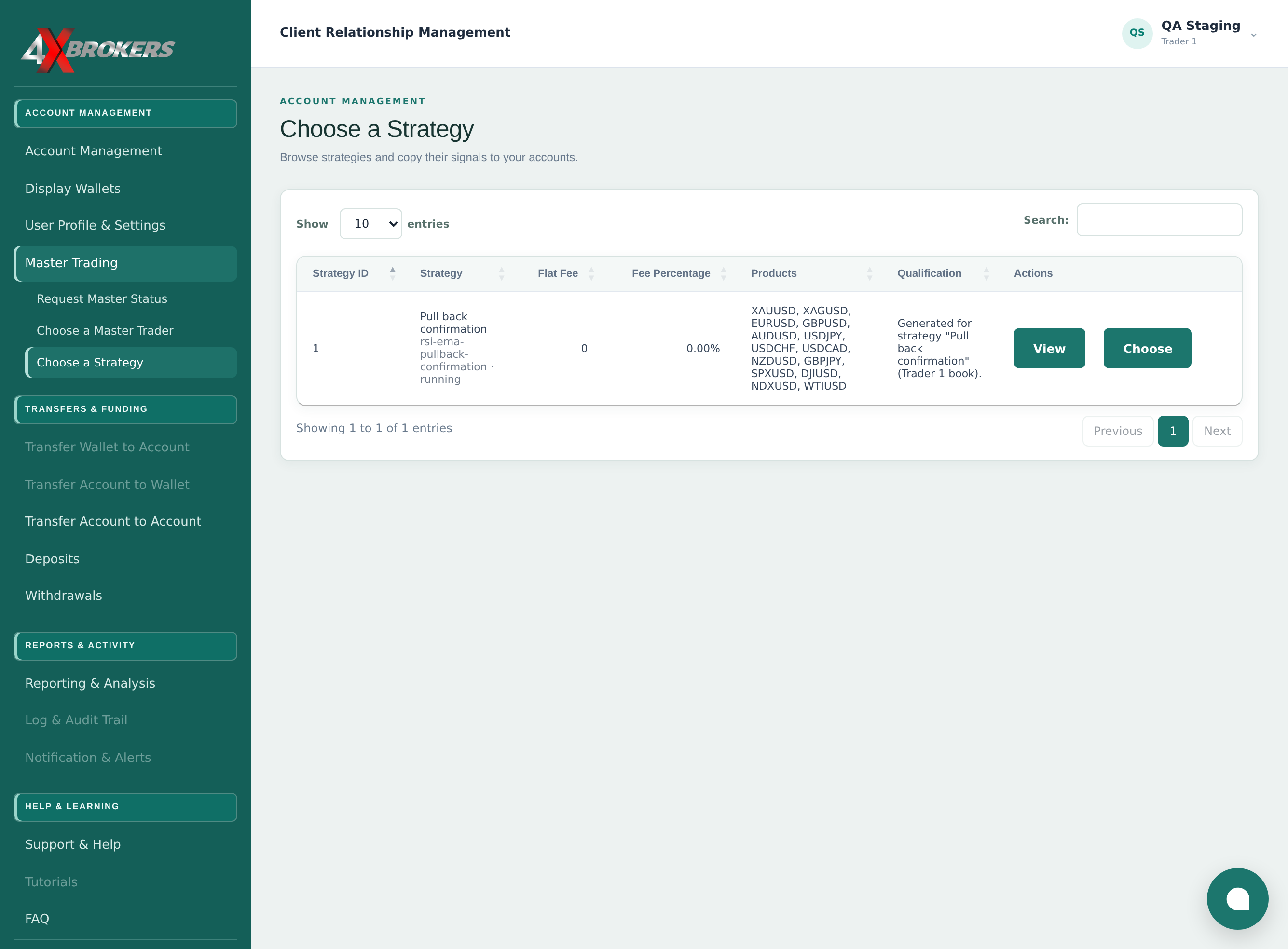
This sets the period your subscription covers.
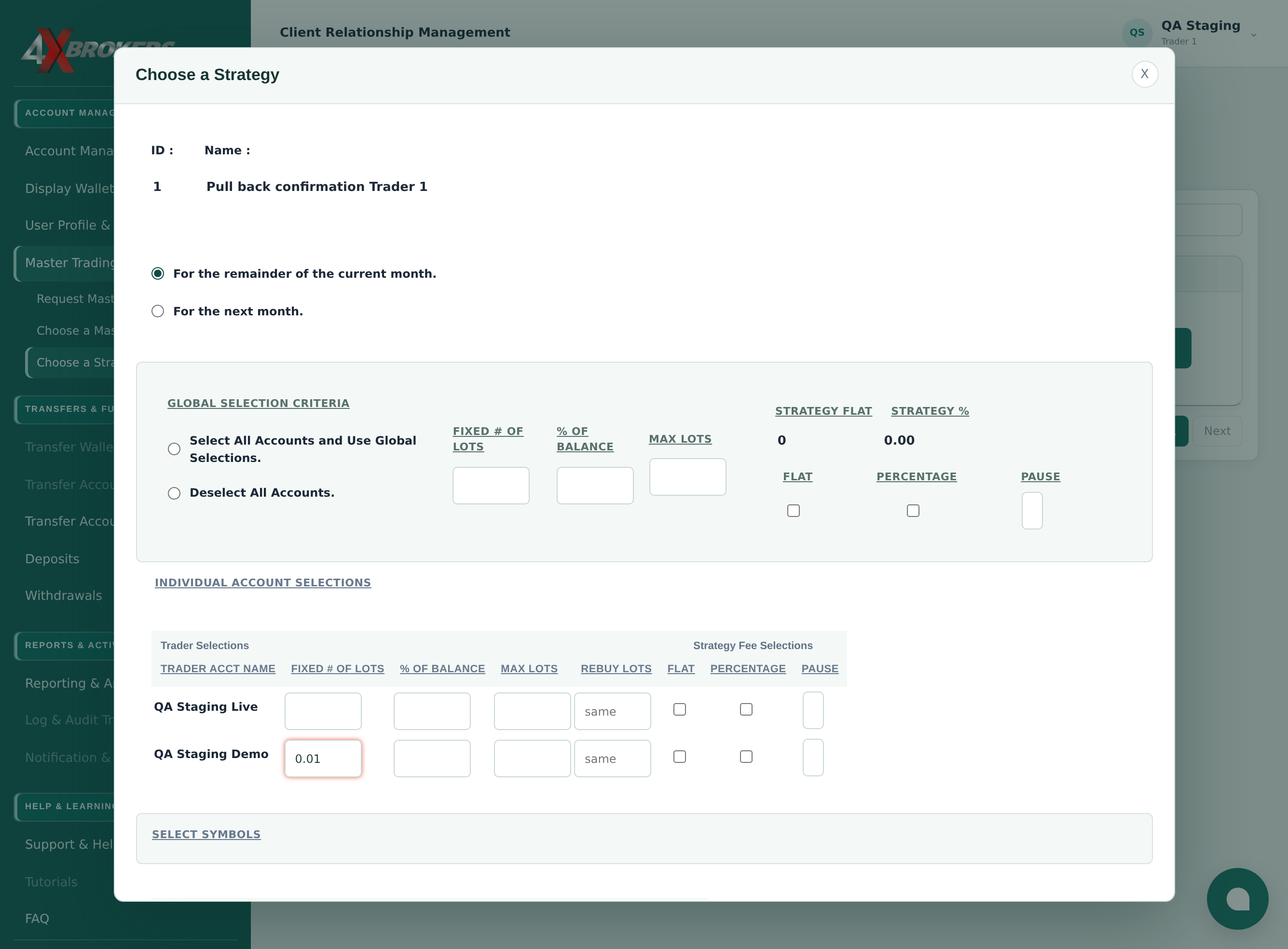
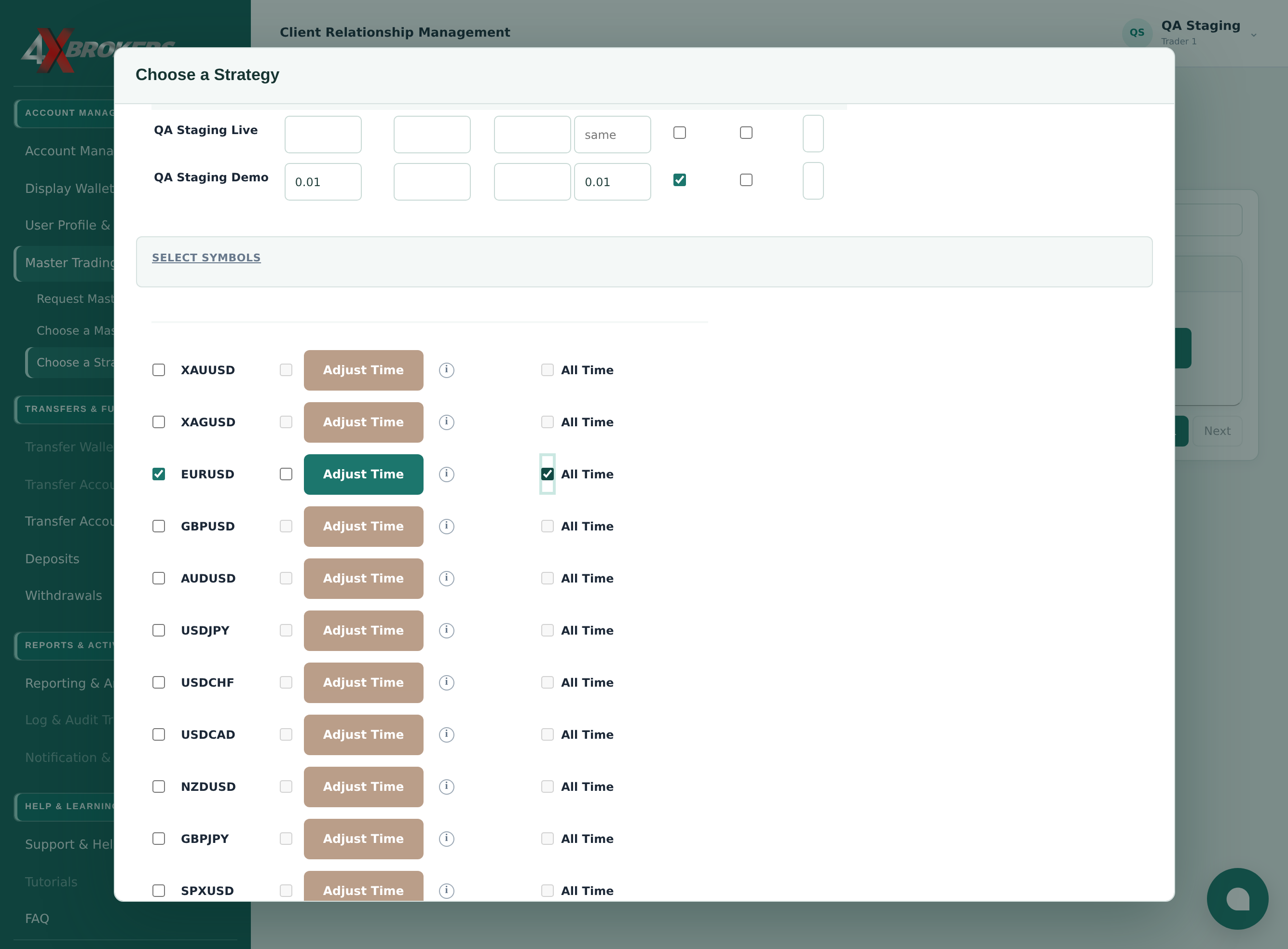
This sets the size of each trade placed on that account for the strategy.
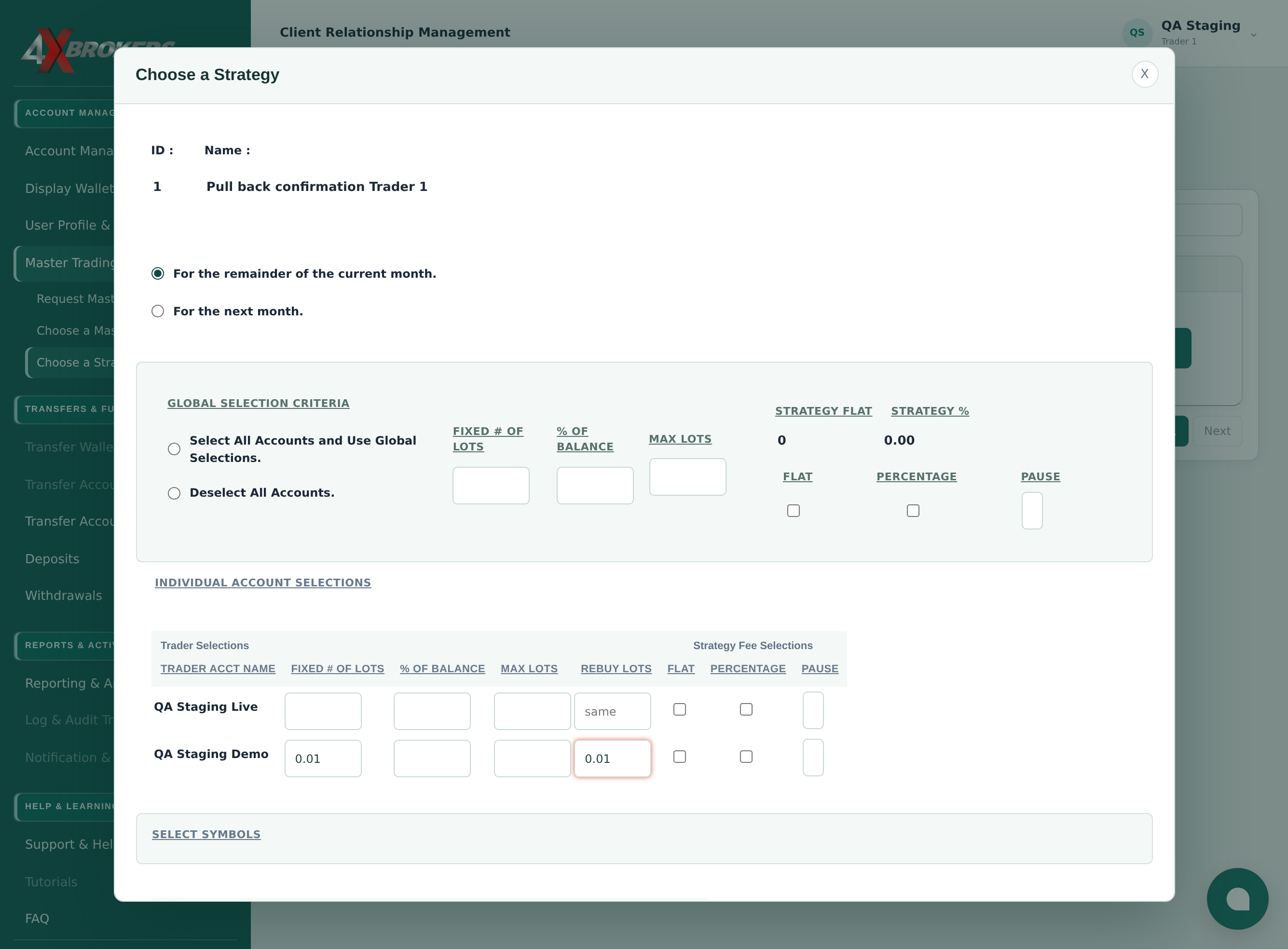
Leave it as “same” to use the same lot size for rebuys.
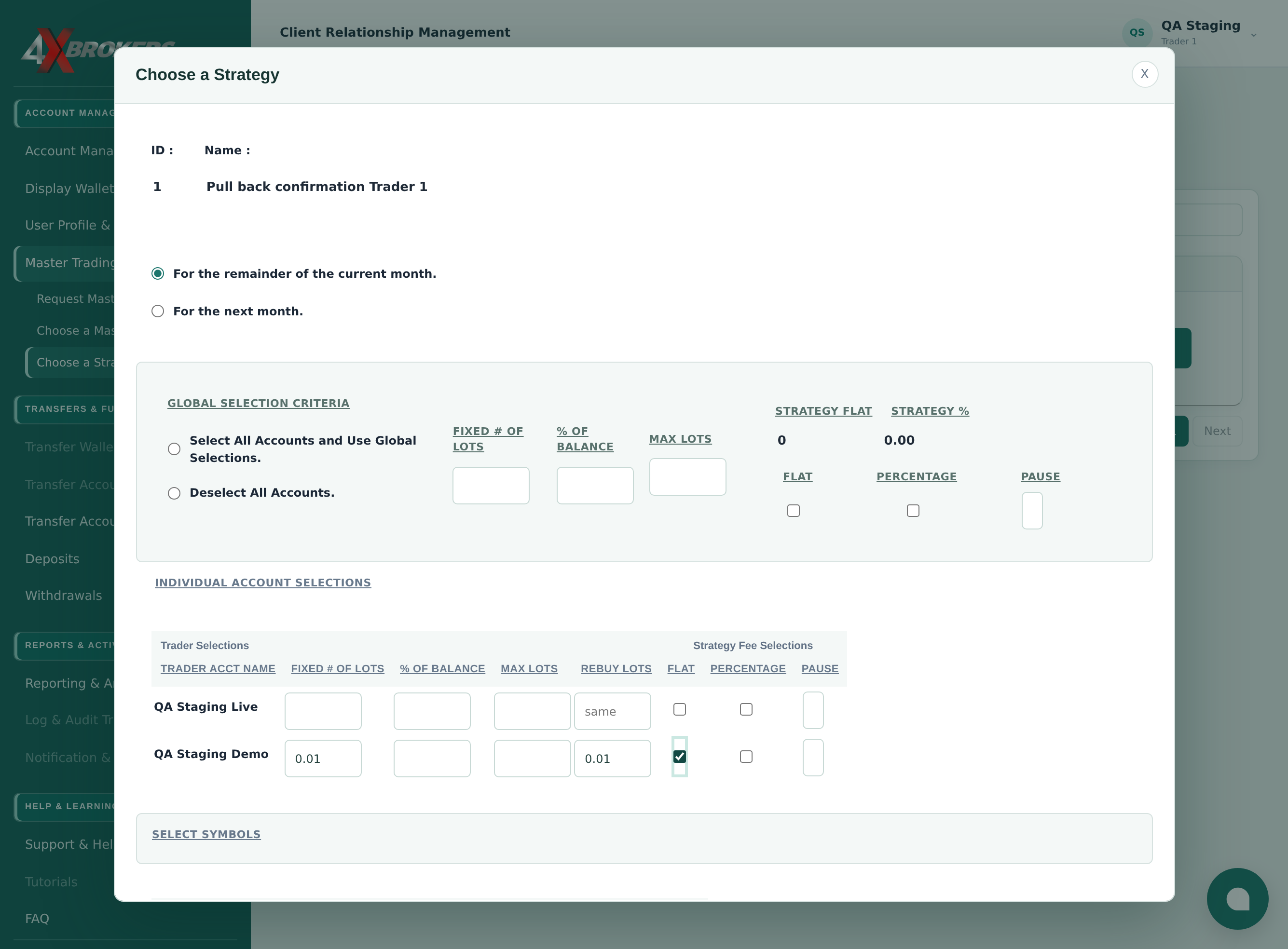
The fee terms are set by the strategy and shown on this page.
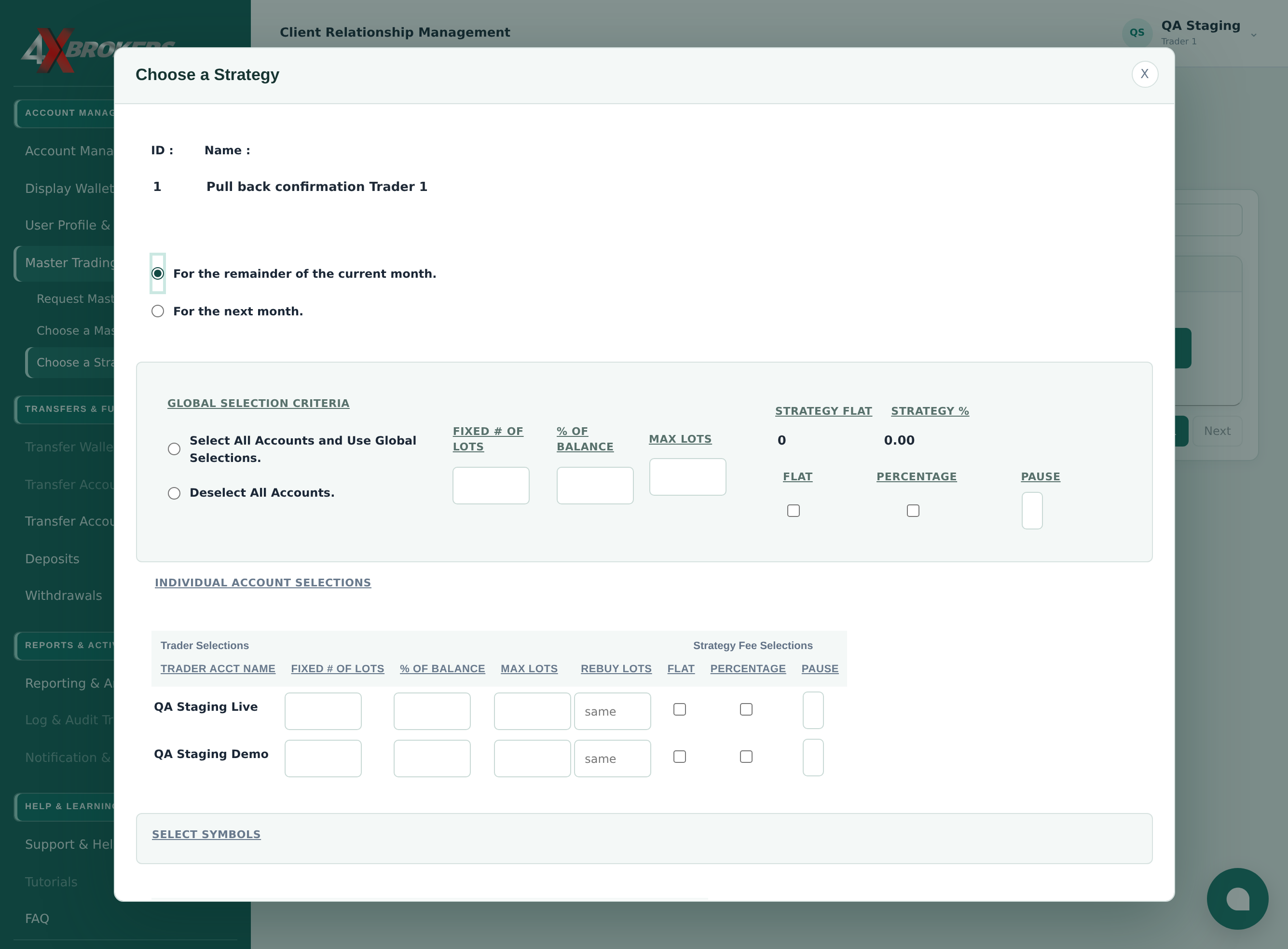
Only the strategy's trades on the symbols you tick are placed on your accounts.
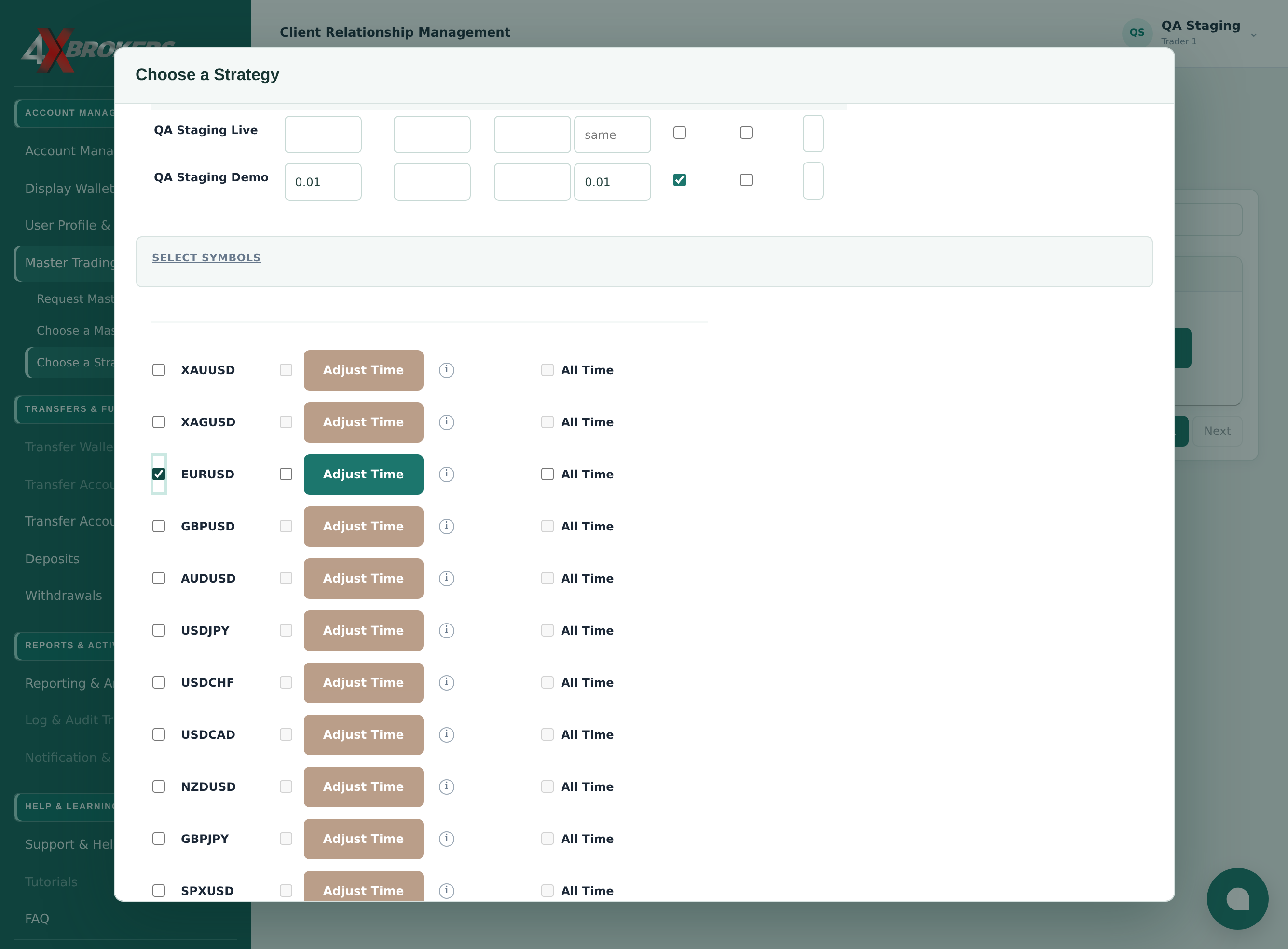
Outside the hours you set, the strategy's new trades on that symbol are not placed on your accounts.
From now on, the strategy's new trades are placed on your selected accounts.