1
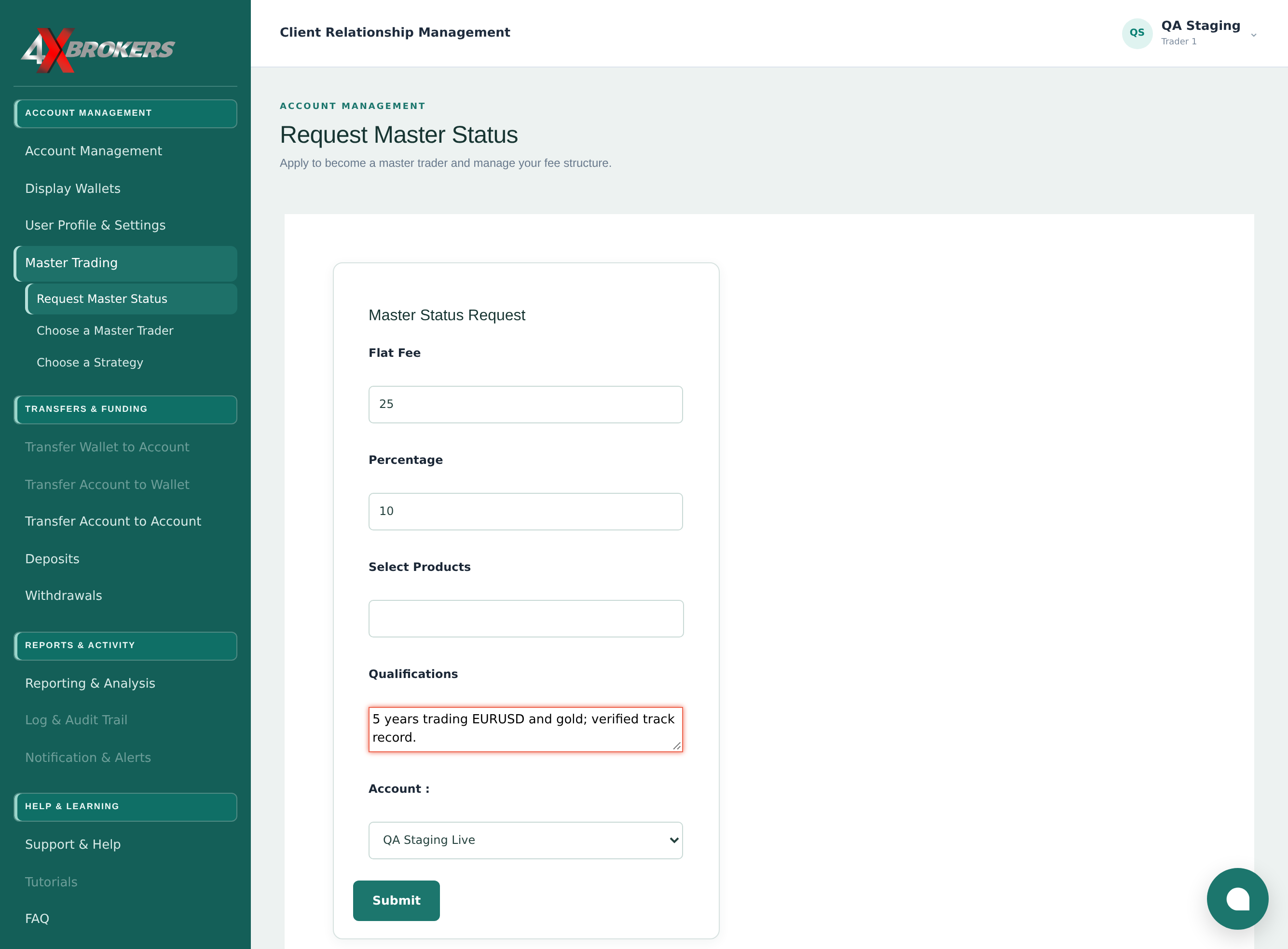
Open Master Trading › Request Master Status.
The application form opens.
Trading Help Center › Master trading
Apply to become a master trader, so that other clients can follow your trades for a fee.
How to use this guide: Follow the numbered steps in order. Each heading names the button, field or control to use, the note below it explains what happens, and the pointer on the screenshot shows exactly where to click.
24 Step-by-step guide
Apply to become a master trader, so that other clients can follow your trades for a fee.
The application form opens.
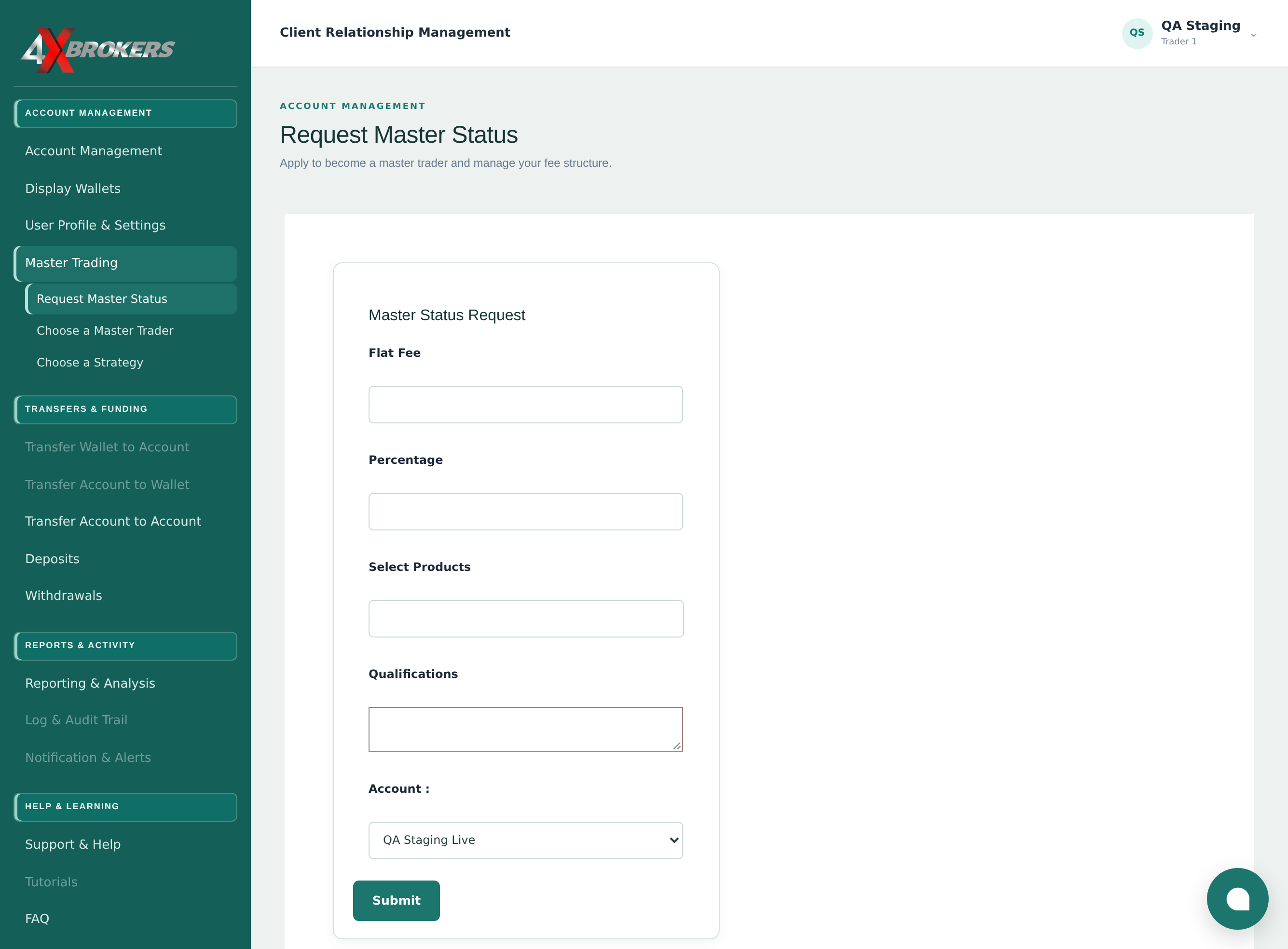
This is the fixed fee a follower pays you.
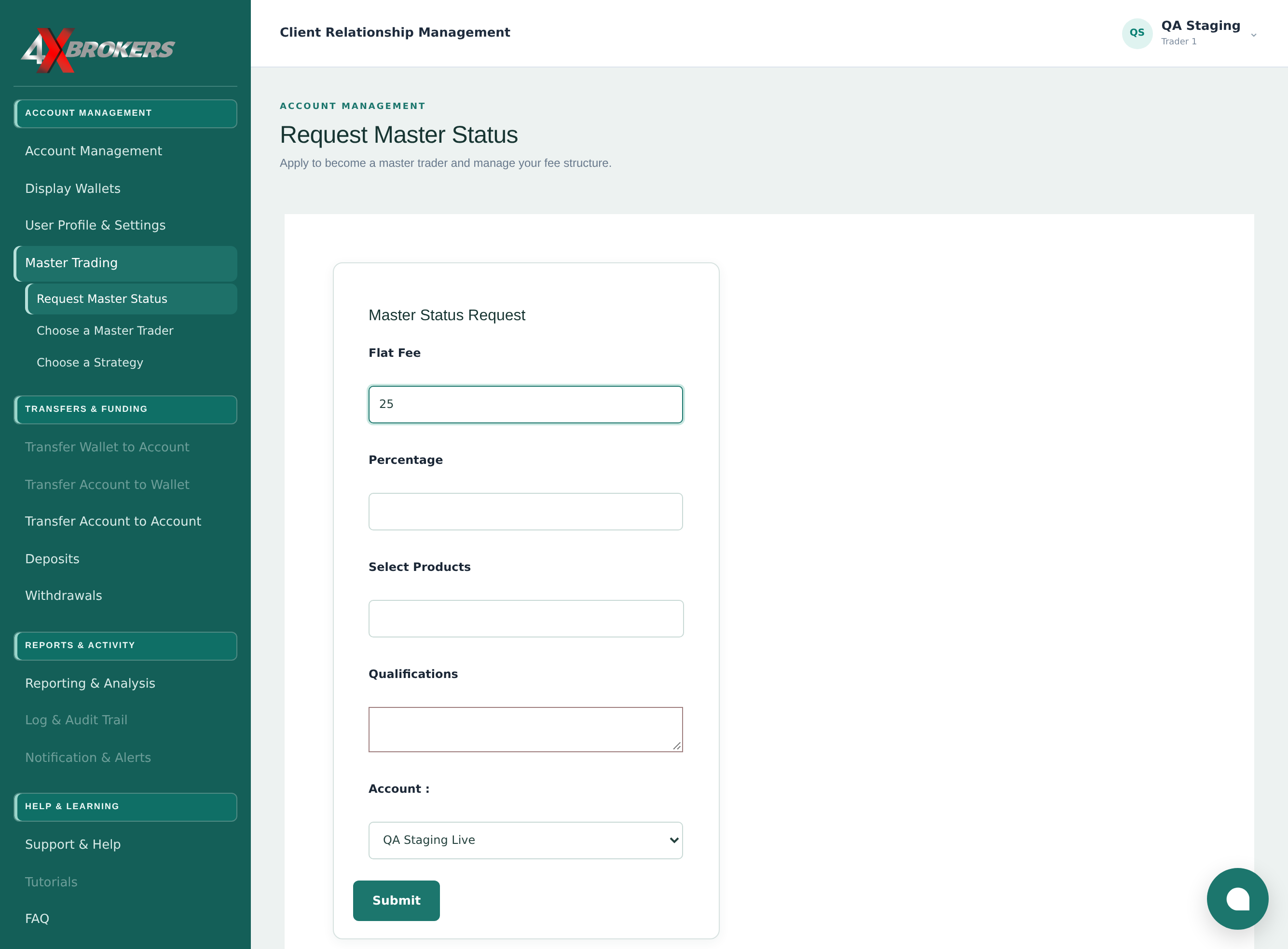
This is the share of a follower's profit you receive. It is only charged on profitable trades.
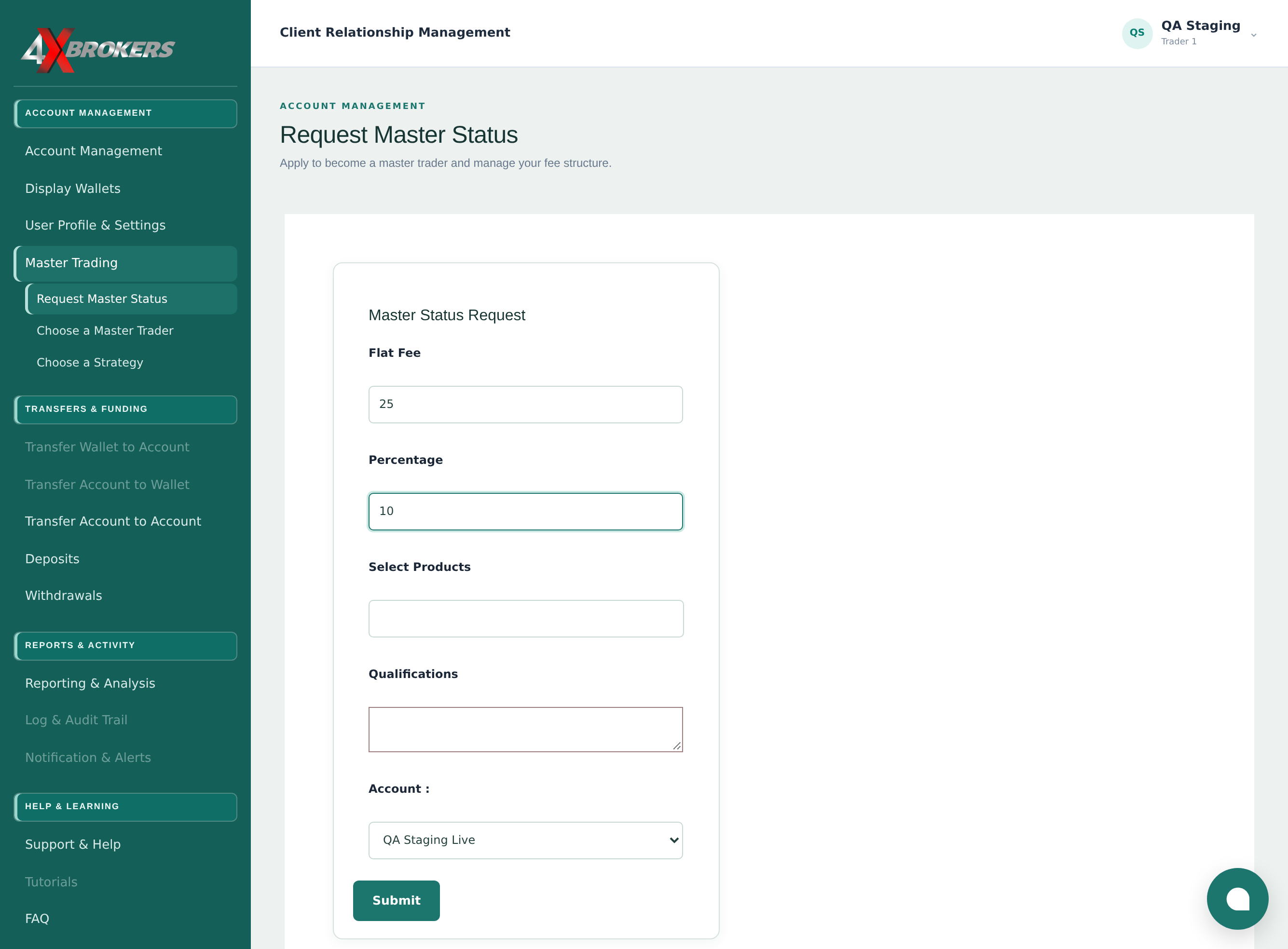
Followers see these products on your profile.
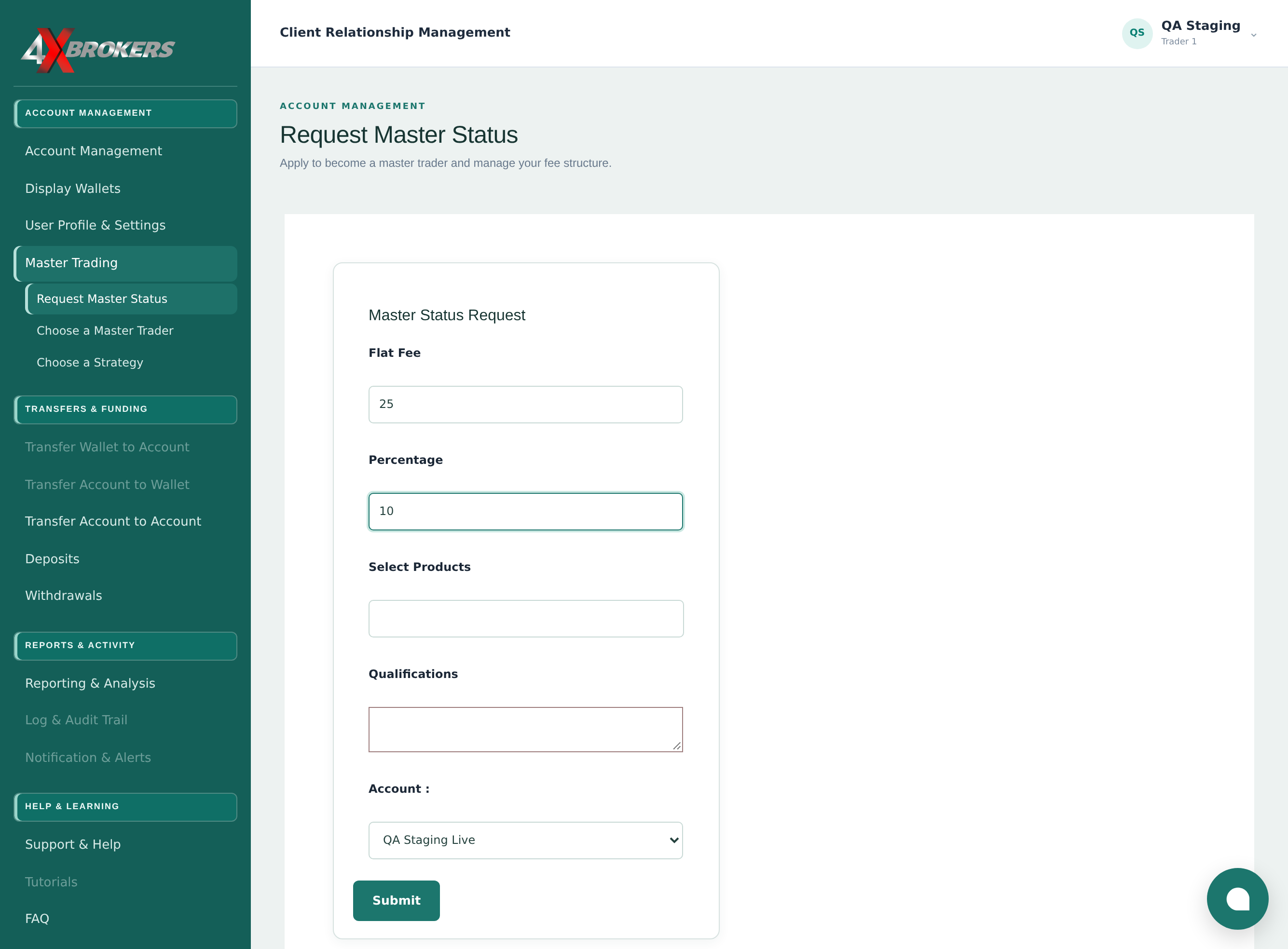
Explain your trading background and style. Our team uses this when reviewing your request.
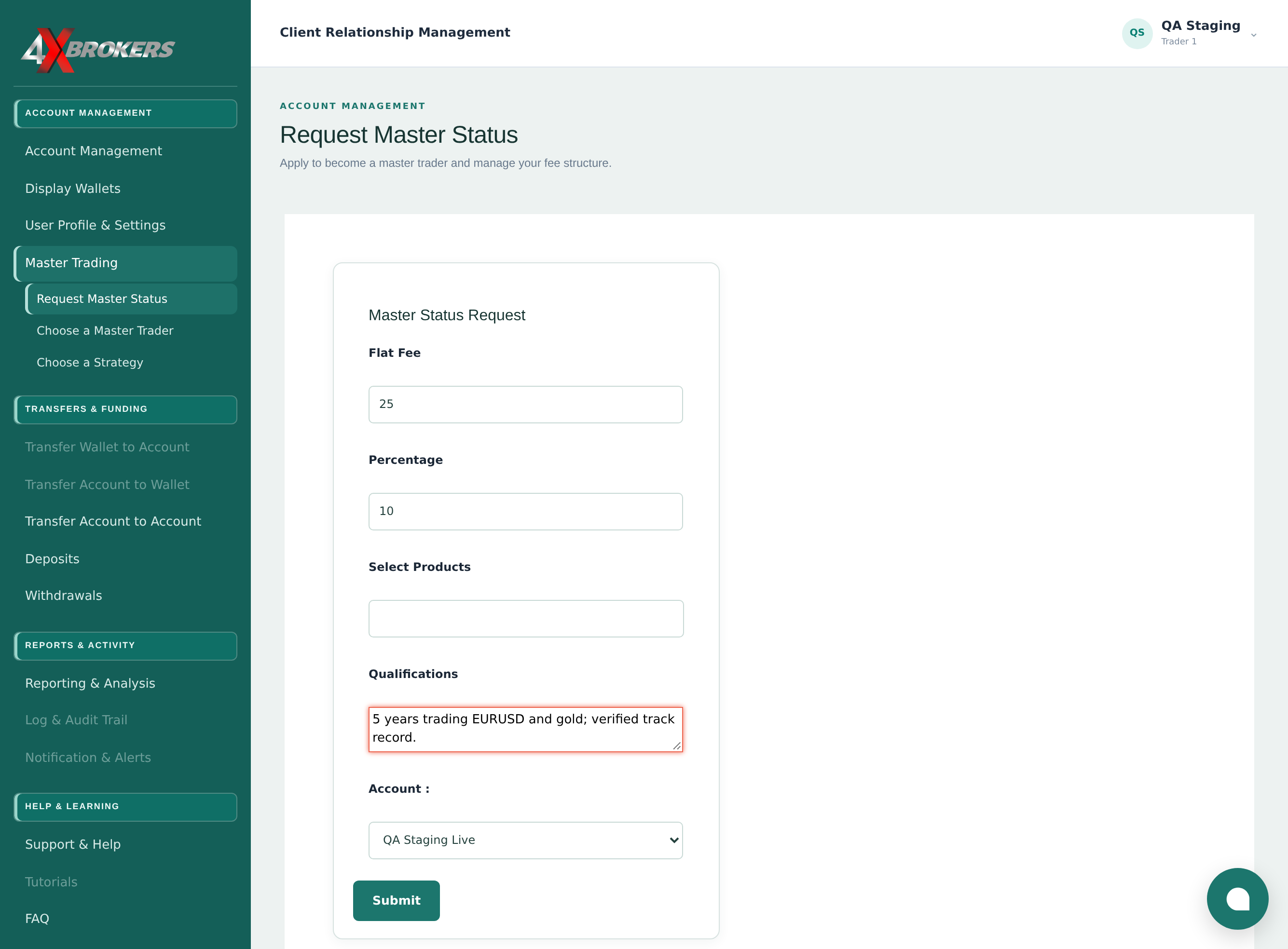
Your followers receive the trades you place on this account.
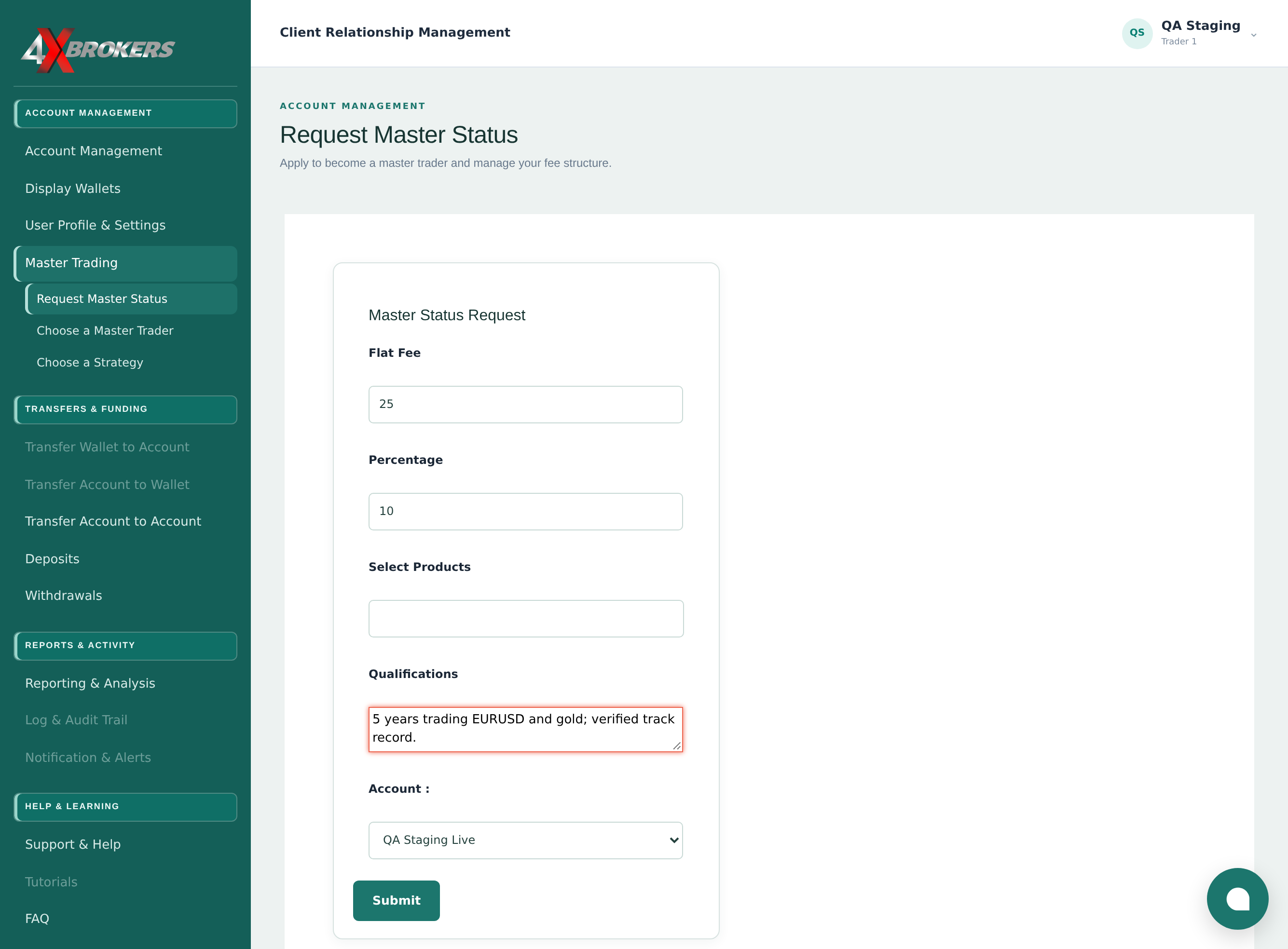
Our team reviews your request and lets you know the outcome.