1
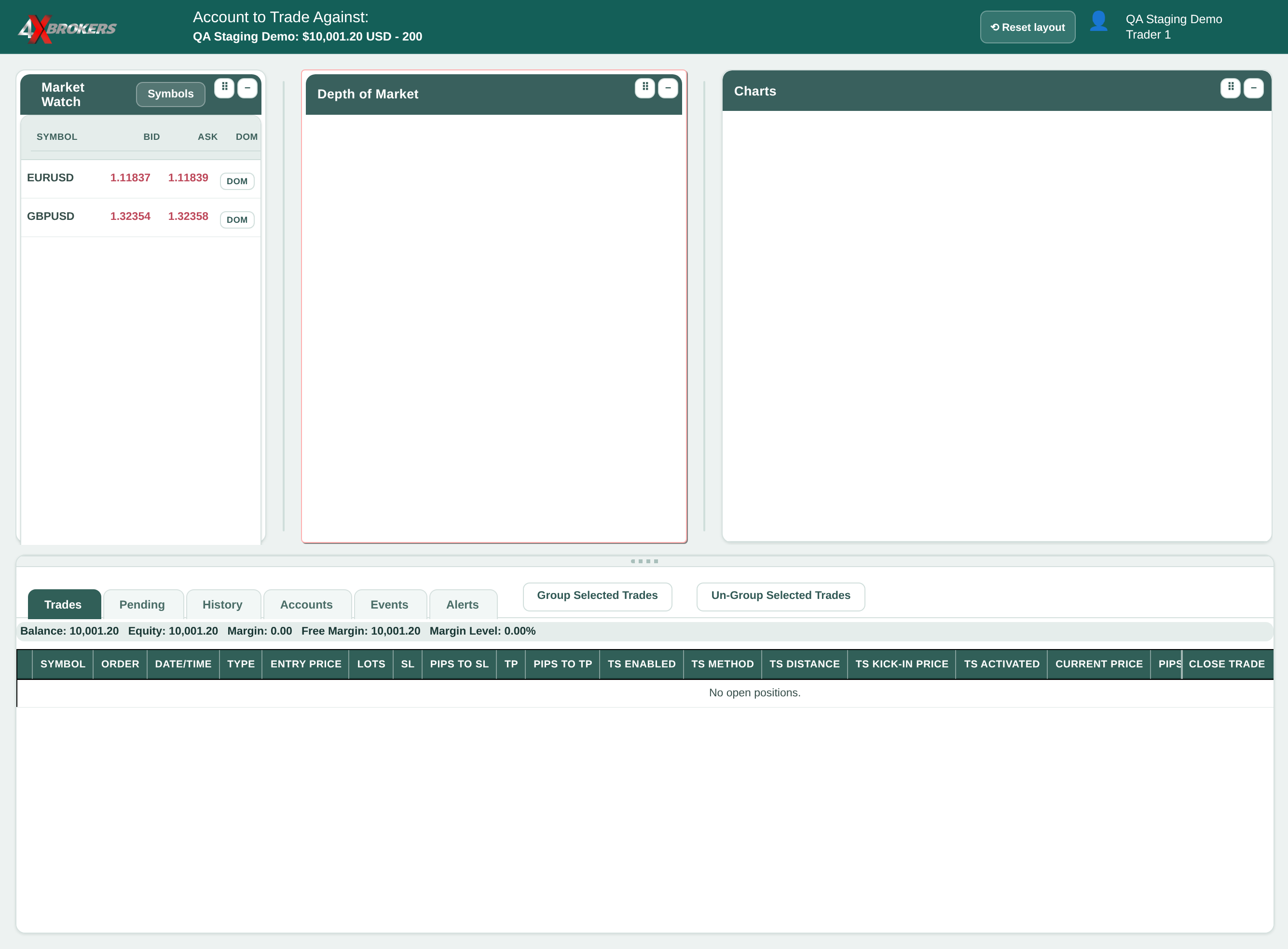
In Market Watch, select DOM for the symbol.
The order panel opens in the Depth of Market window, with the current prices for each trade size.
Trading Help Center › Trading on 4XTerminal
Buy or sell at the current price, with stop-loss and take-profit levels set from the start.
How to use this guide: Follow the numbered steps in order. Each heading names the button, field or control to use, the note below it explains what happens, and the pointer on the screenshot shows exactly where to click.
13 Step-by-step guide
Buy or sell at the current price, with stop-loss and take-profit levels set from the start.
The order panel opens in the Depth of Market window, with the current prices for each trade size.
The distance is in points from the entry price (10 points = 1 pip). The stop loss closes the trade automatically if the price moves against you by this much.
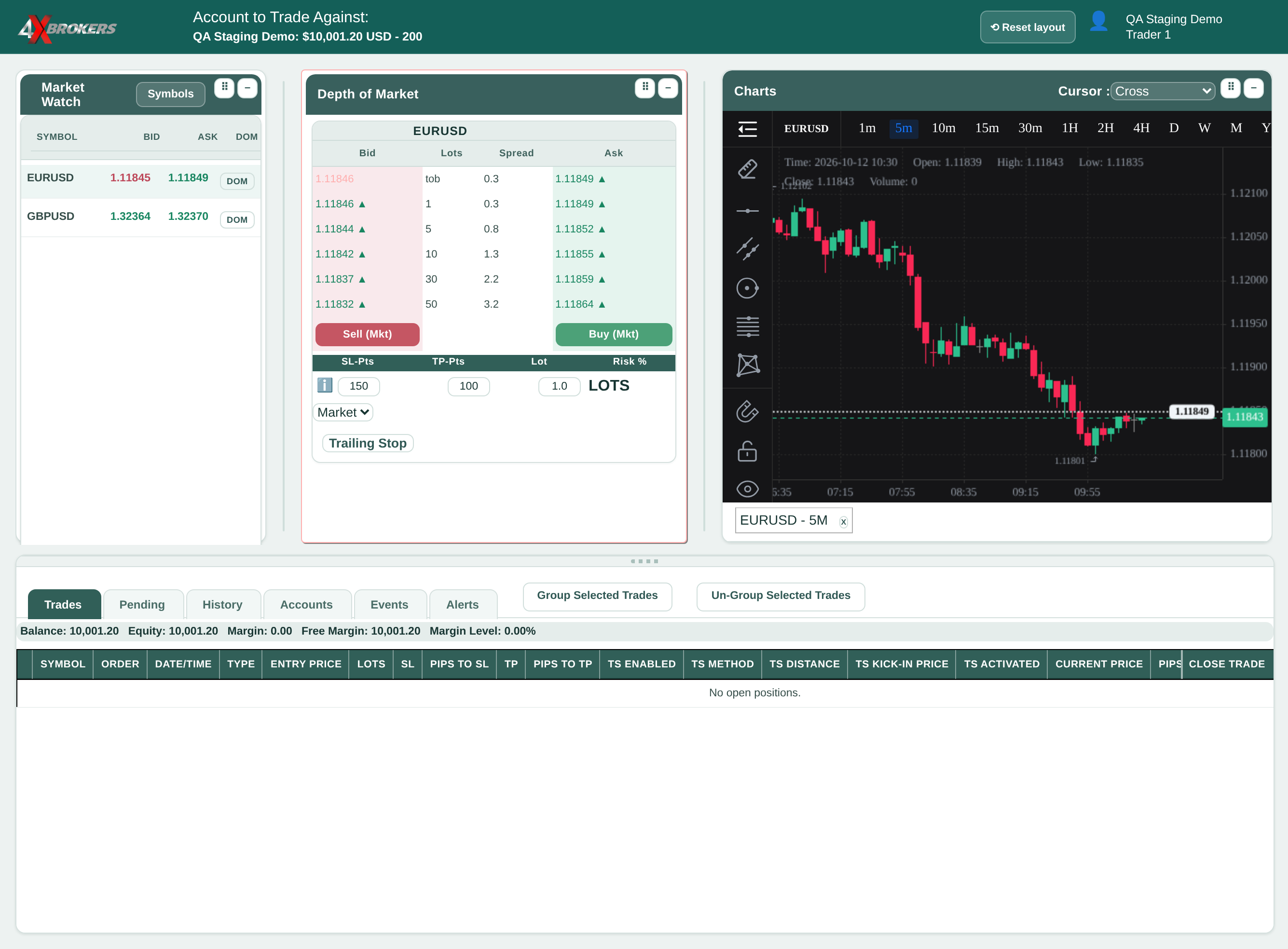
The take profit closes the trade automatically once it has gained this many points.
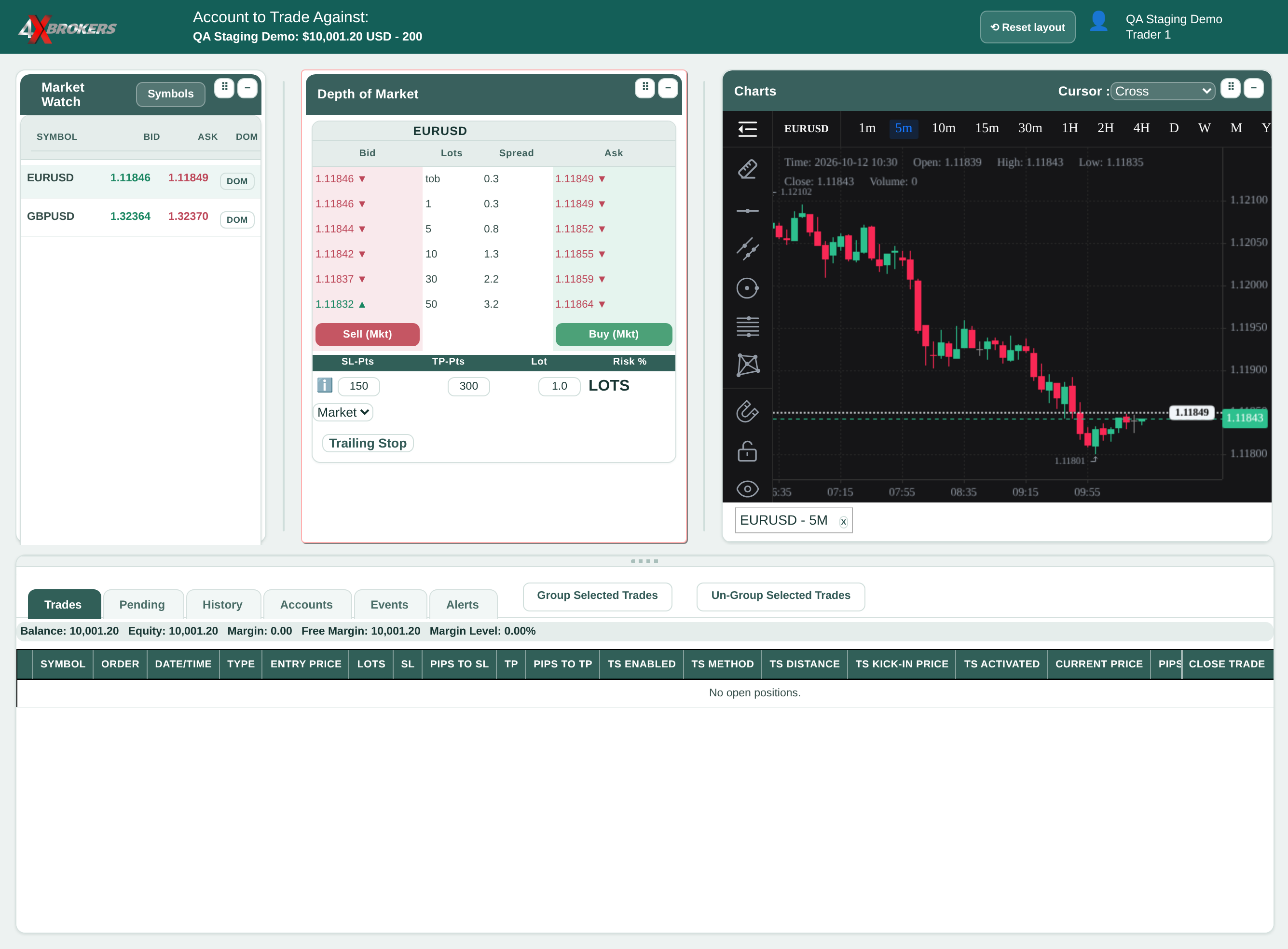
1 lot is one standard contract, for example 100,000 units of the base currency on a FOREX pair.
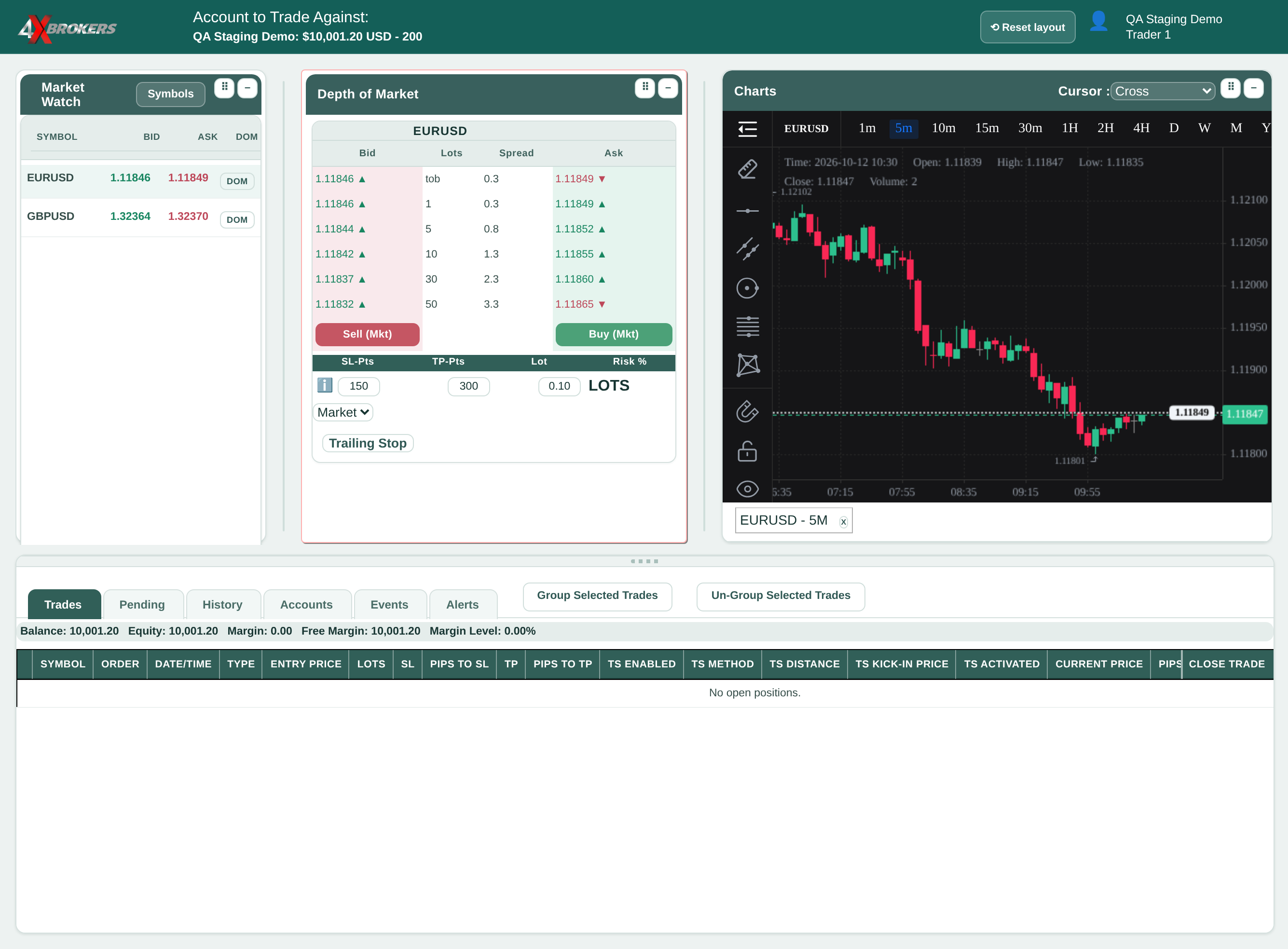
A buy opens at the current ask price and a sell at the current bid price.
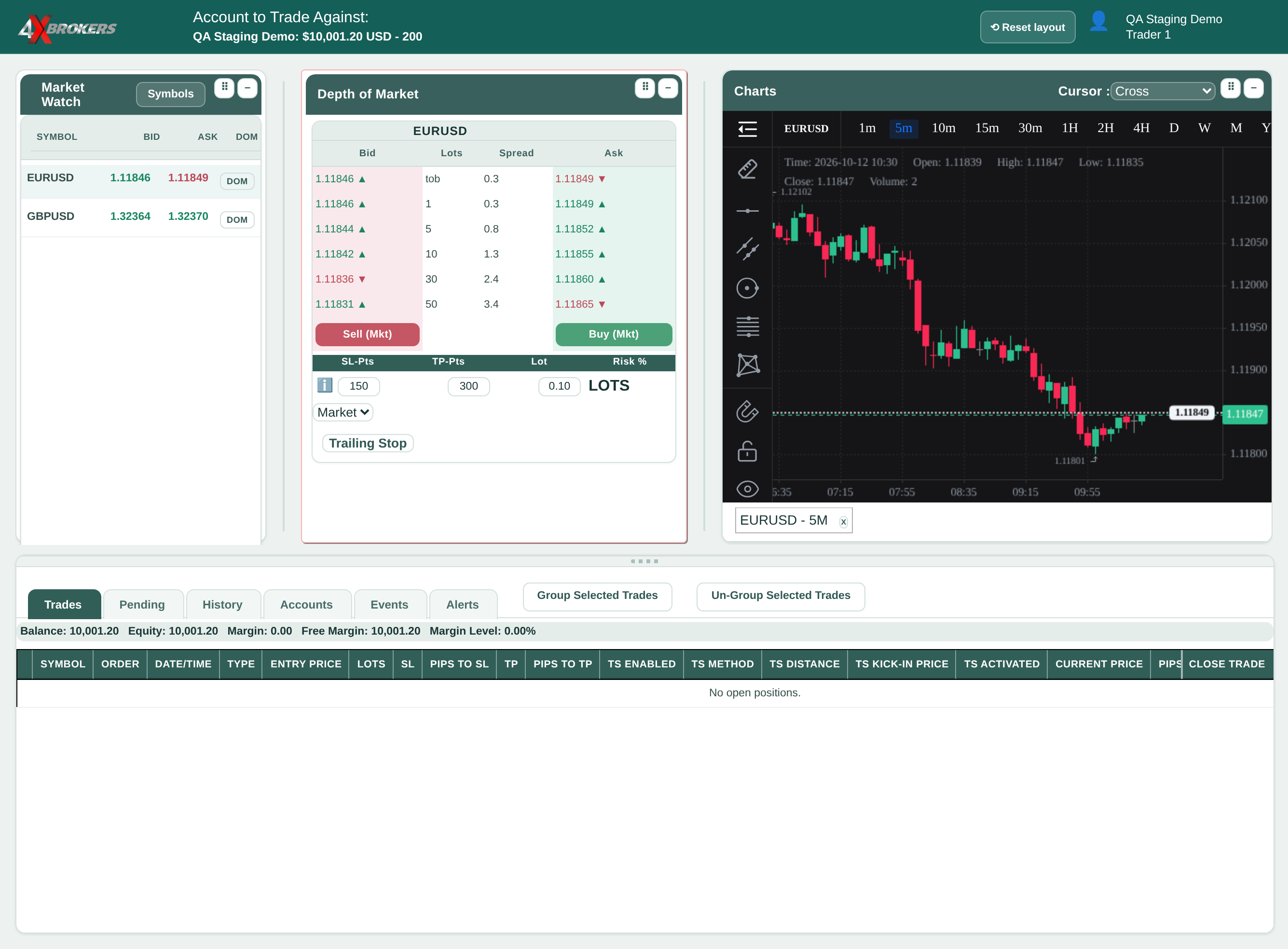
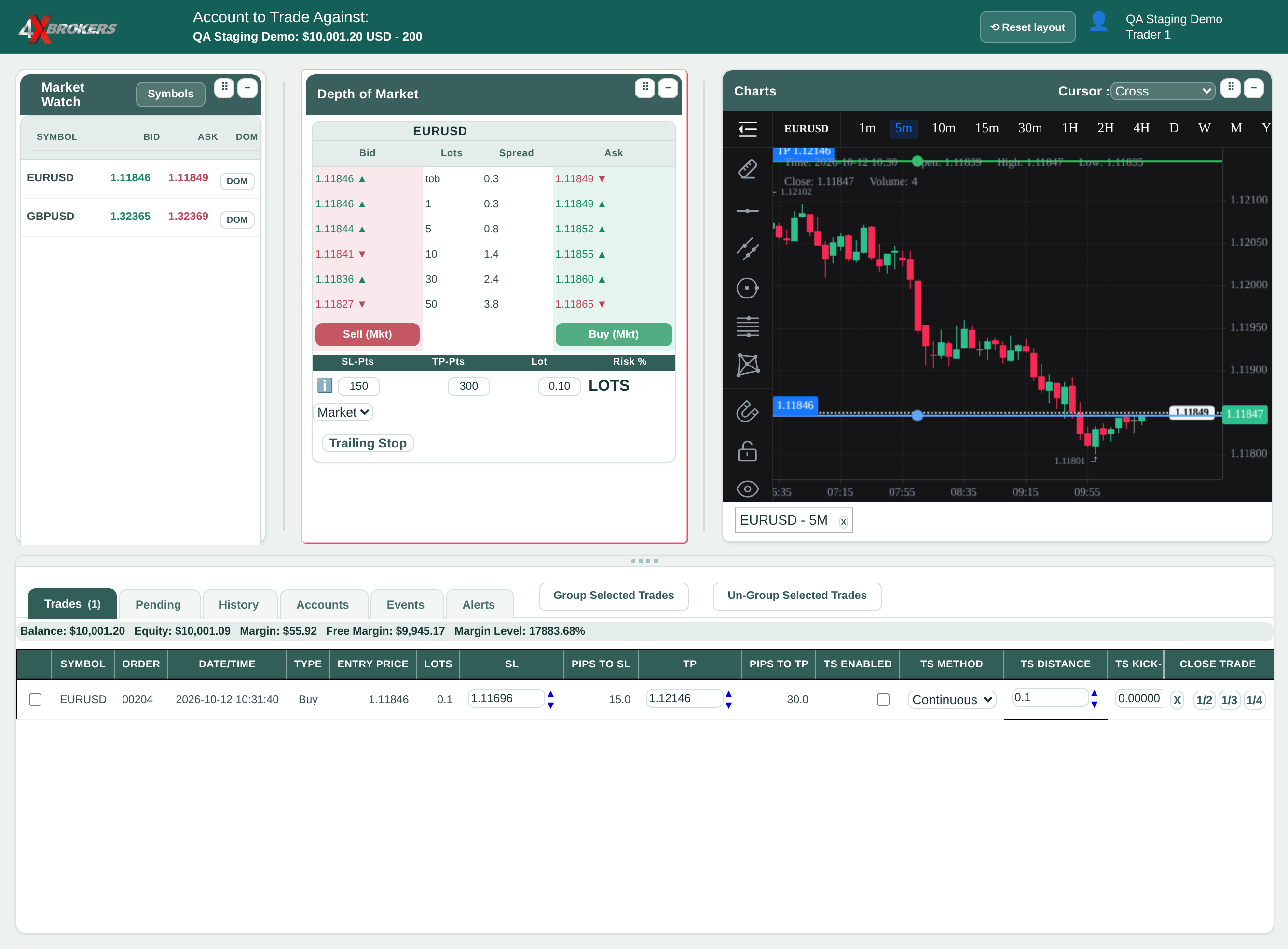
The trade is listed with its entry price and the SL and TP prices worked out from your distances.