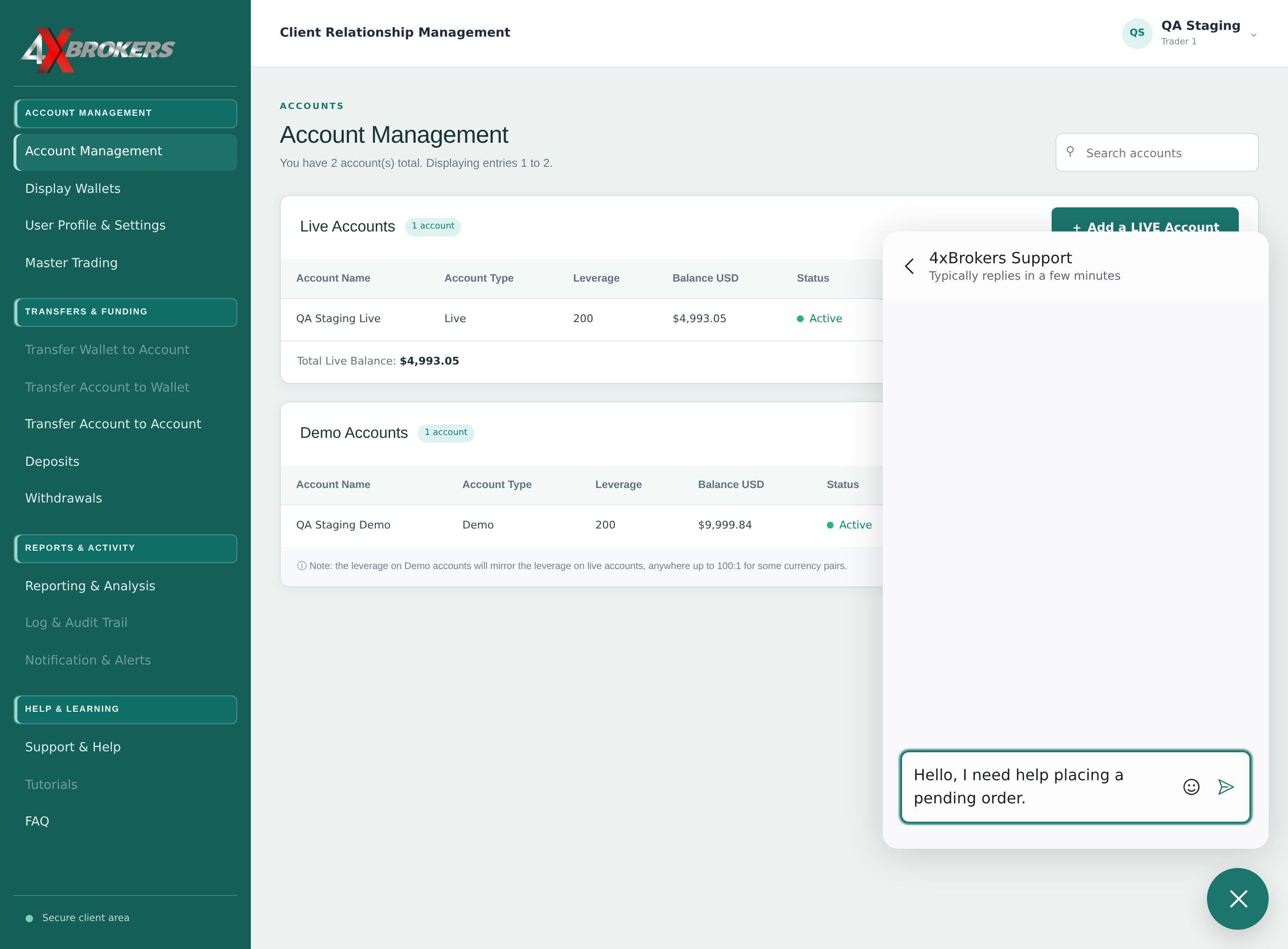
1
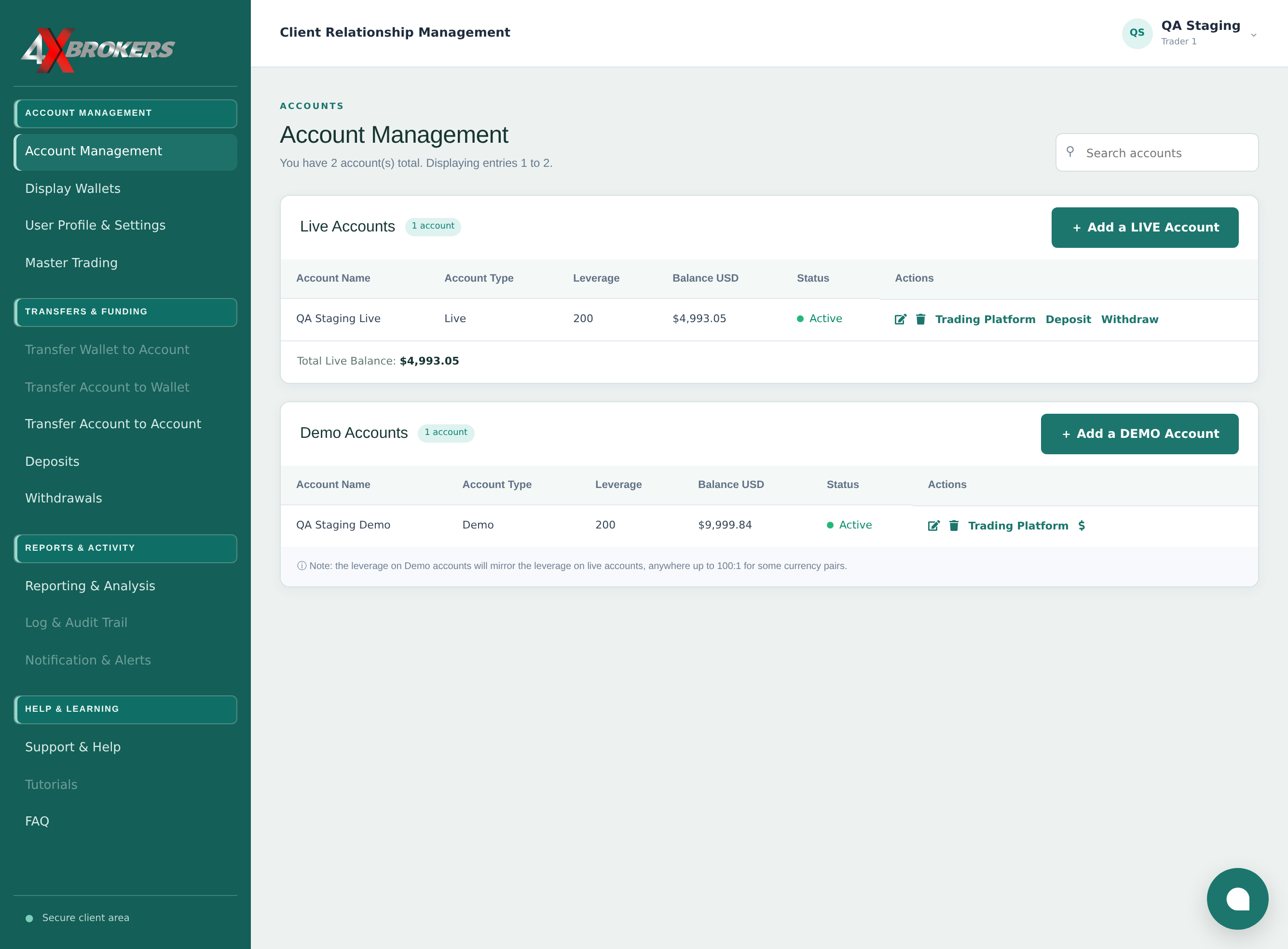
Select the chat bubble in the bottom-right corner.
The chat window is available on every page of the client portal and the Help Center.
Trading Help Center › Reports & support
Chat with our support team from any page of the client portal.
How to use this guide: Follow the numbered steps in order. Each heading names the button, field or control to use, the note below it explains what happens, and the pointer on the screenshot shows exactly where to click.
26 Step-by-step guide
Chat with our support team from any page of the client portal.
The chat window is available on every page of the client portal and the Help Center.
Enter your name and email address if you are asked for them, so that we can follow up.
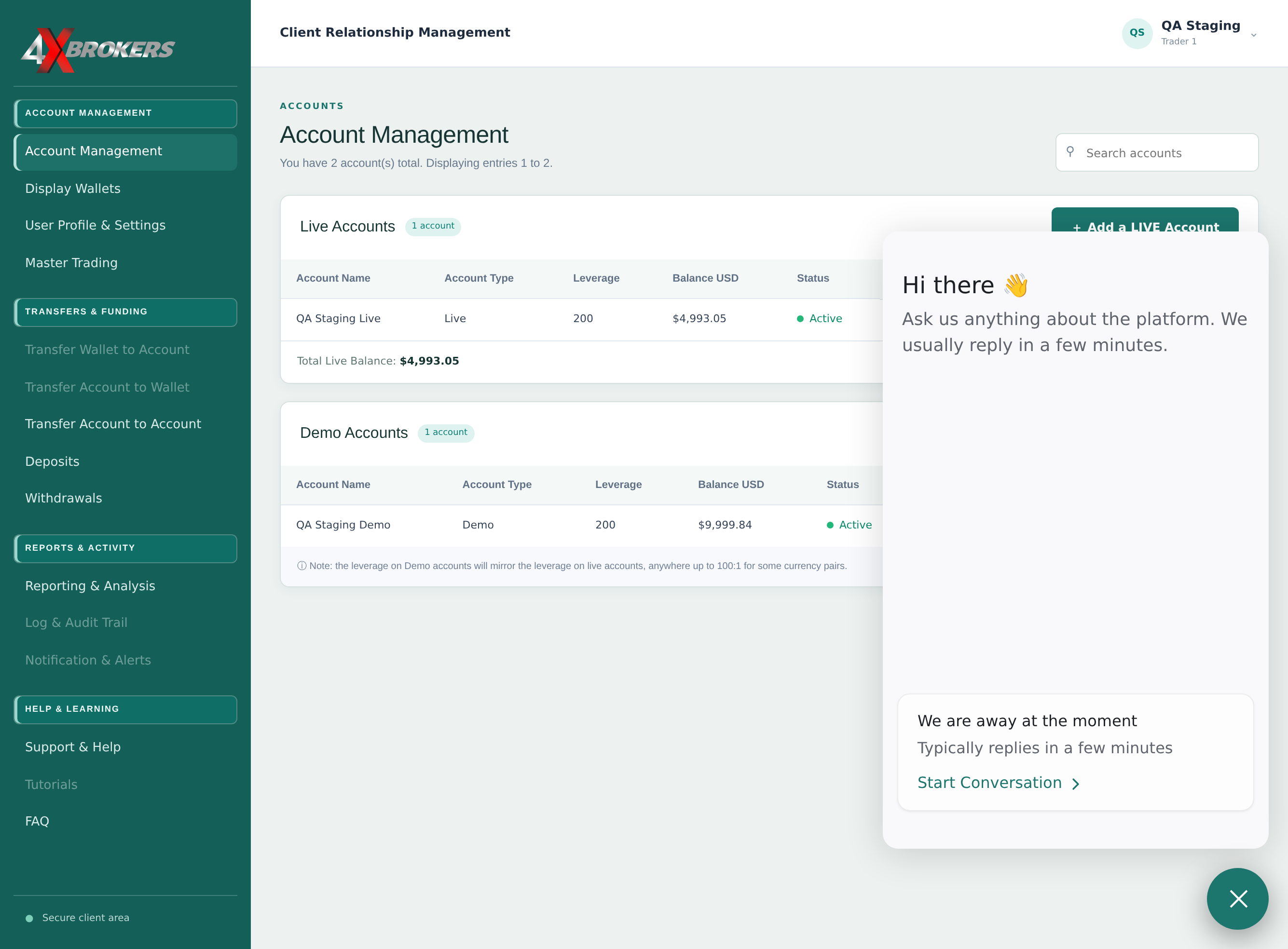
Include your account name and what you were doing, so we can help faster. Never share your password.
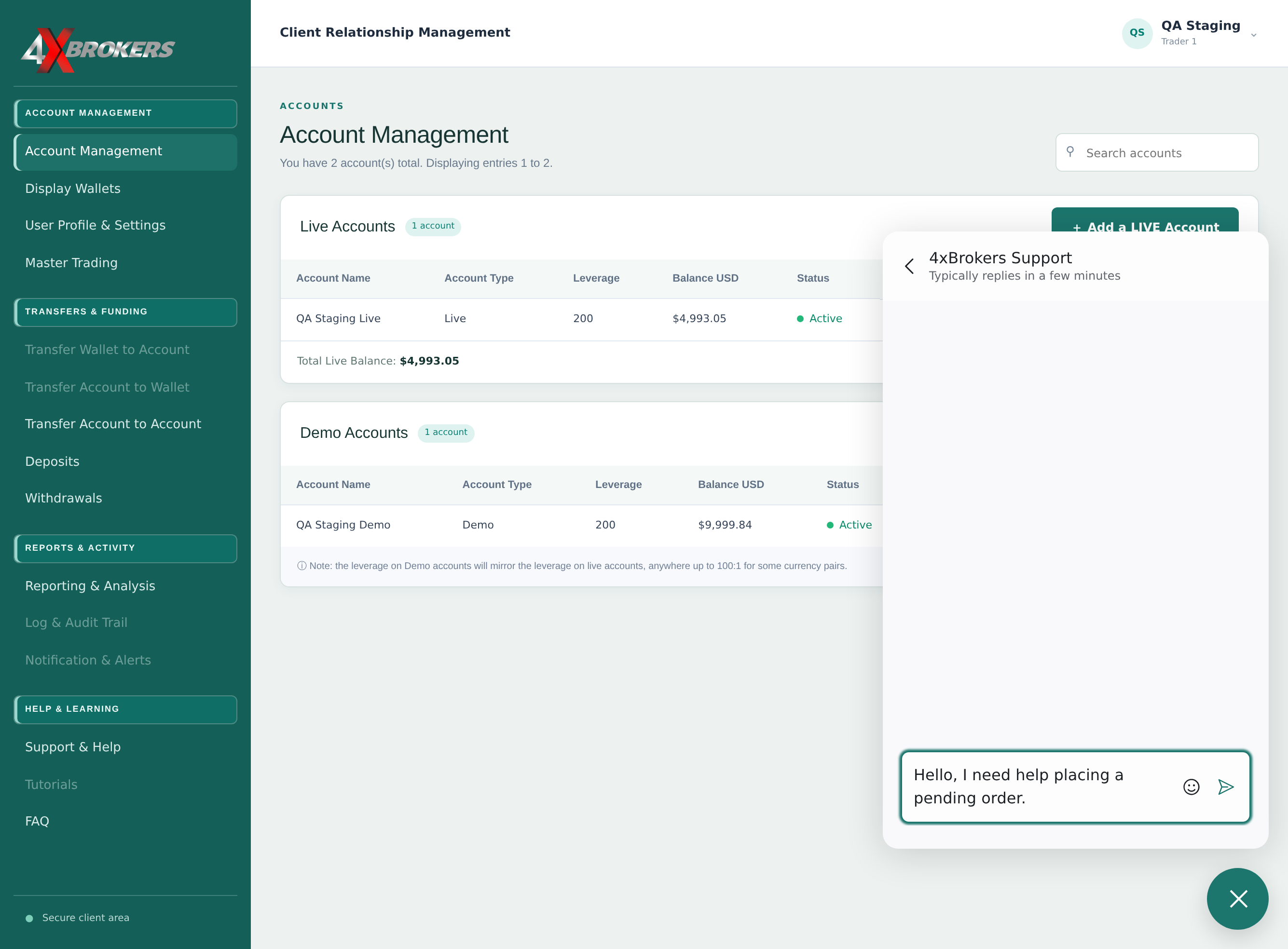
You will get a reply in the same chat window.