1
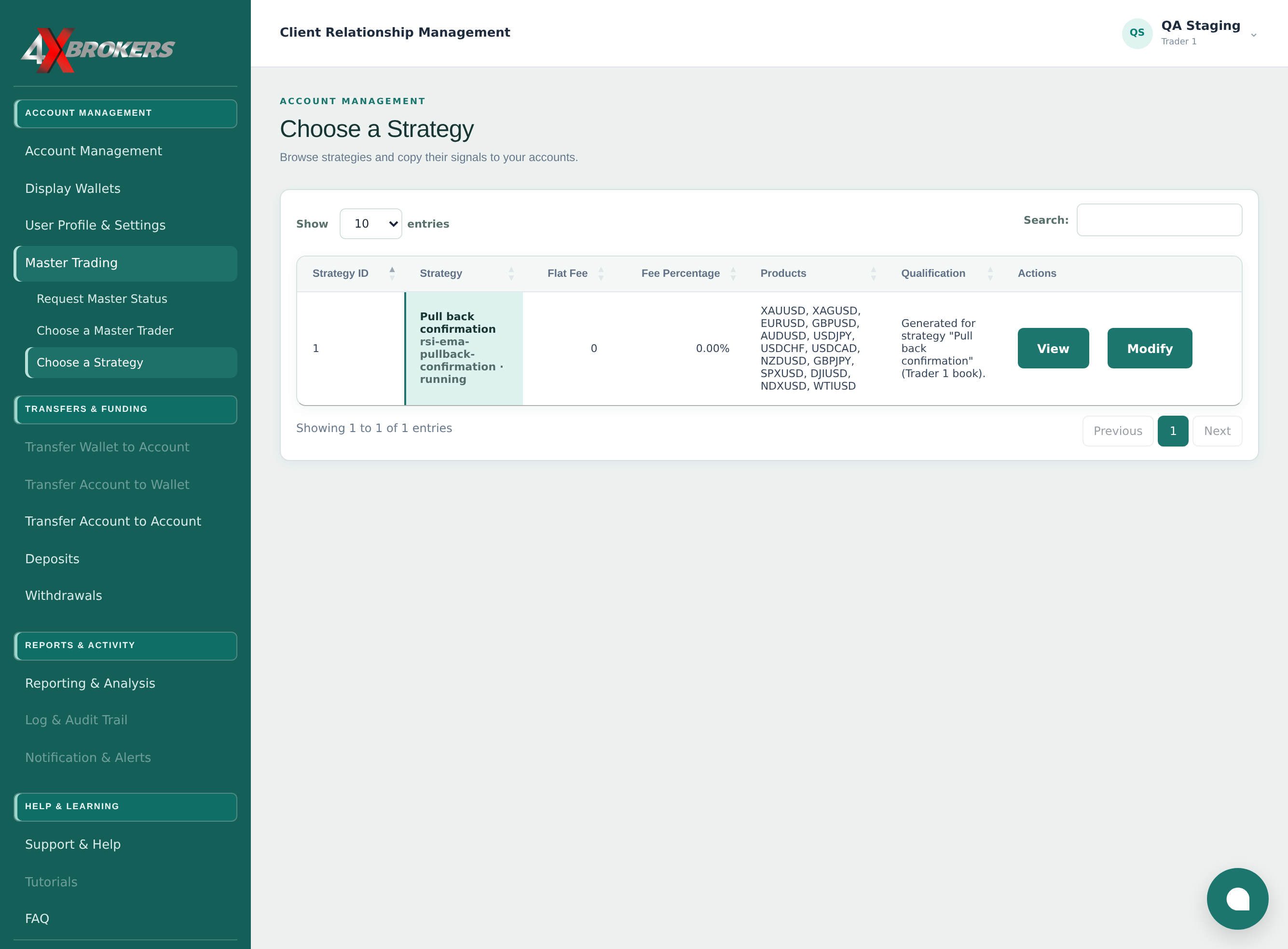
Open Master Trading › Choose a Strategy.
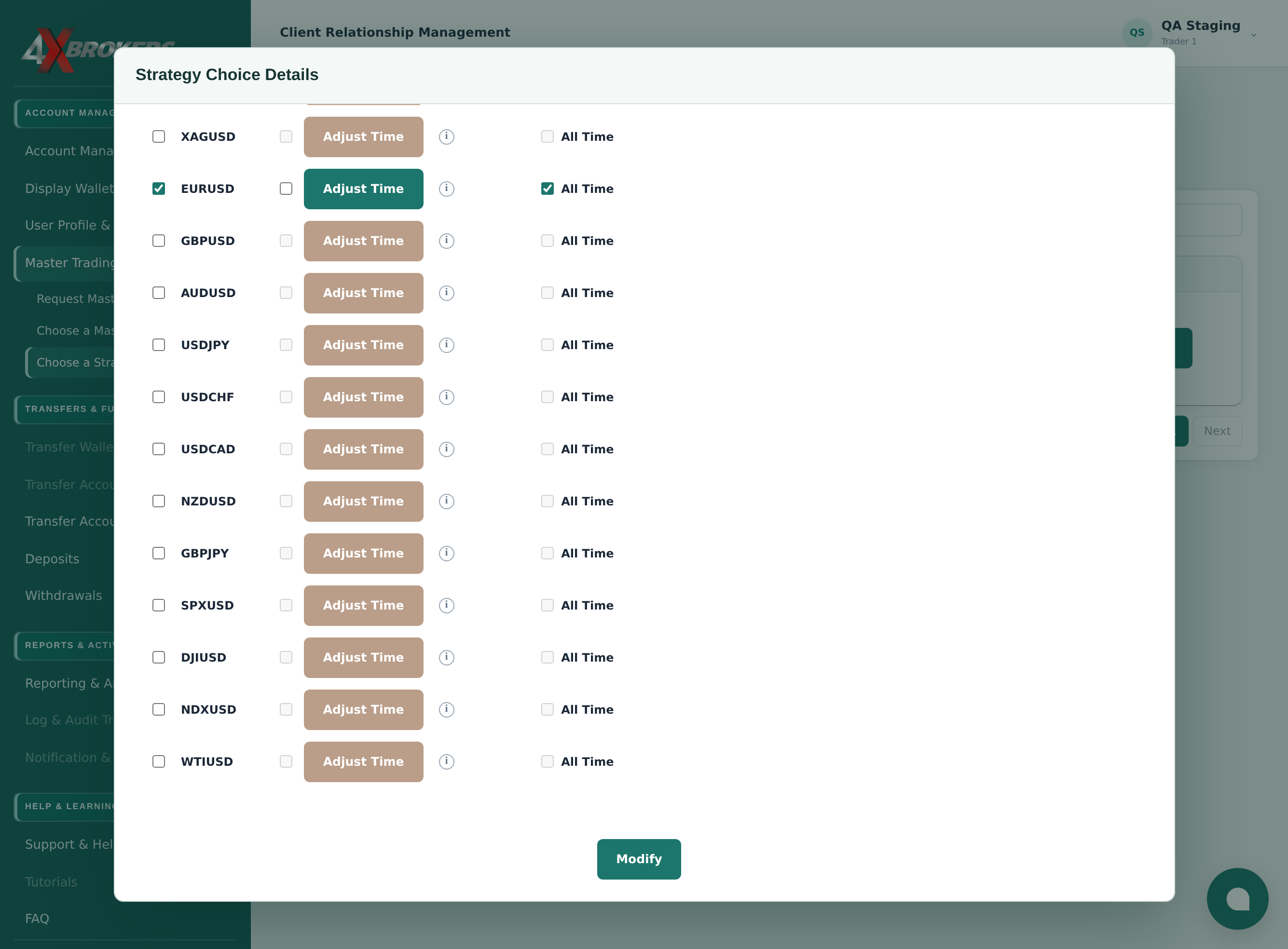
The strategies you follow are shown with a Modify button.
Trading Help Center › Master trading
Pause following for an account while keeping your settings, or remove it from the strategy.
How to use this guide: Follow the numbered steps in order. Each heading names the button, field or control to use, the note below it explains what happens, and the pointer on the screenshot shows exactly where to click.
23 Step-by-step guide
Pause following for an account while keeping your settings, or remove it from the strategy.
The strategies you follow are shown with a Modify button.
Your settings for each account that follows the strategy open.
Your lot sizes and other settings are kept, so you can resume later.
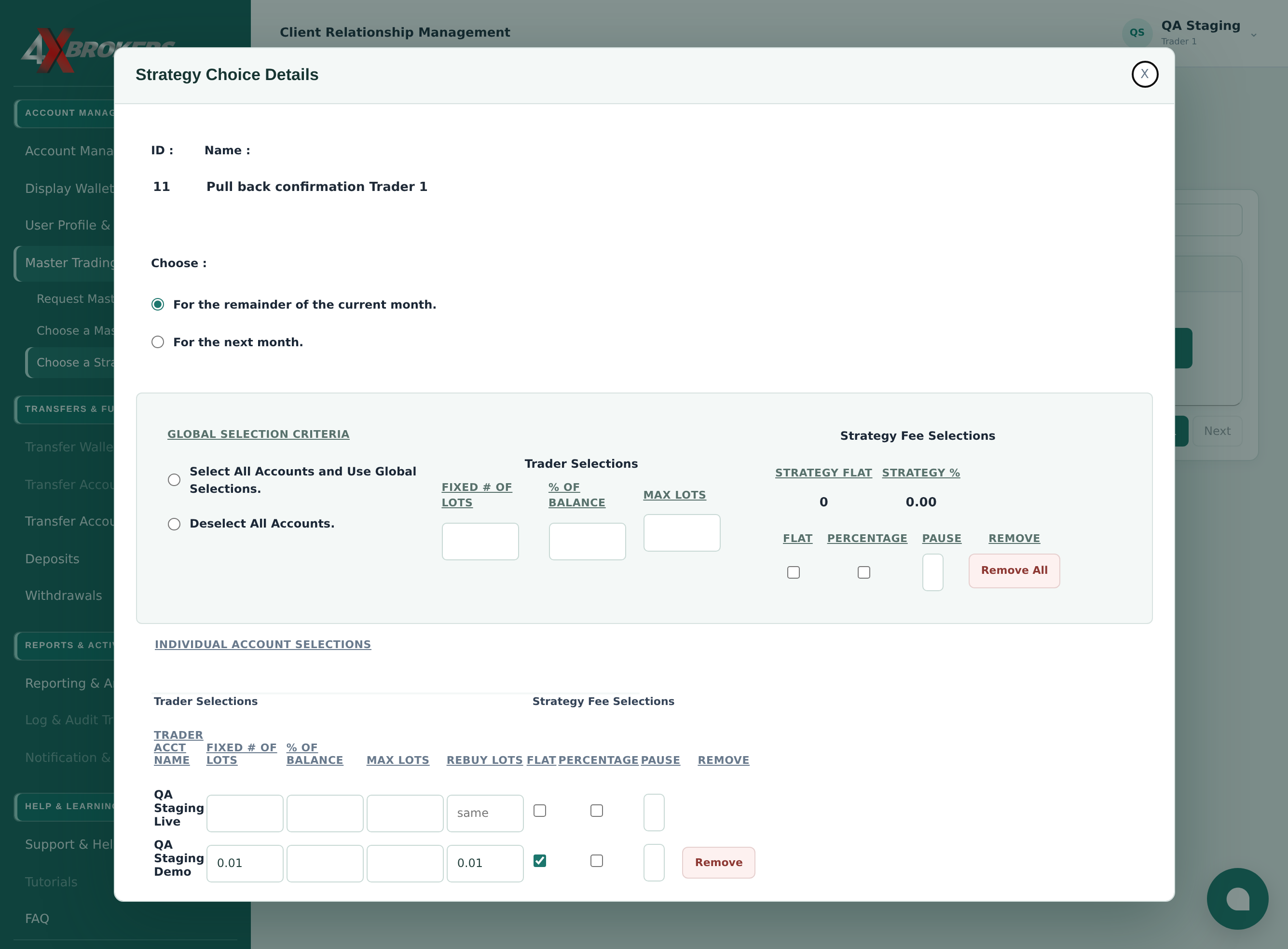
Paused accounts receive no new trades from the strategy.
Remove All removes every account from the strategy.