1
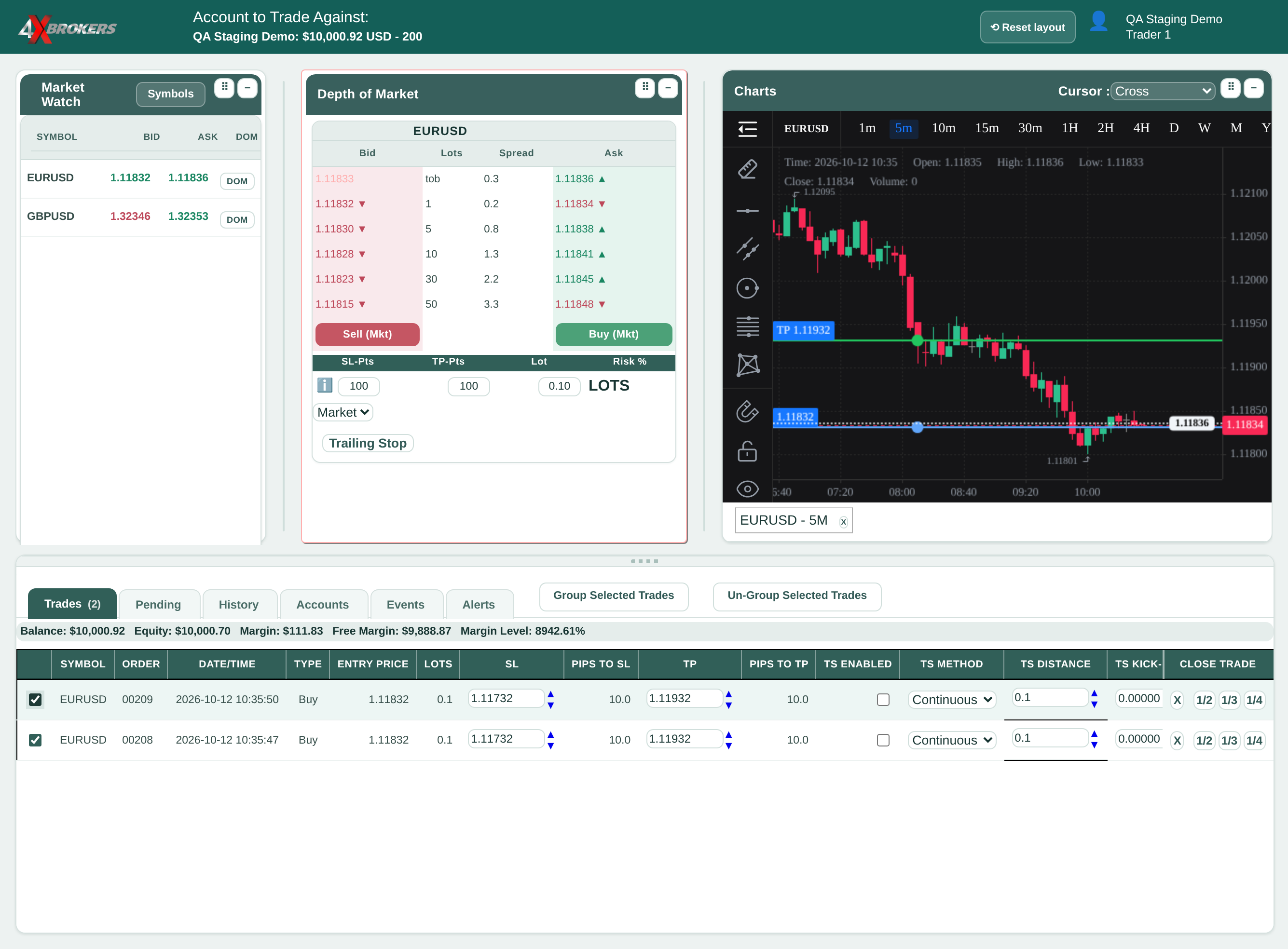
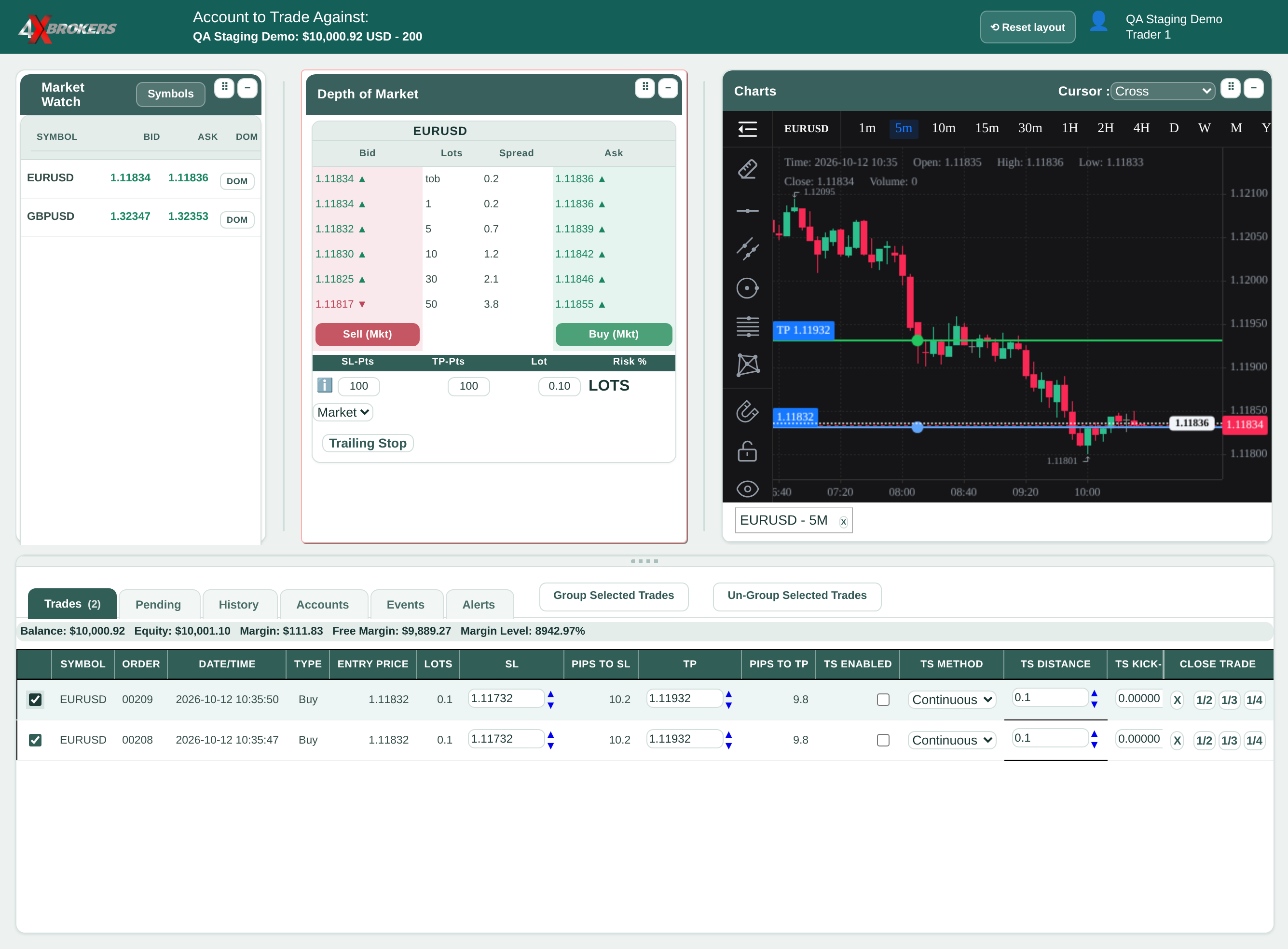
In the Trades tab, tick the trades you want to group.
Use the tick box at the start of each trade's row.
Trading Help Center › Trading on 4XTerminal
Combine trades into a group to manage them together: set one stop loss for all of them, or close them in one click.
How to use this guide: Follow the numbered steps in order. Each heading names the button, field or control to use, the note below it explains what happens, and the pointer on the screenshot shows exactly where to click.
18 Step-by-step guide
Combine trades into a group to manage them together: set one stop loss for all of them, or close them in one click.
Use the tick box at the start of each trade's row.
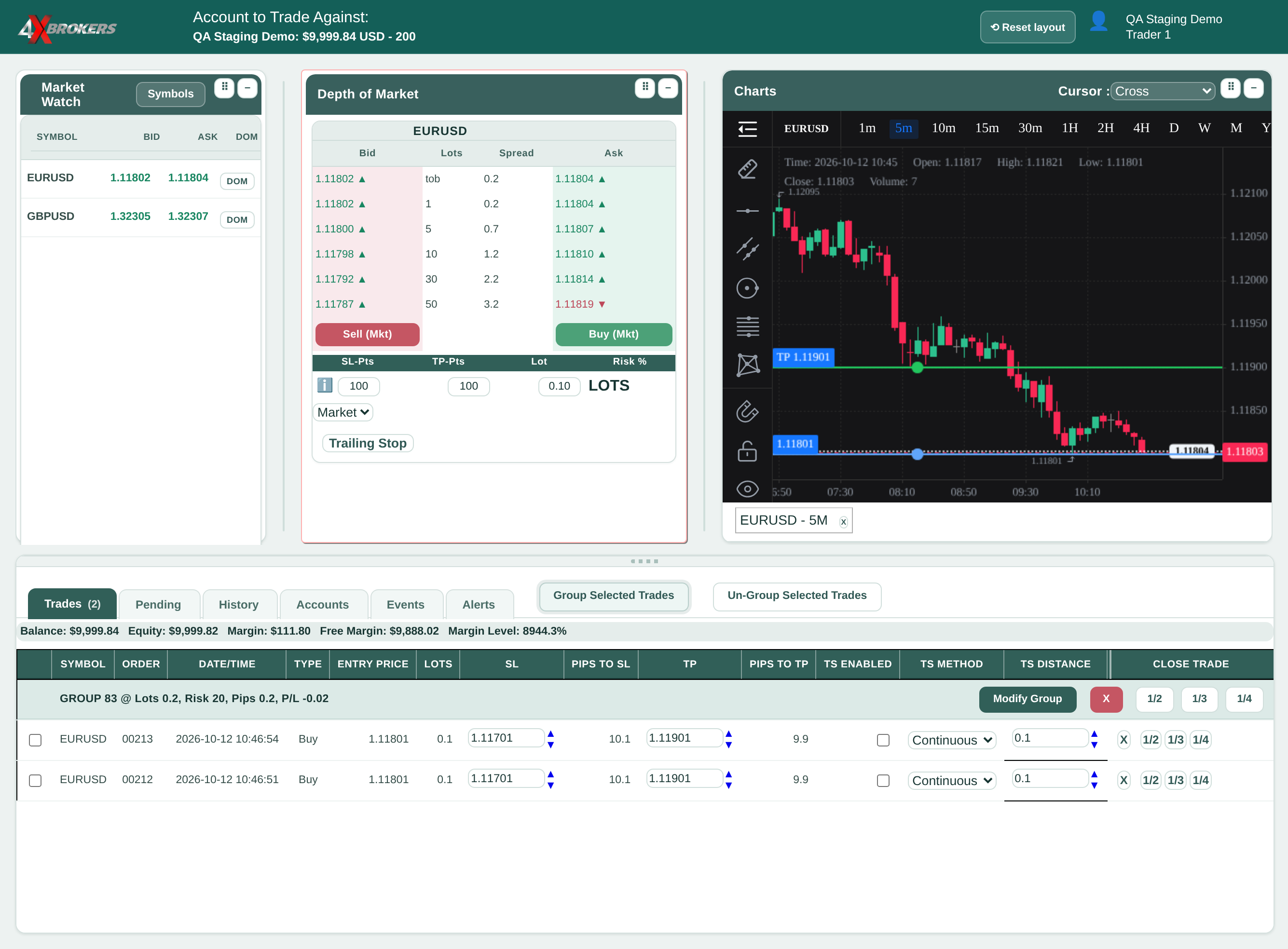
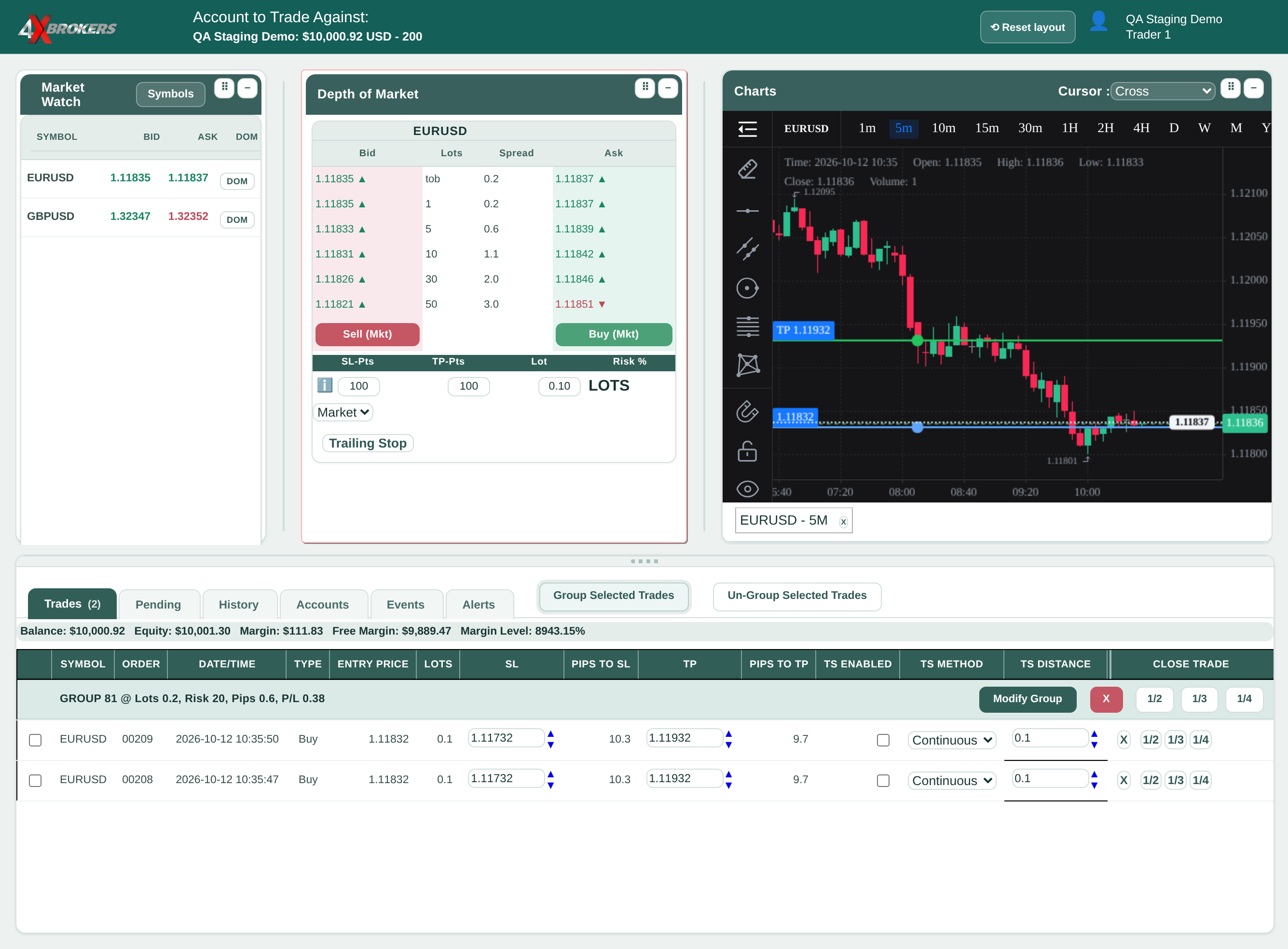
The trades are shown together under one group row. Un-Group Selected Trades separates them again.
A window opens with the settings that apply to every trade in the group.
Only the levels you tick are changed.
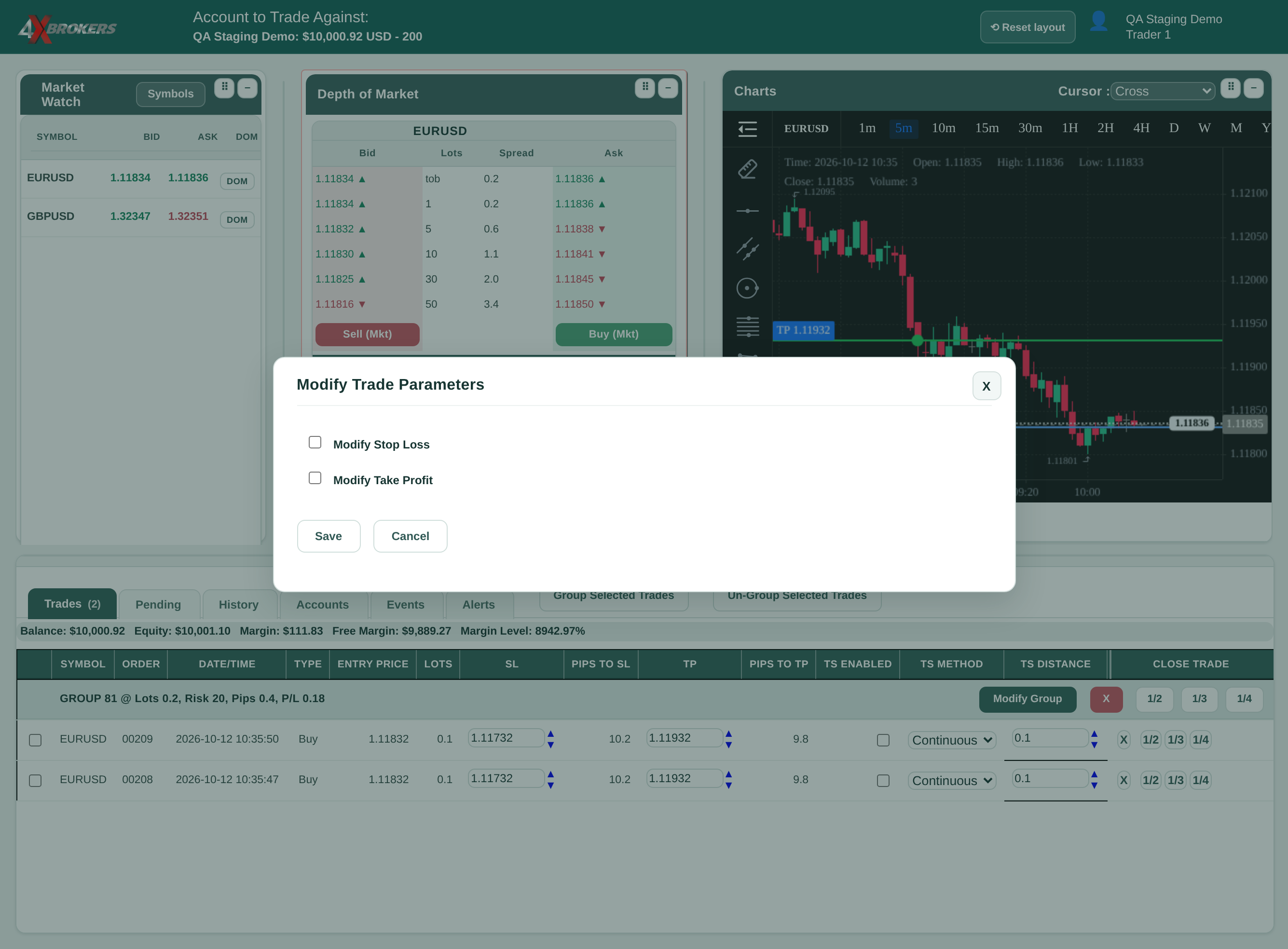
Price is an exact price, Pts to Market is a distance from the current price, and Pts from Entry is a distance from each trade's own entry price.
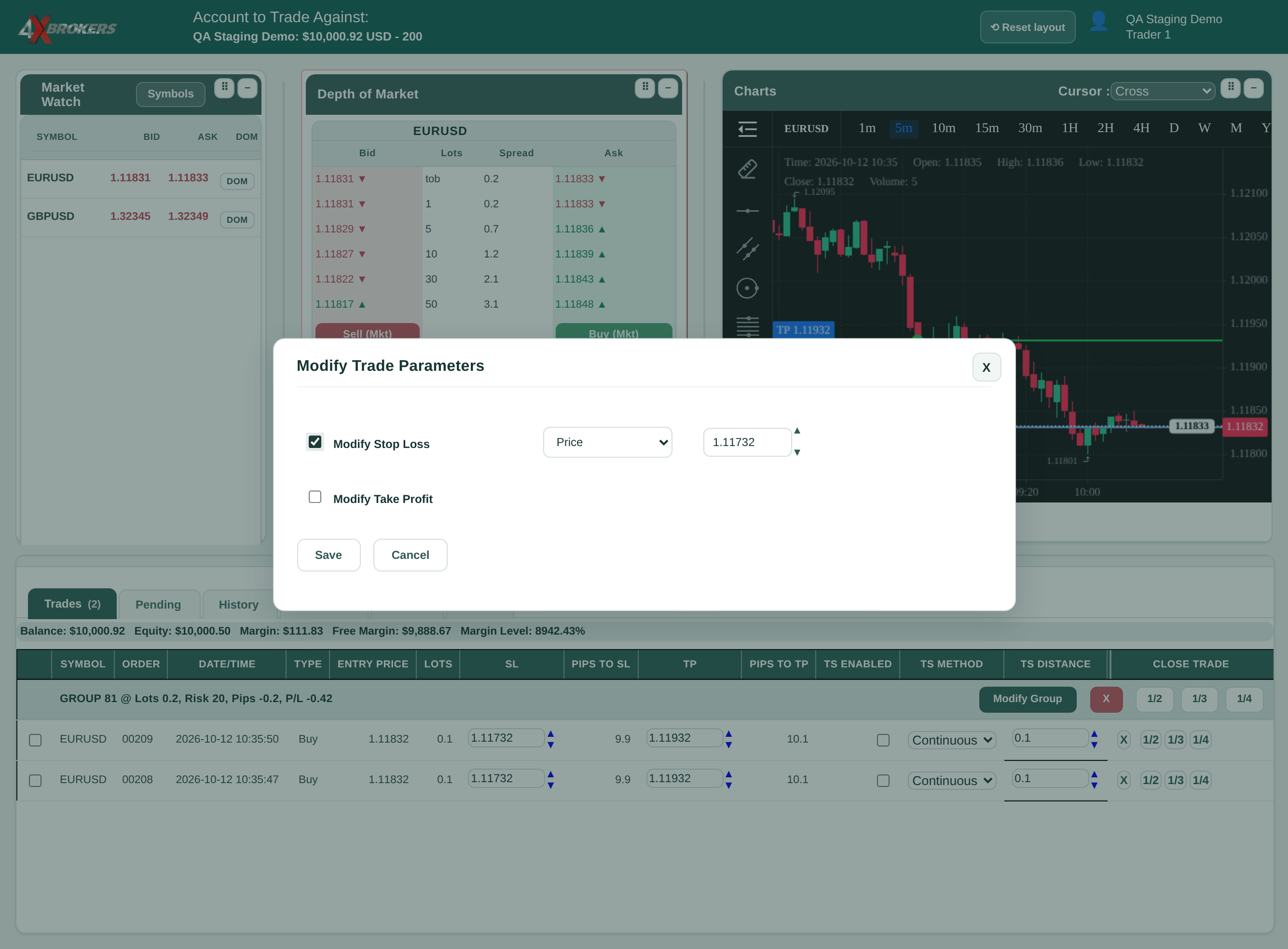
Distances are in points (10 points = 1 pip).
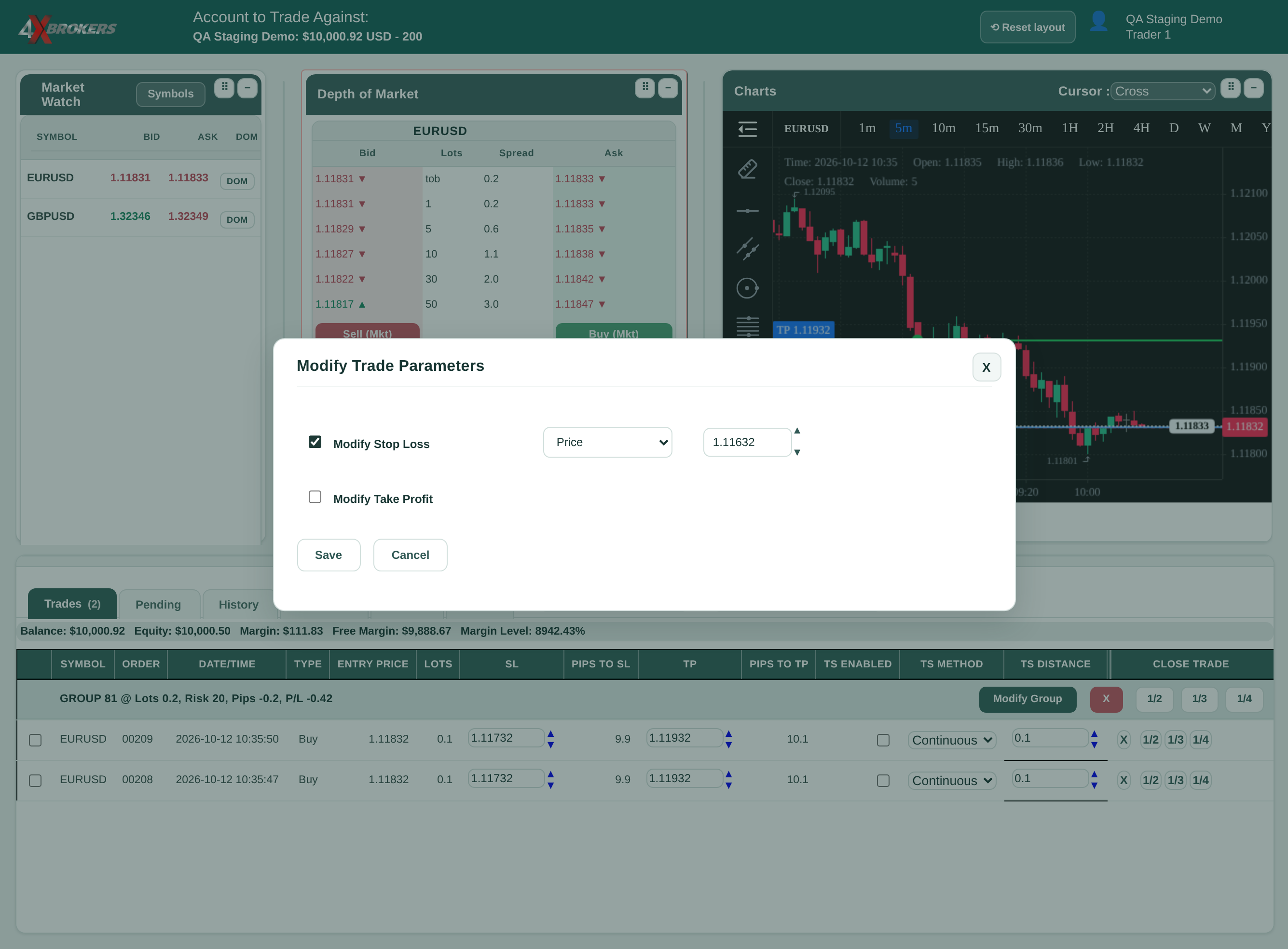
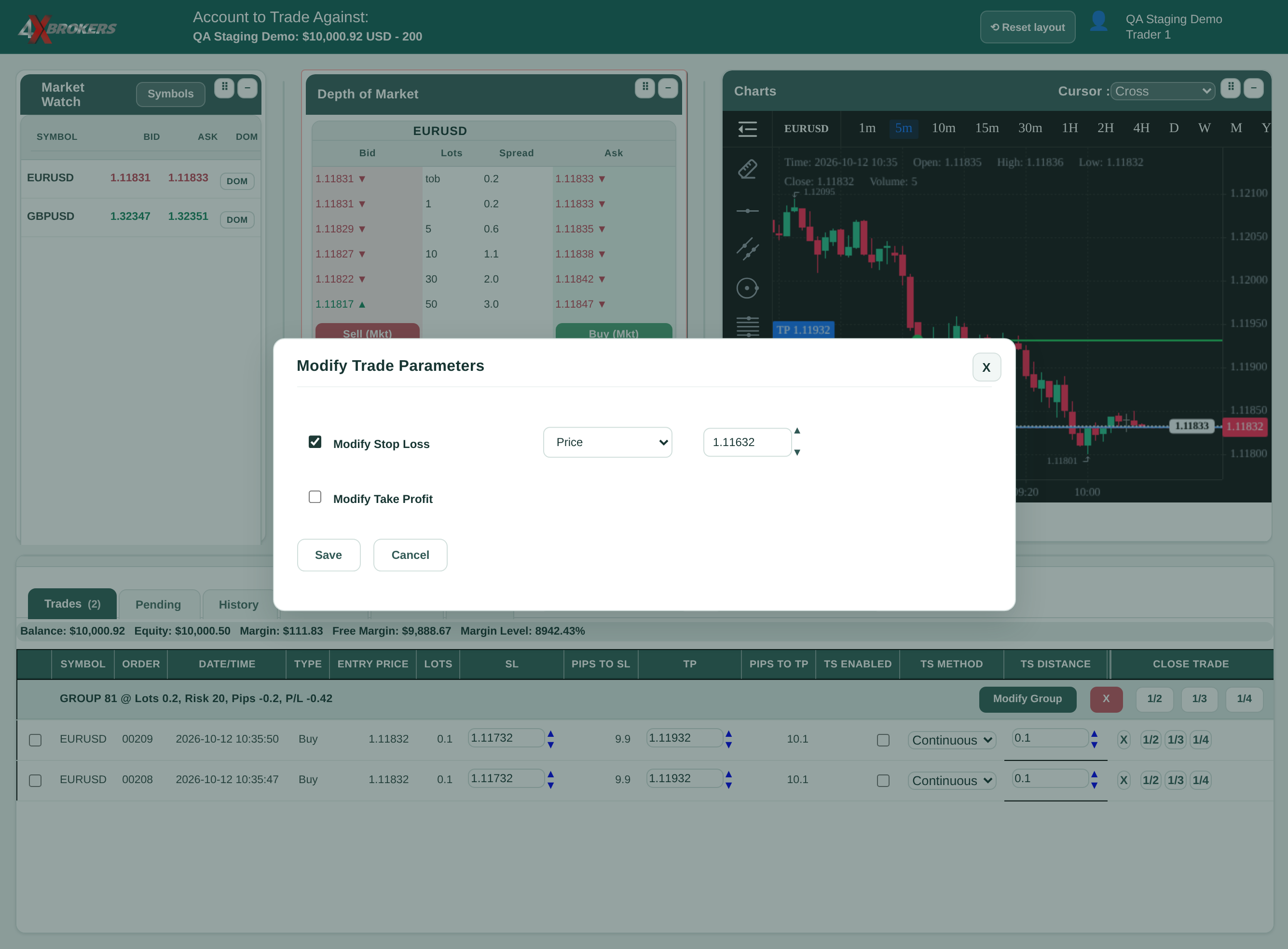
Every trade in the group gets the new stop loss.
1/2, 1/3 and 1/4 close the same part of each trade in the group.