1
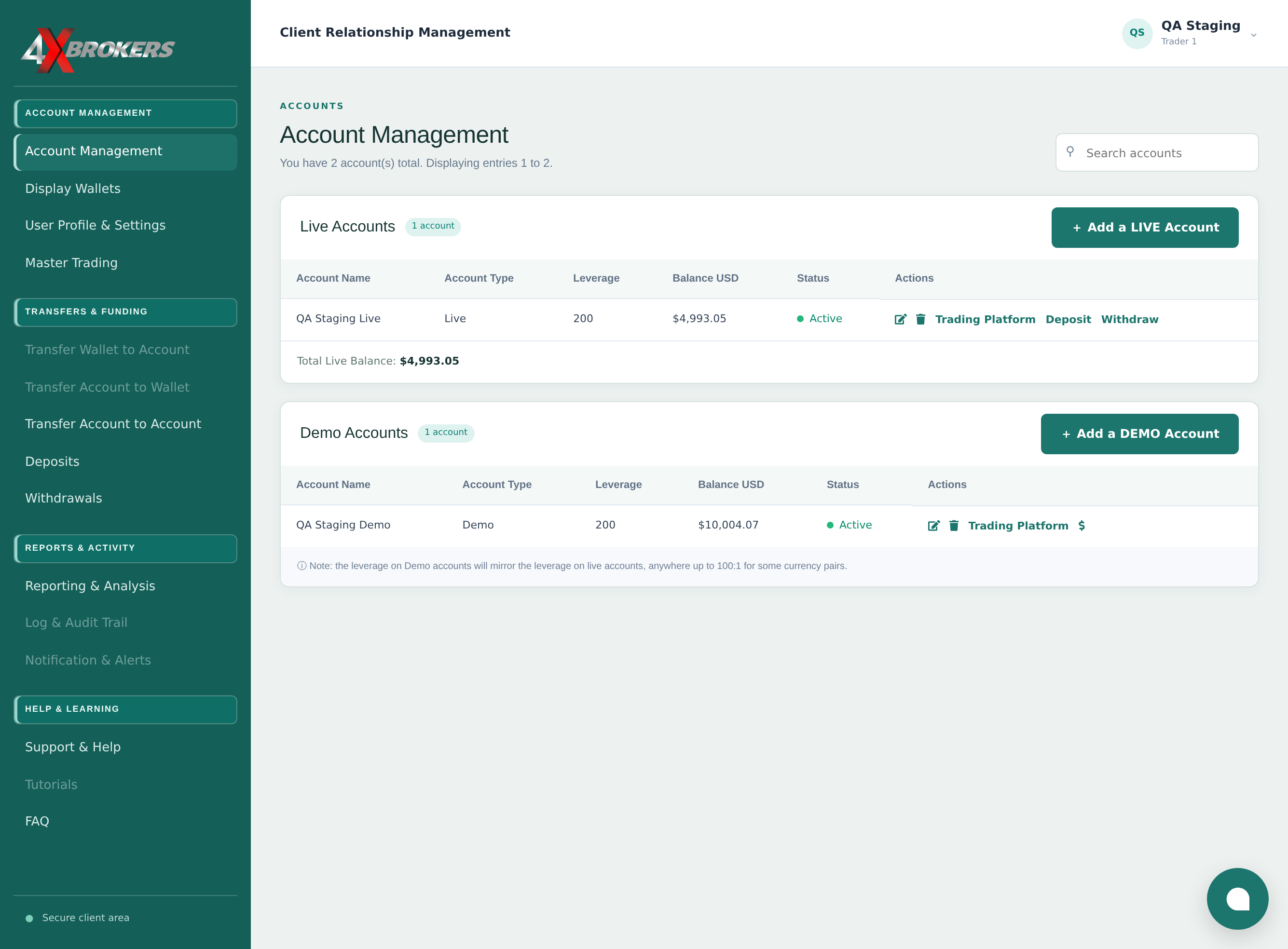
In Account Management, select Trading Platform for your account.
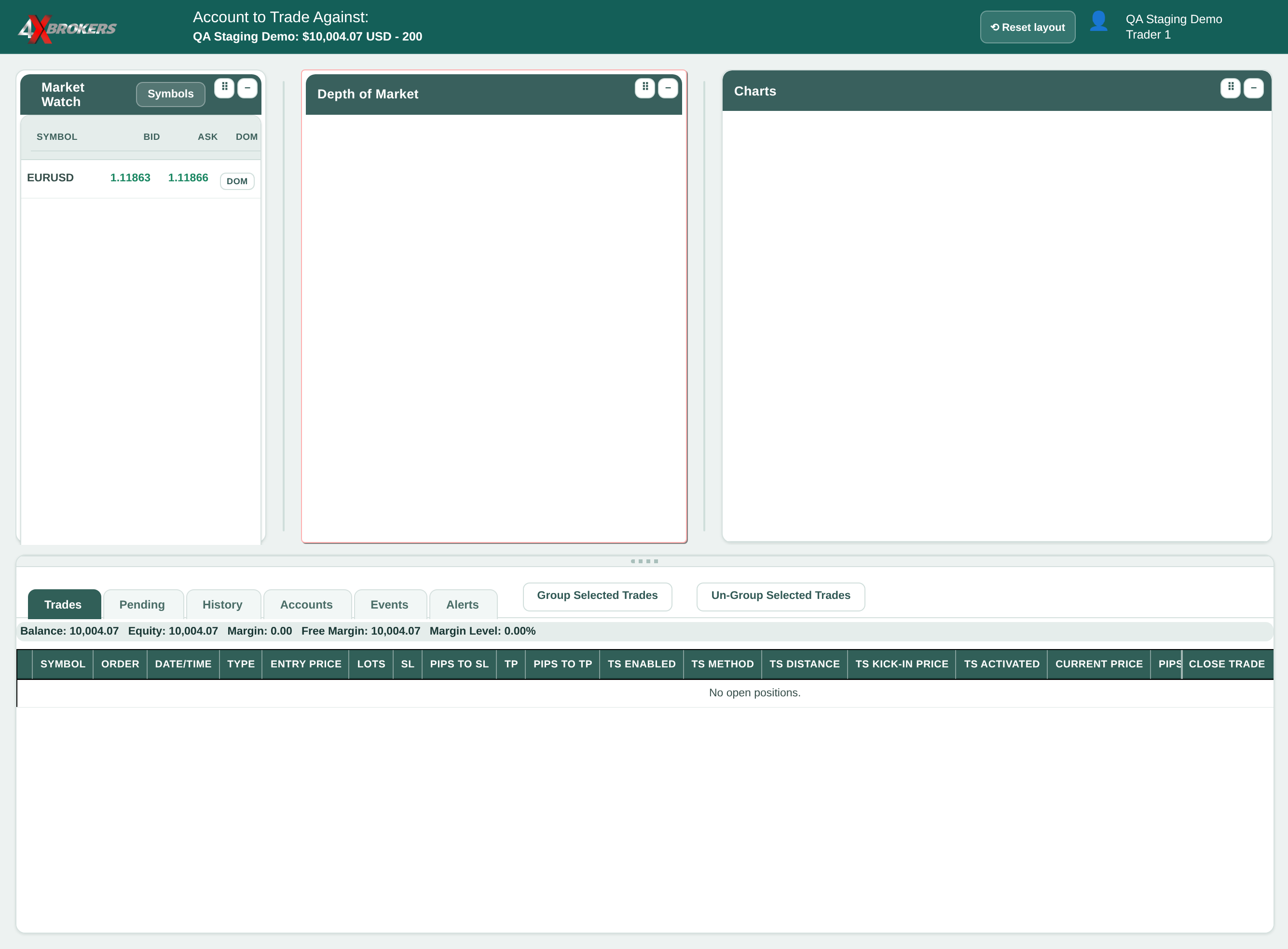
4XTerminal opens for the account you selected.
Trading Help Center › Trading on 4XTerminal
Open a position from the depth-of-market panel, then close part of it or all of it from the Trades tab.
How to use this guide: Follow the numbered steps in order. Each heading names the button, field or control to use, the note below it explains what happens, and the pointer on the screenshot shows exactly where to click.
15 Step-by-step guide
Open a position from the depth-of-market panel, then close part of it or all of it from the Trades tab.
4XTerminal opens for the account you selected.
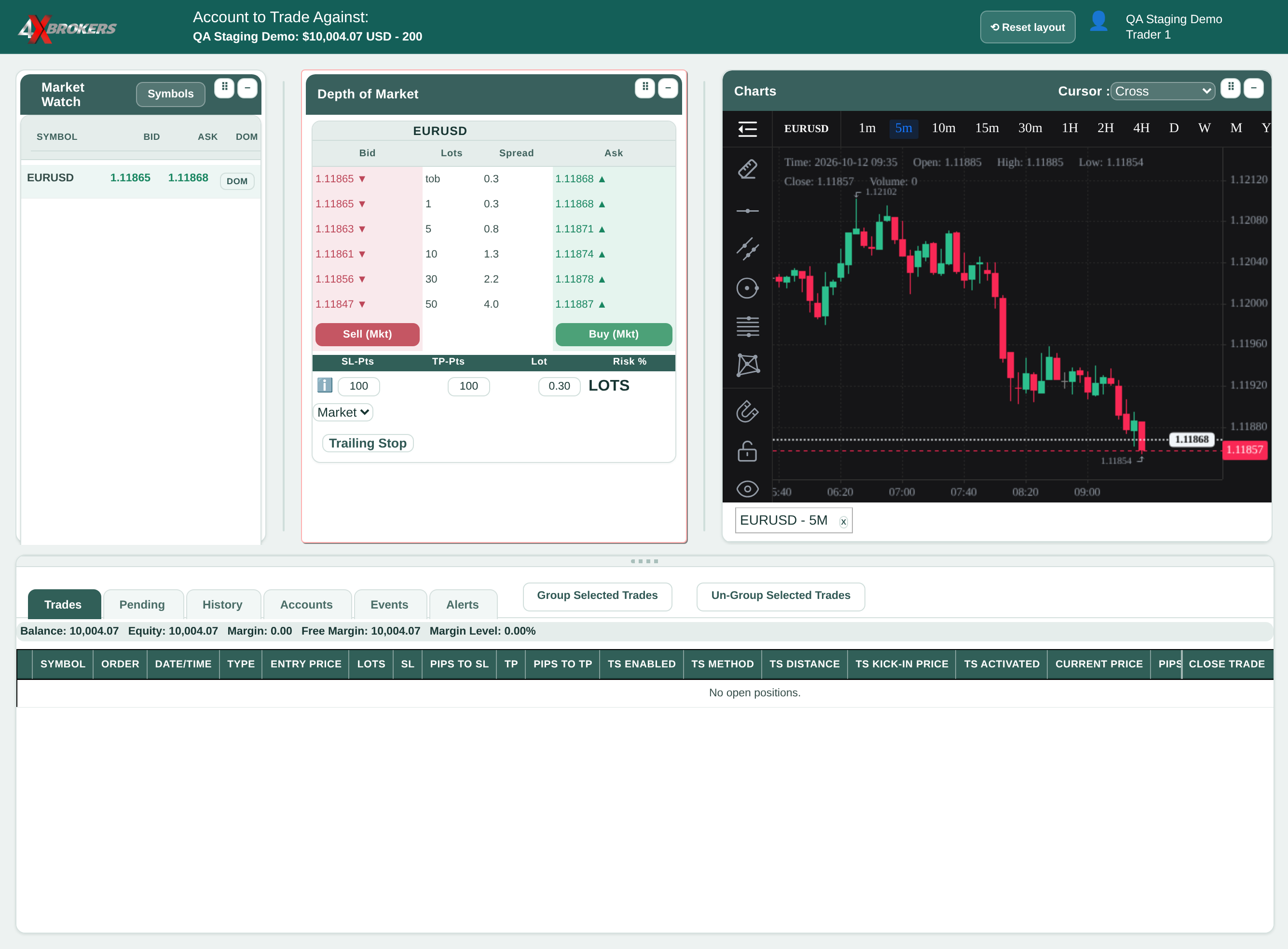
The order panel for that symbol opens in the Depth of Market window.
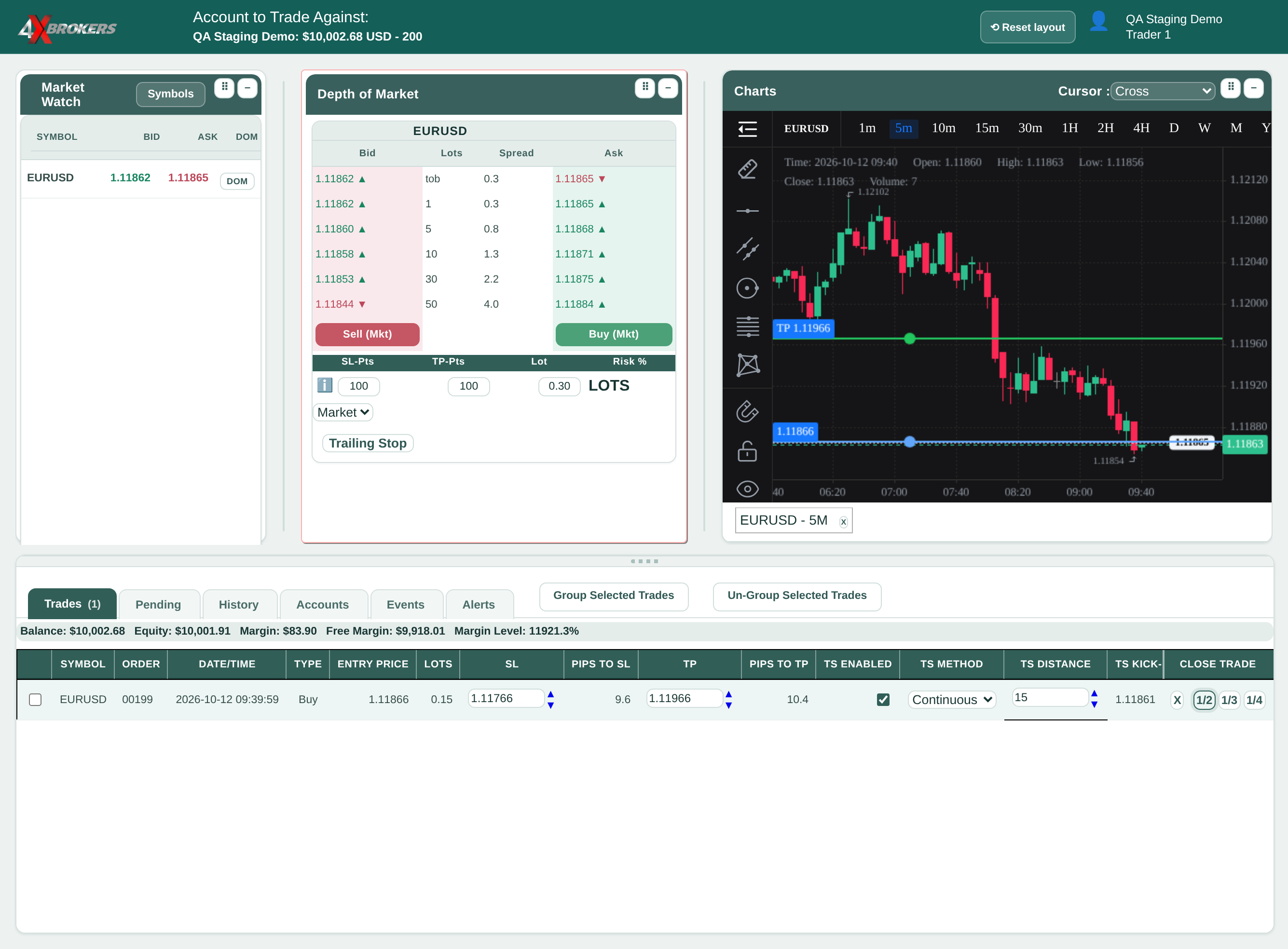
This guide uses a small size so that it can be closed in parts.
The trade appears in the Trades tab at the bottom of the platform.
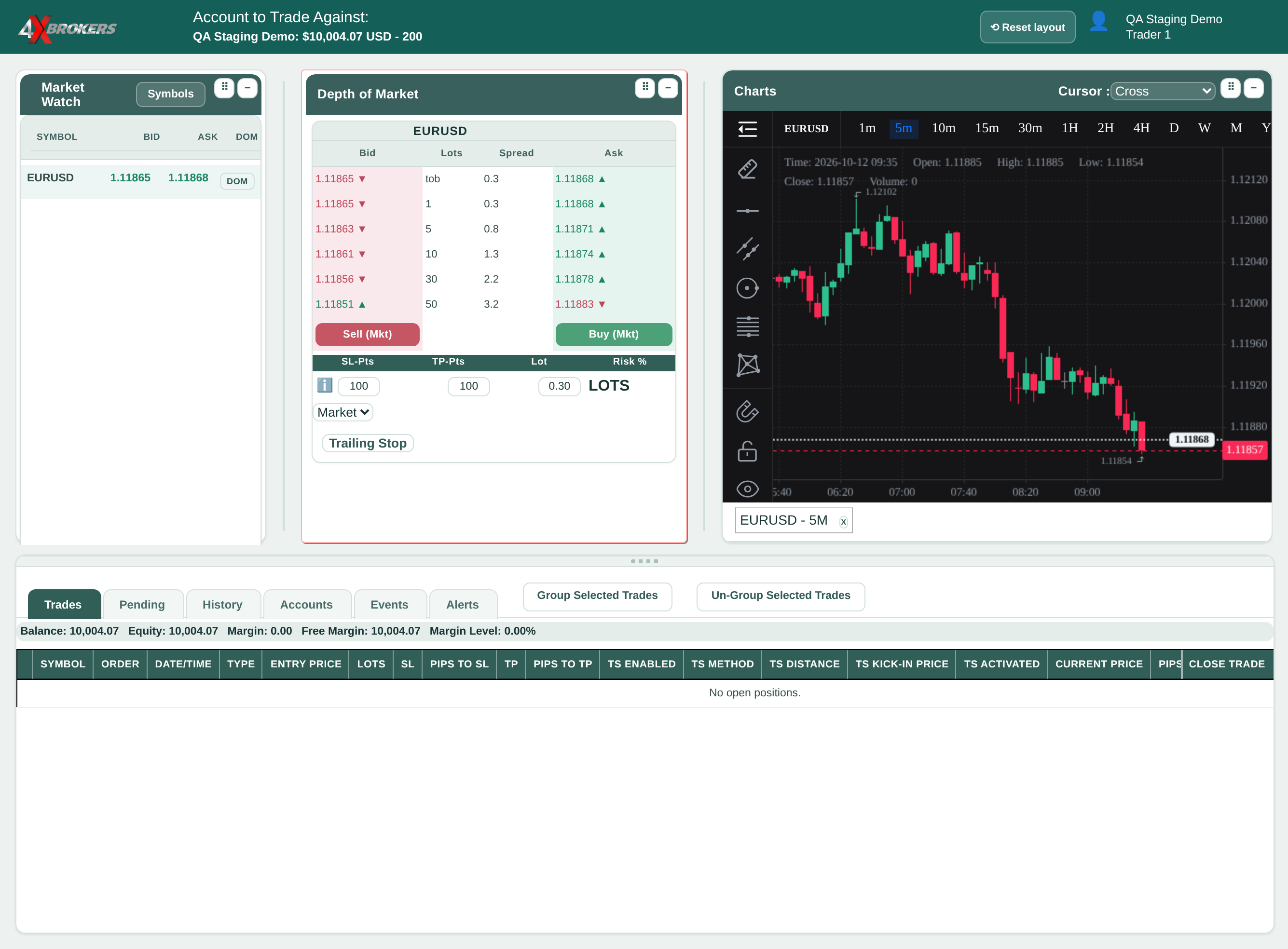
1/3 and 1/4 close a third or a quarter. The closed part moves to History with its own profit or loss, and the rest stays open.
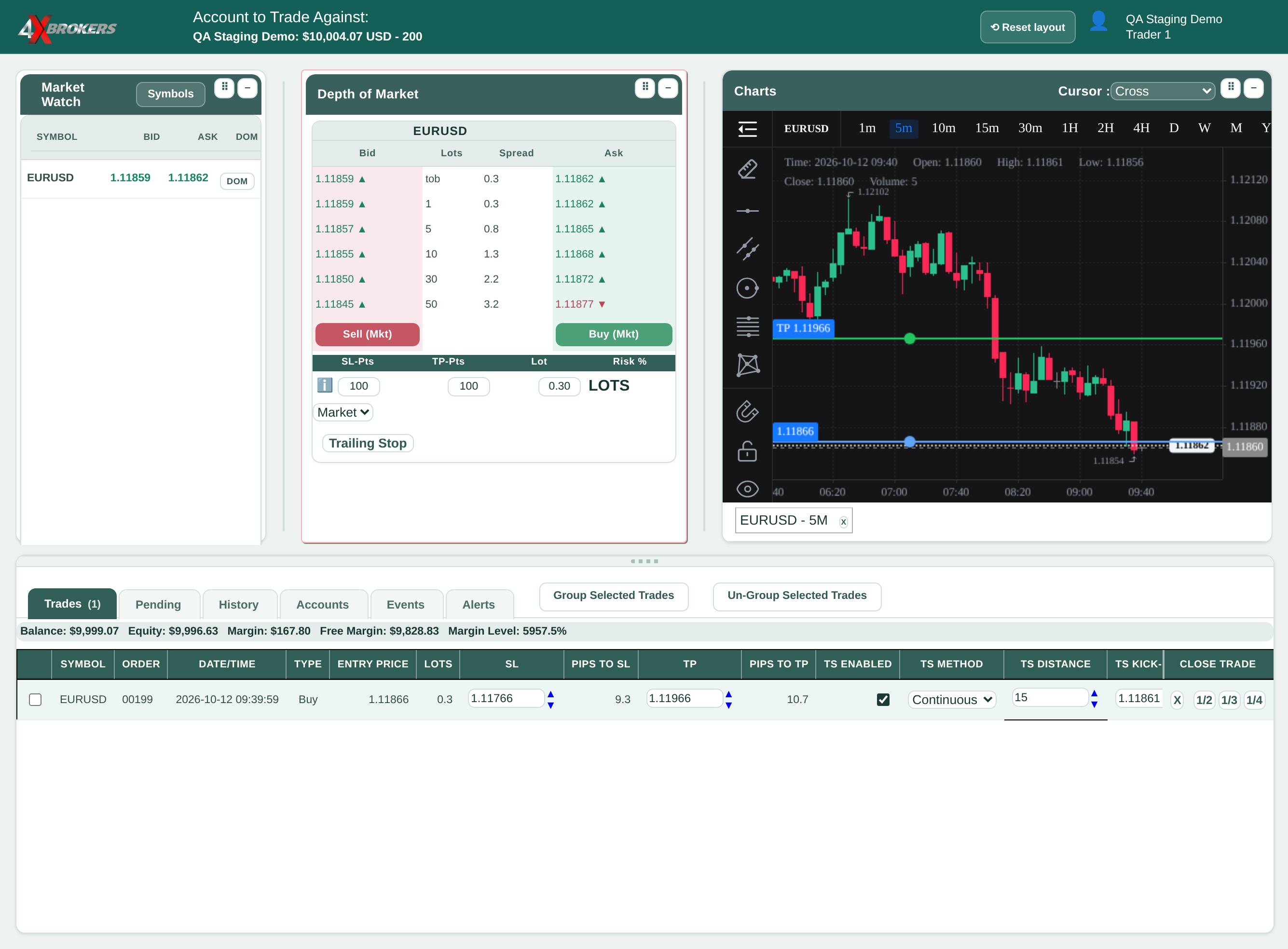
The trade closes at the current market price and moves to the History tab.