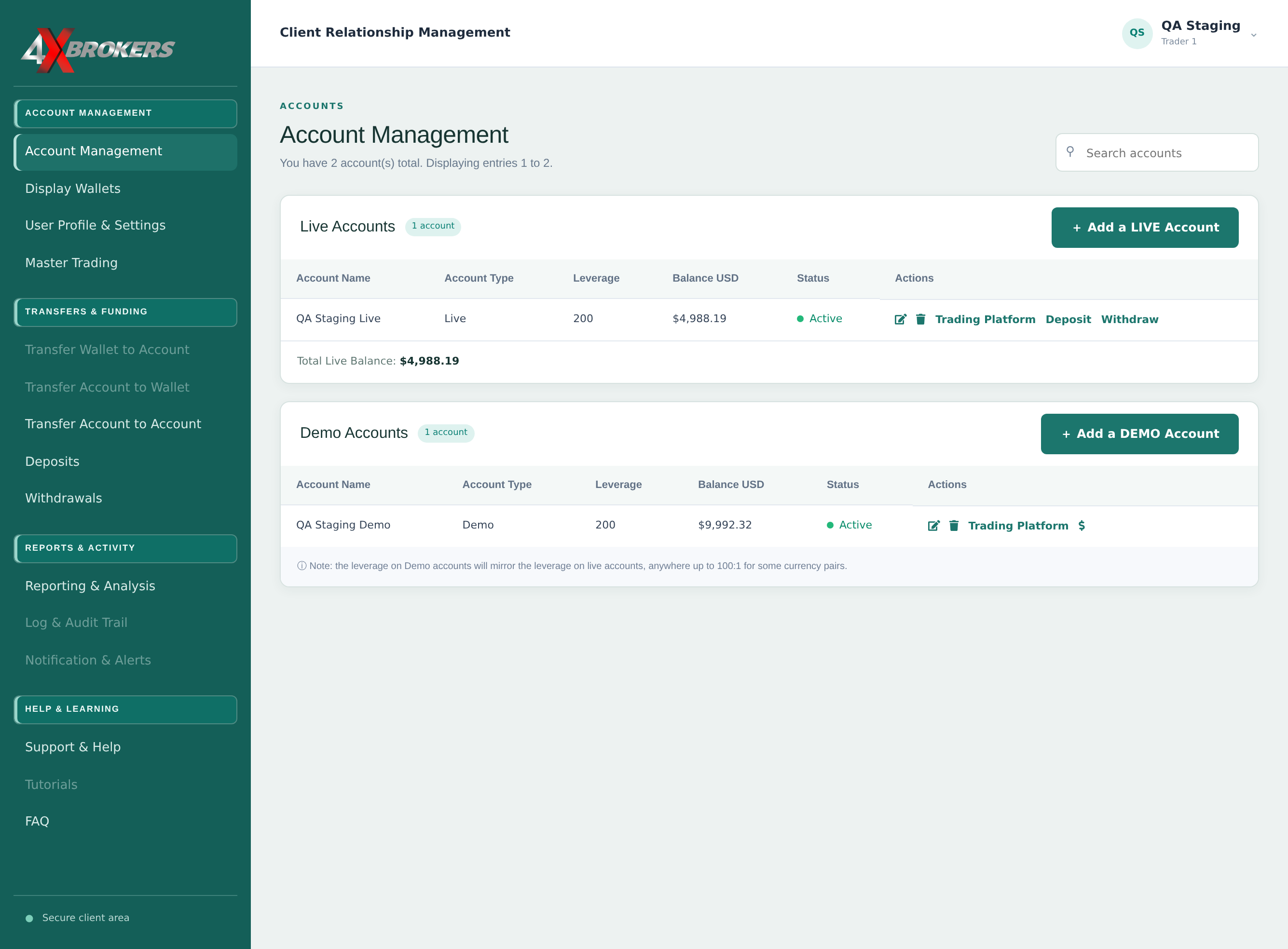
1
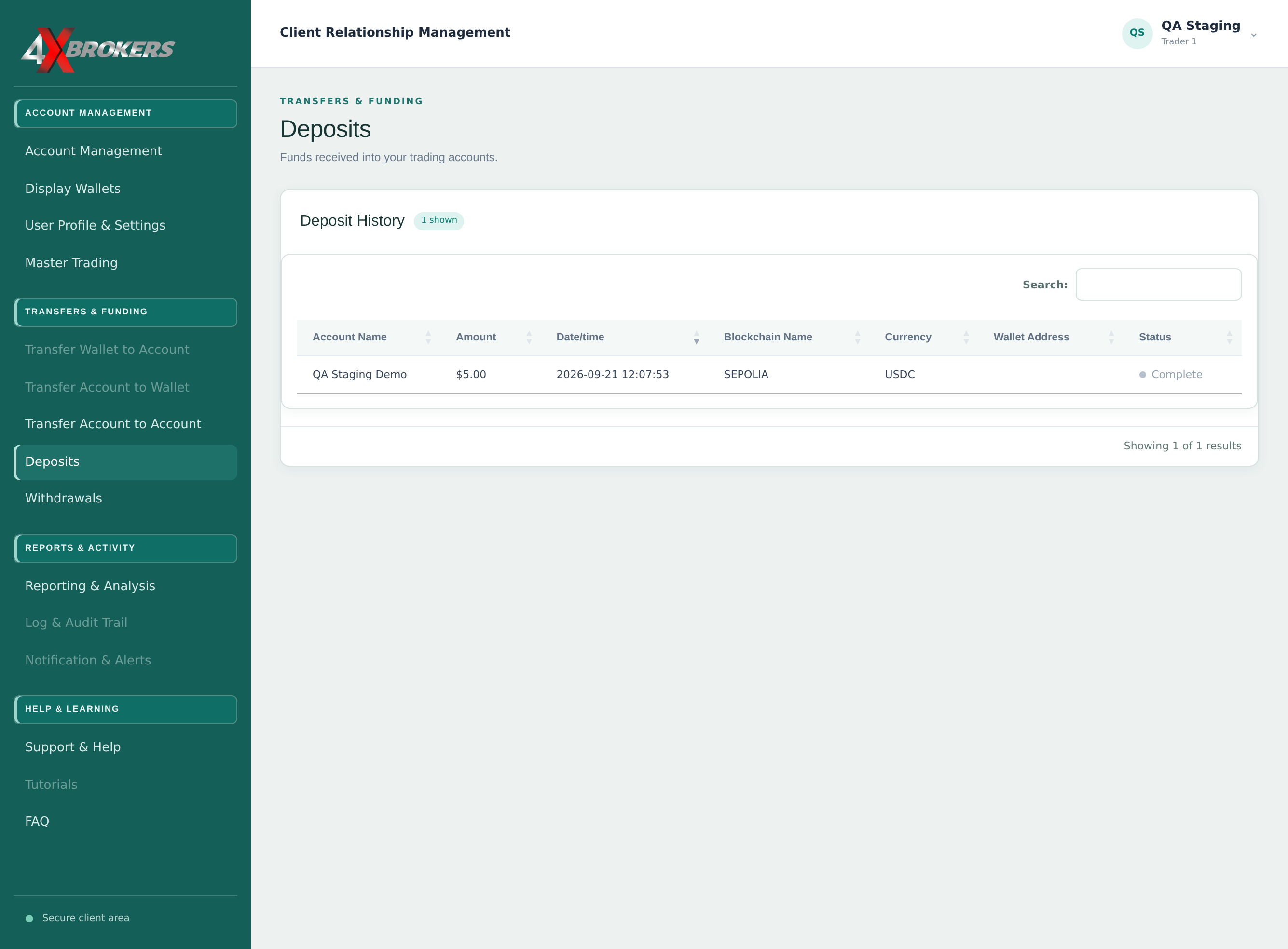
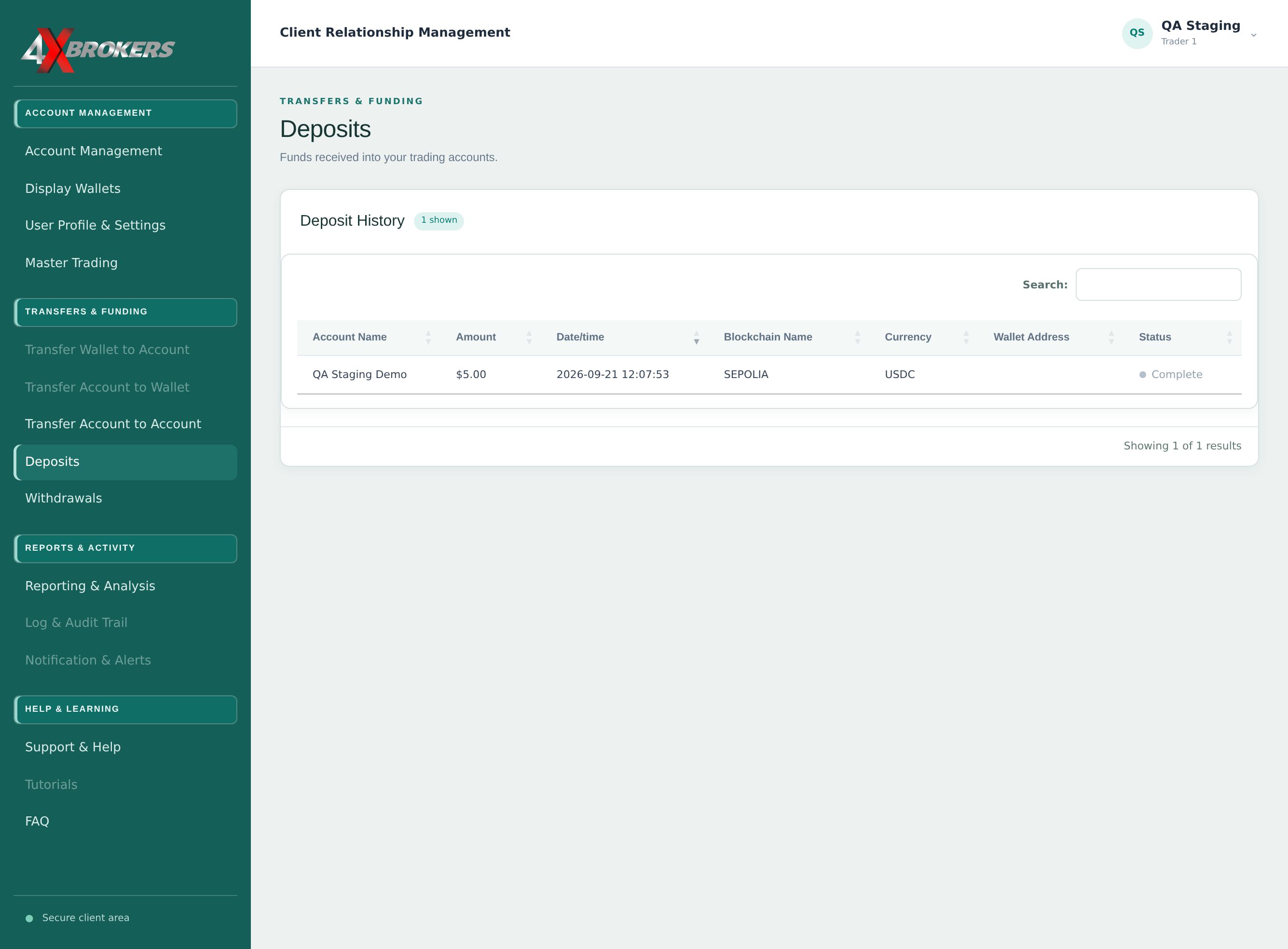
Open Deposits.
It is in the Transfers & Funding section of the left-hand menu.
Trading Help Center › Funding your account
Check the status of your deposits and withdrawals, and find your wallets.
How to use this guide: Follow the numbered steps in order. Each heading names the button, field or control to use, the note below it explains what happens, and the pointer on the screenshot shows exactly where to click.
4 Step-by-step guide
Check the status of your deposits and withdrawals, and find your wallets.
It is in the Transfers & Funding section of the left-hand menu.
Each row shows the account, amount, date, network and currency. Complete means the funds have been credited.
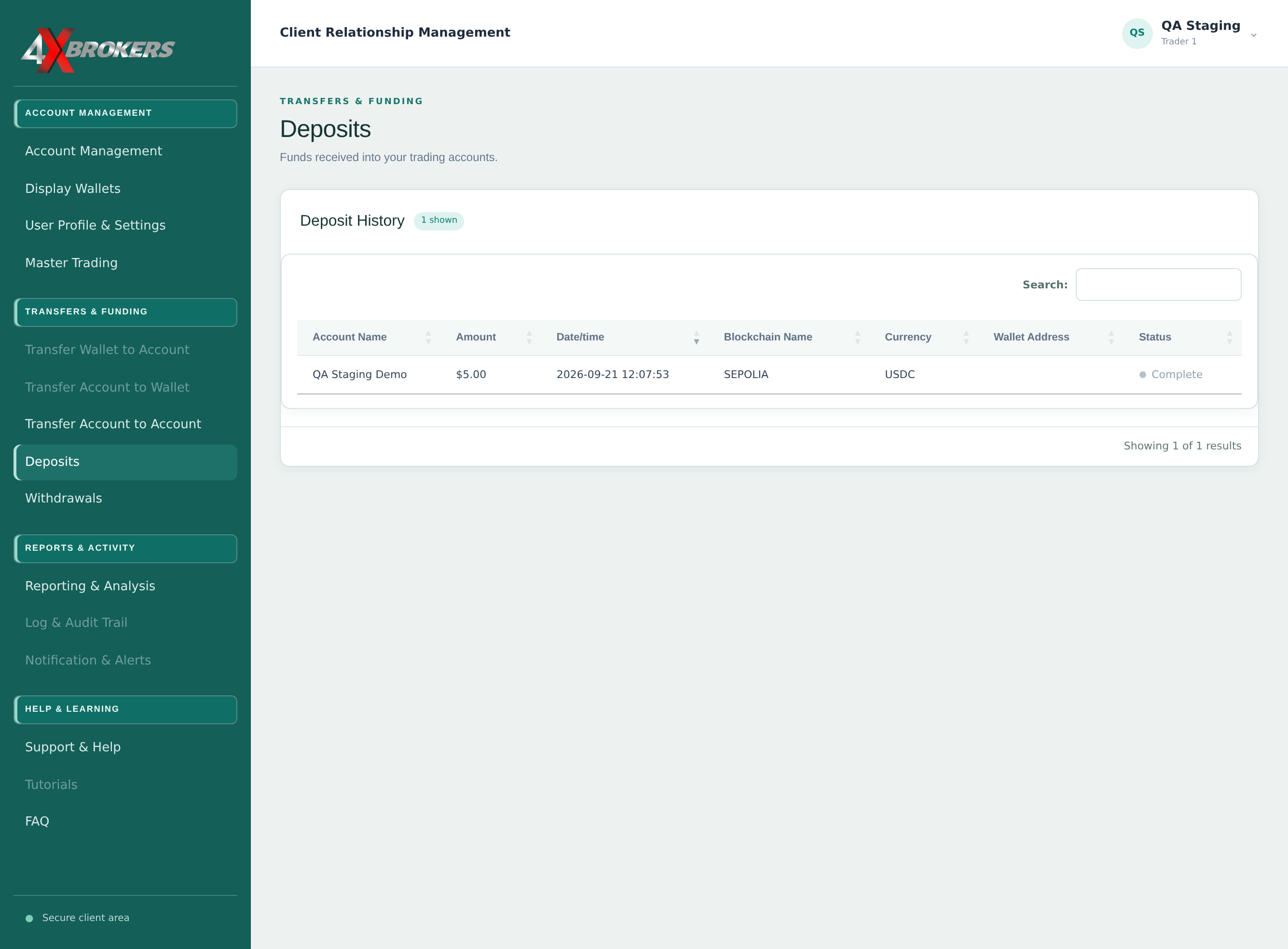
You can search by account name, amount, currency or network.
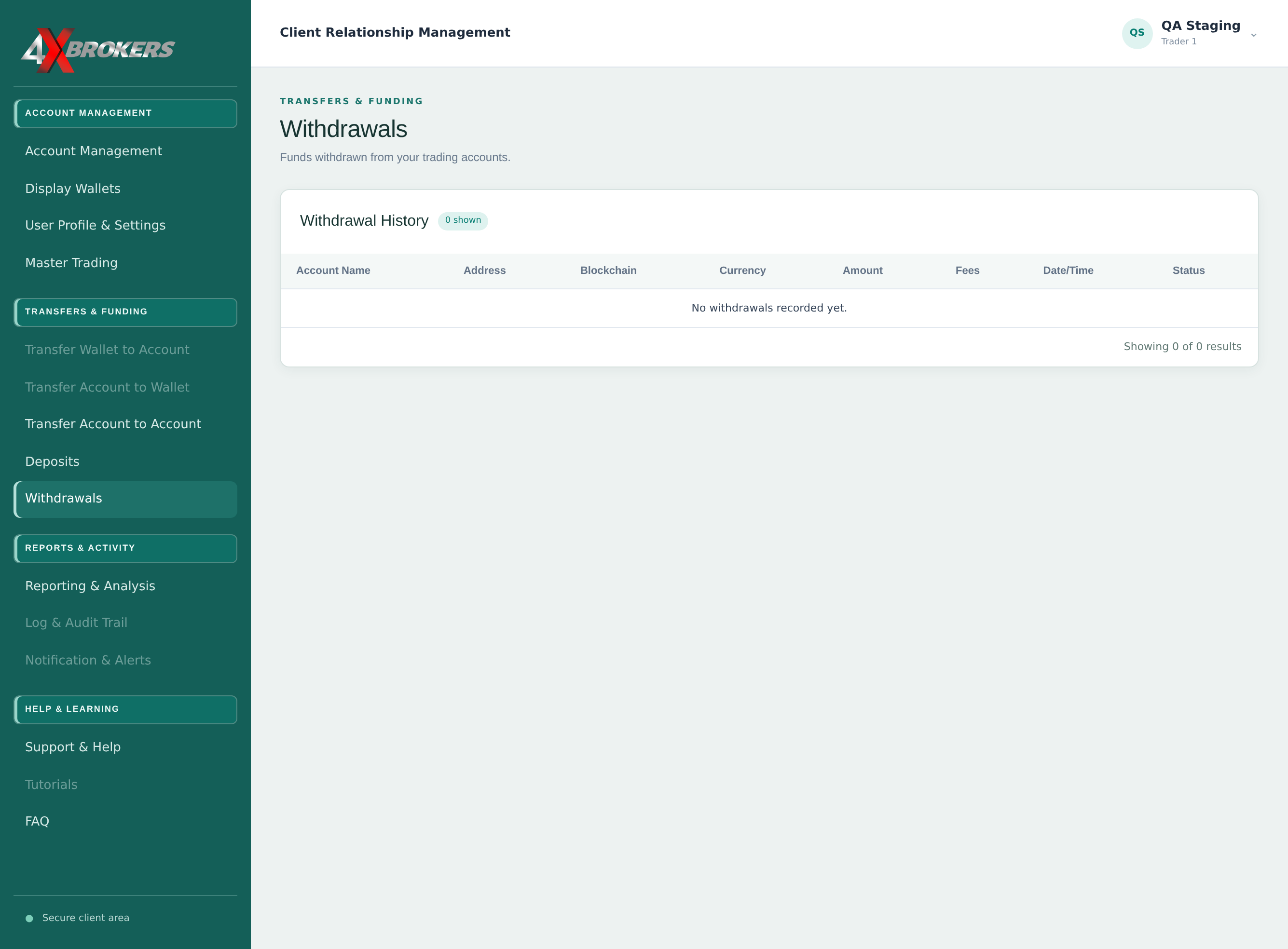
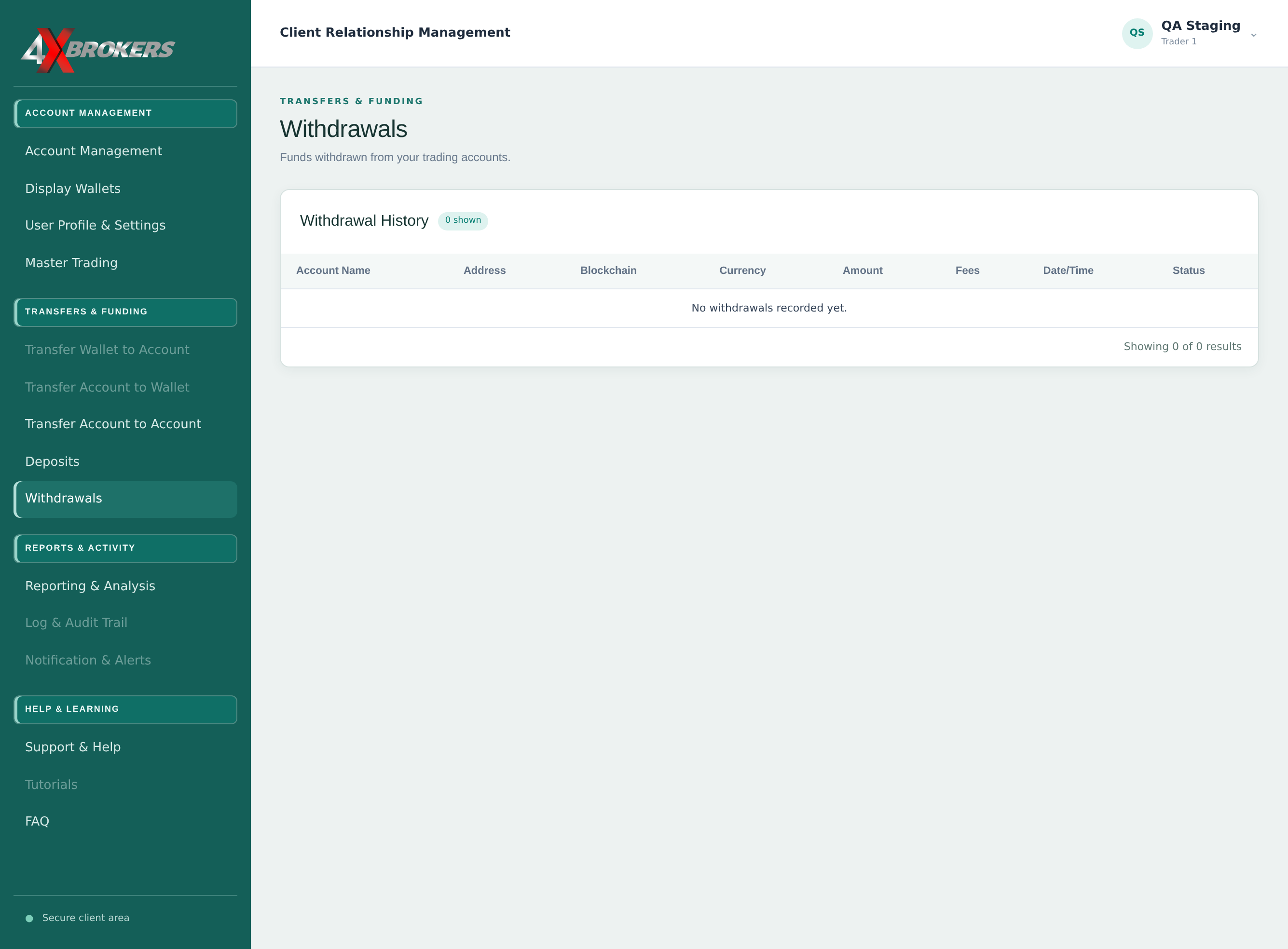
This page lists every withdrawal you have requested.
Each row also shows the address, network, currency, amount and fees.
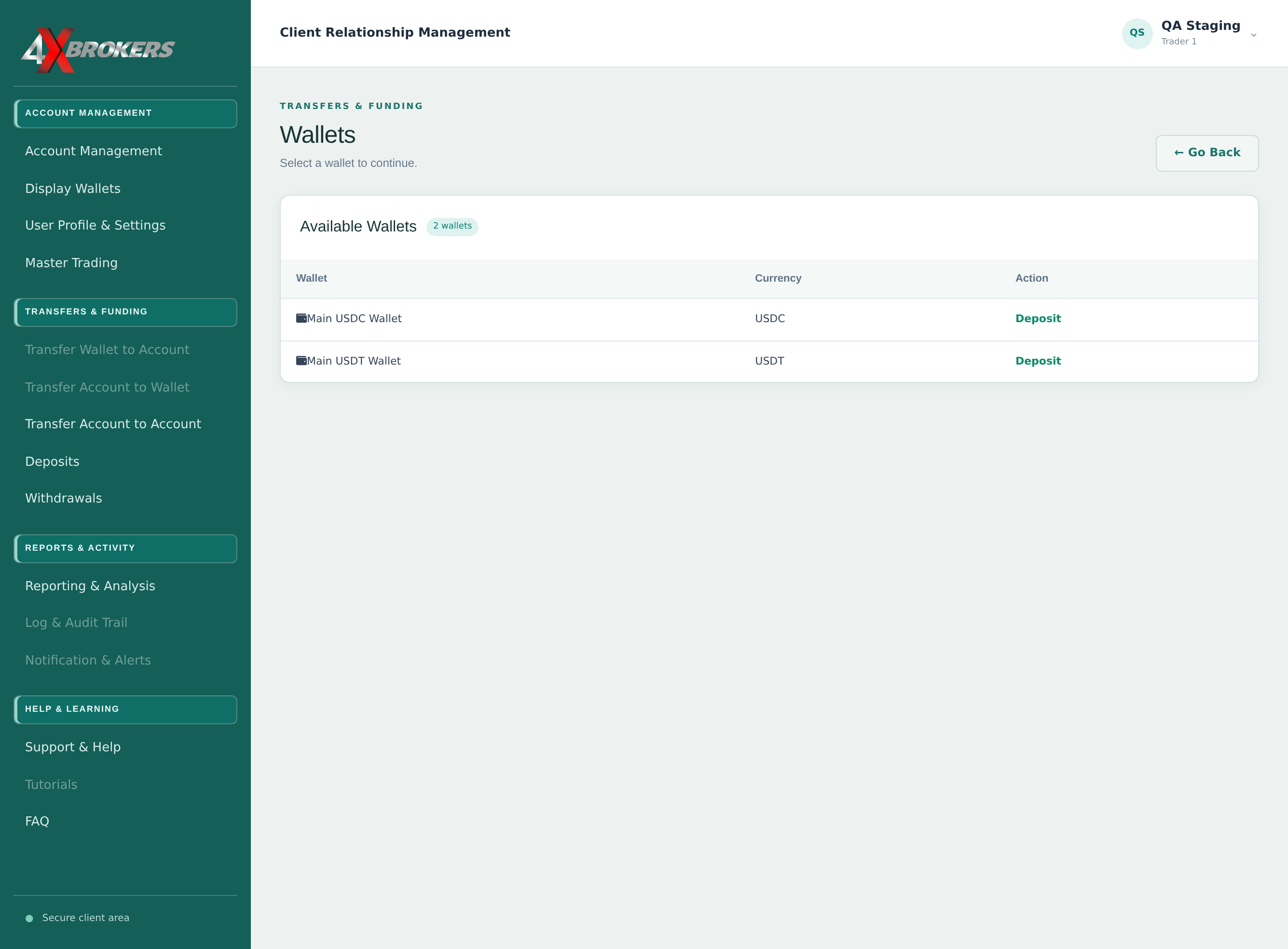
This page shows your deposit wallets for each currency.
This starts the same deposit steps as Deposit Funds to a Live Account.