1
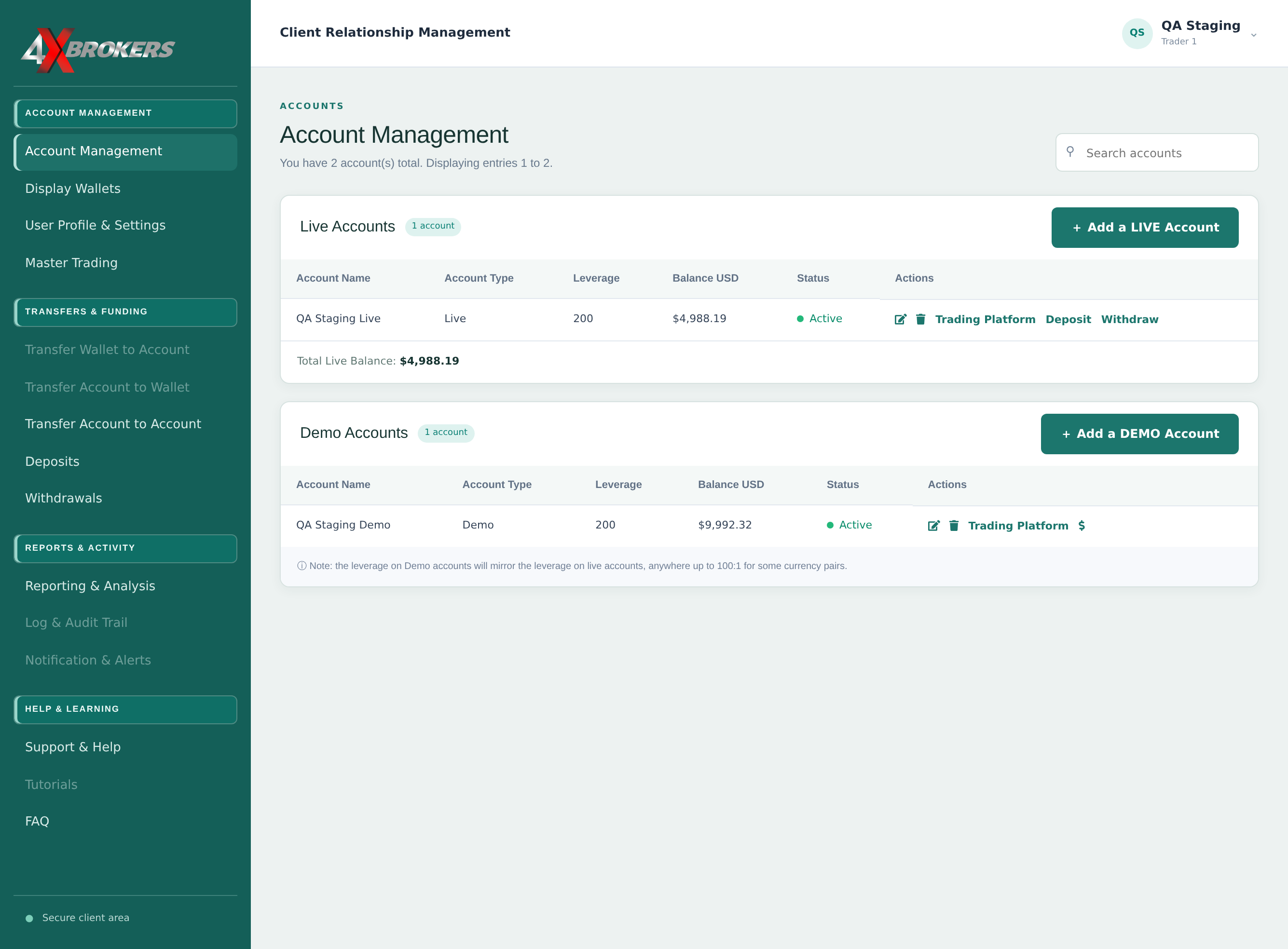
In Account Management, select Withdraw next to your live account.
Withdrawals can only be made from live accounts.
Trading Help Center › Funding your account
Send funds from a live trading account to your own external wallet, then follow the withdrawal.
How to use this guide: Follow the numbered steps in order. Each heading names the button, field or control to use, the note below it explains what happens, and the pointer on the screenshot shows exactly where to click.
2 Step-by-step guide
Send funds from a live trading account to your own external wallet, then follow the withdrawal.
Withdrawals can only be made from live accounts.
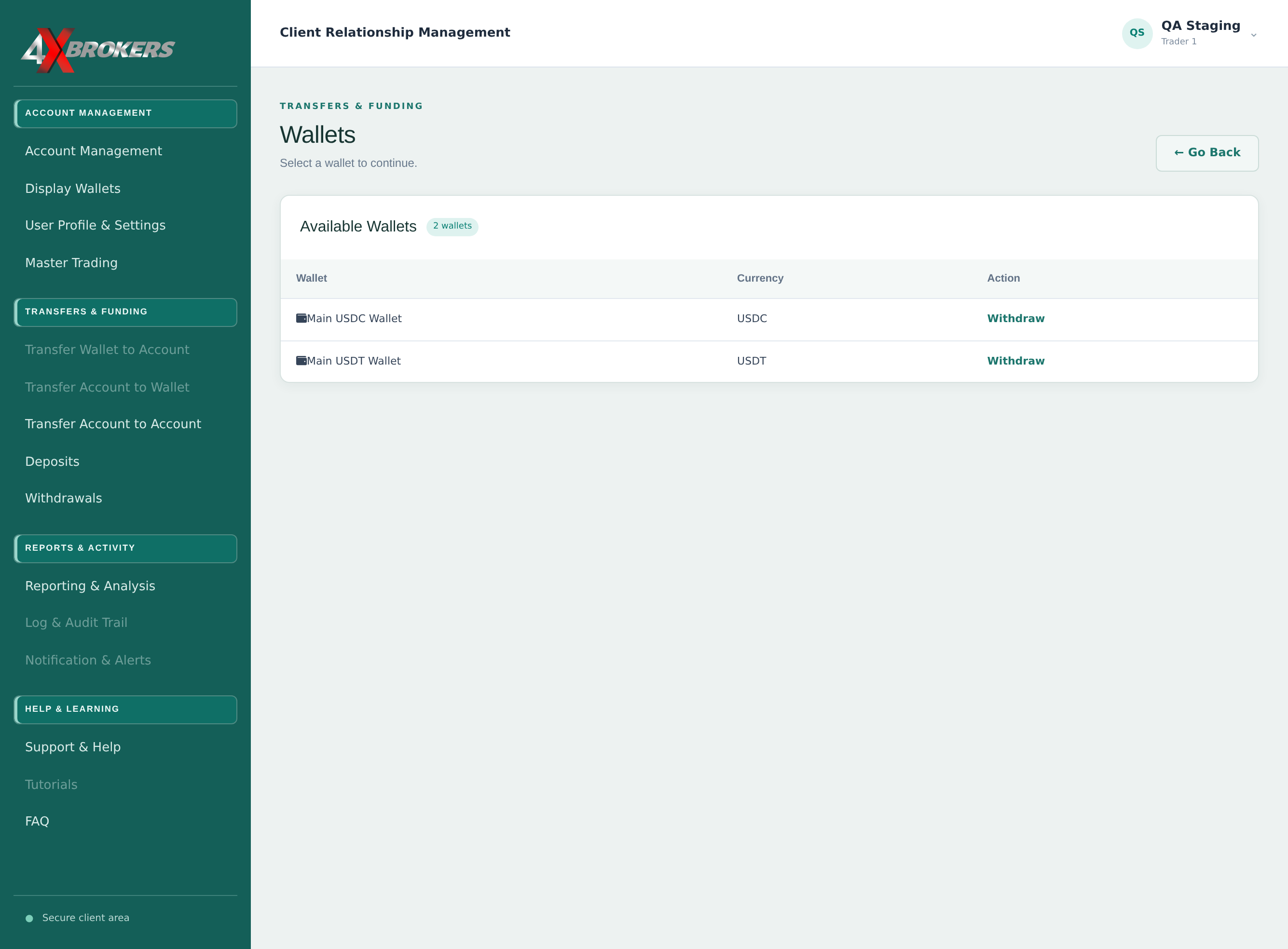
Choose the currency your external wallet accepts.
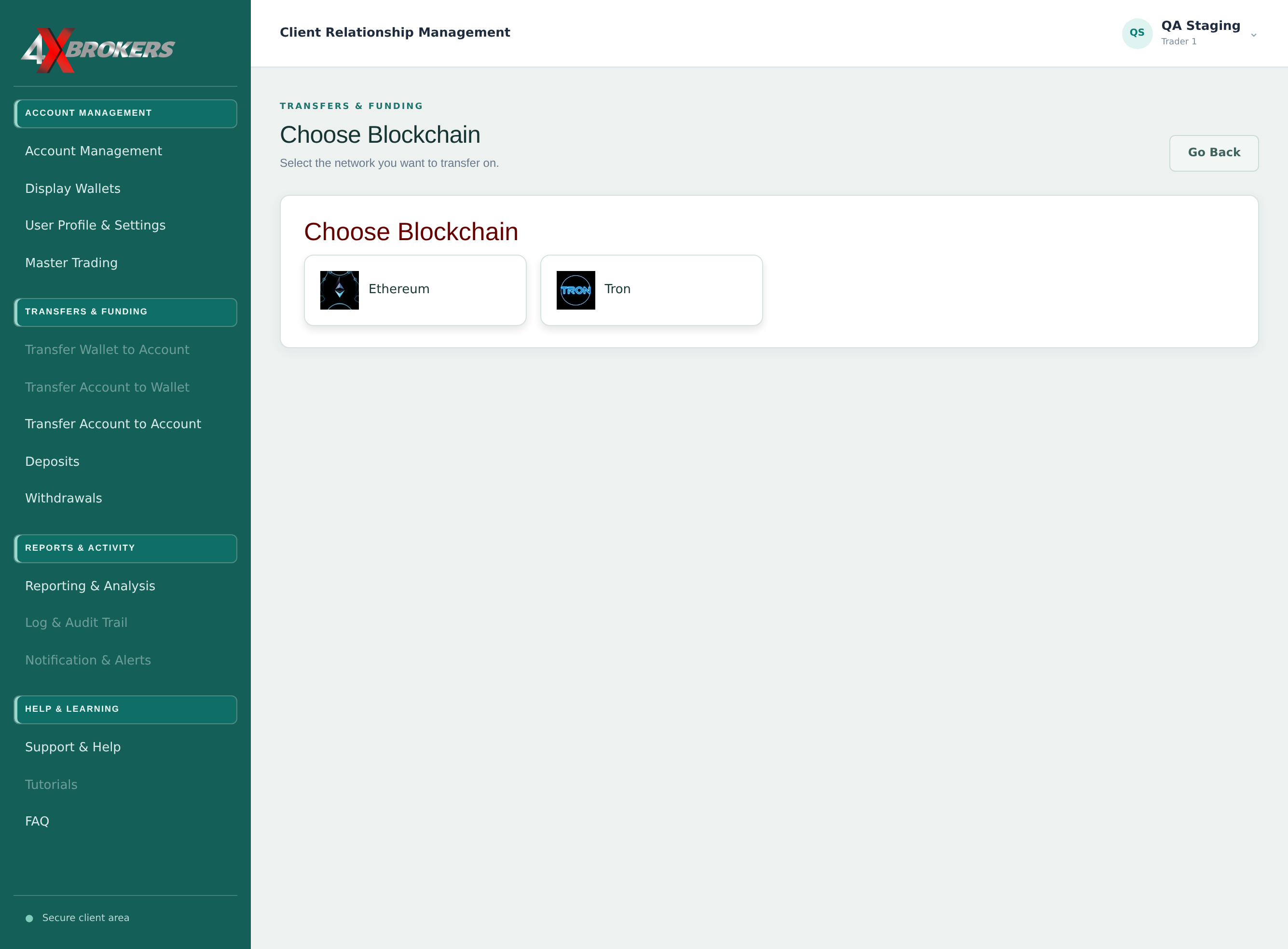
Your external wallet must support this currency on this network.
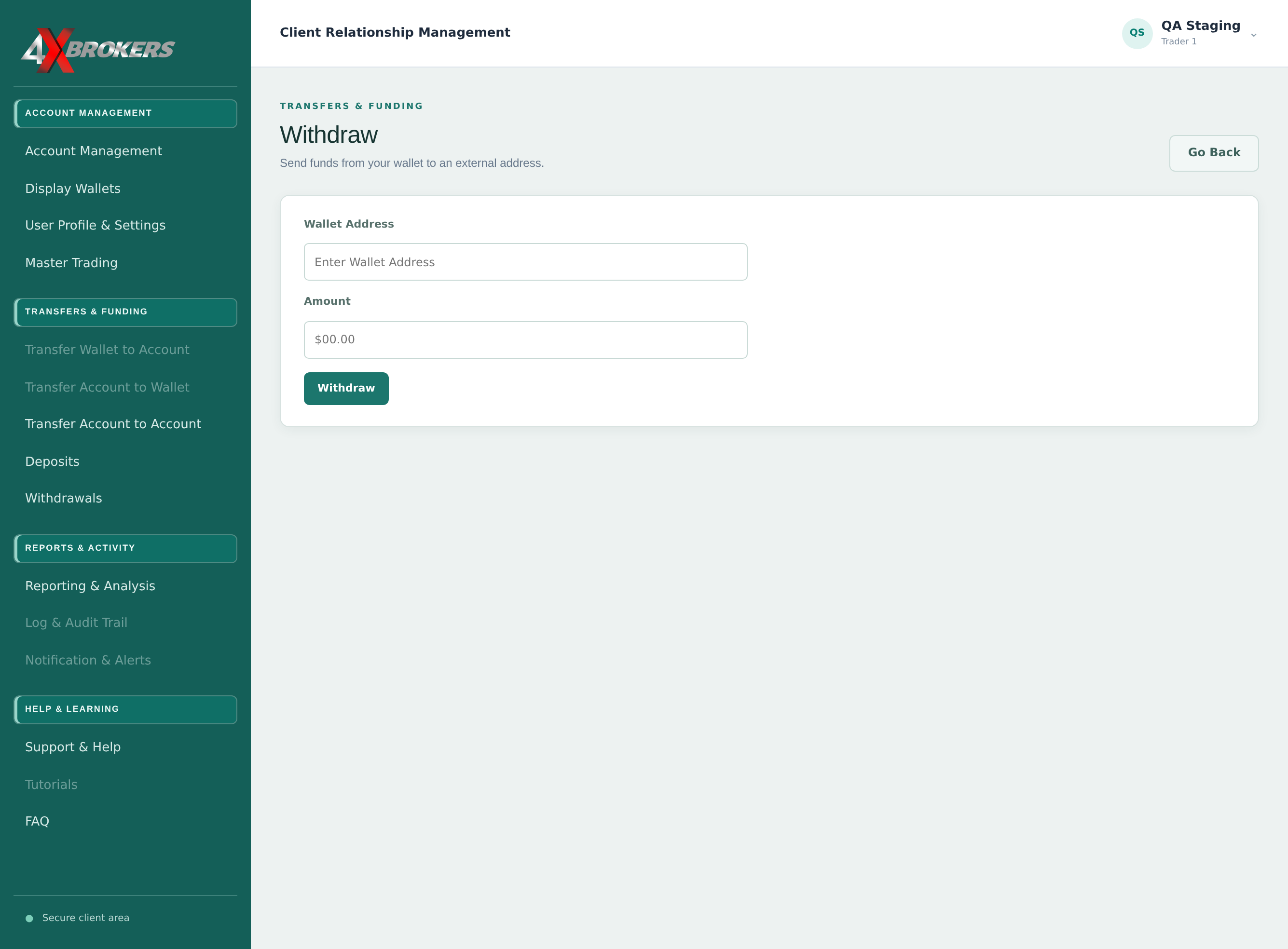
Paste the address from your own wallet and check the first and last characters. Funds sent to a wrong address cannot be recovered.
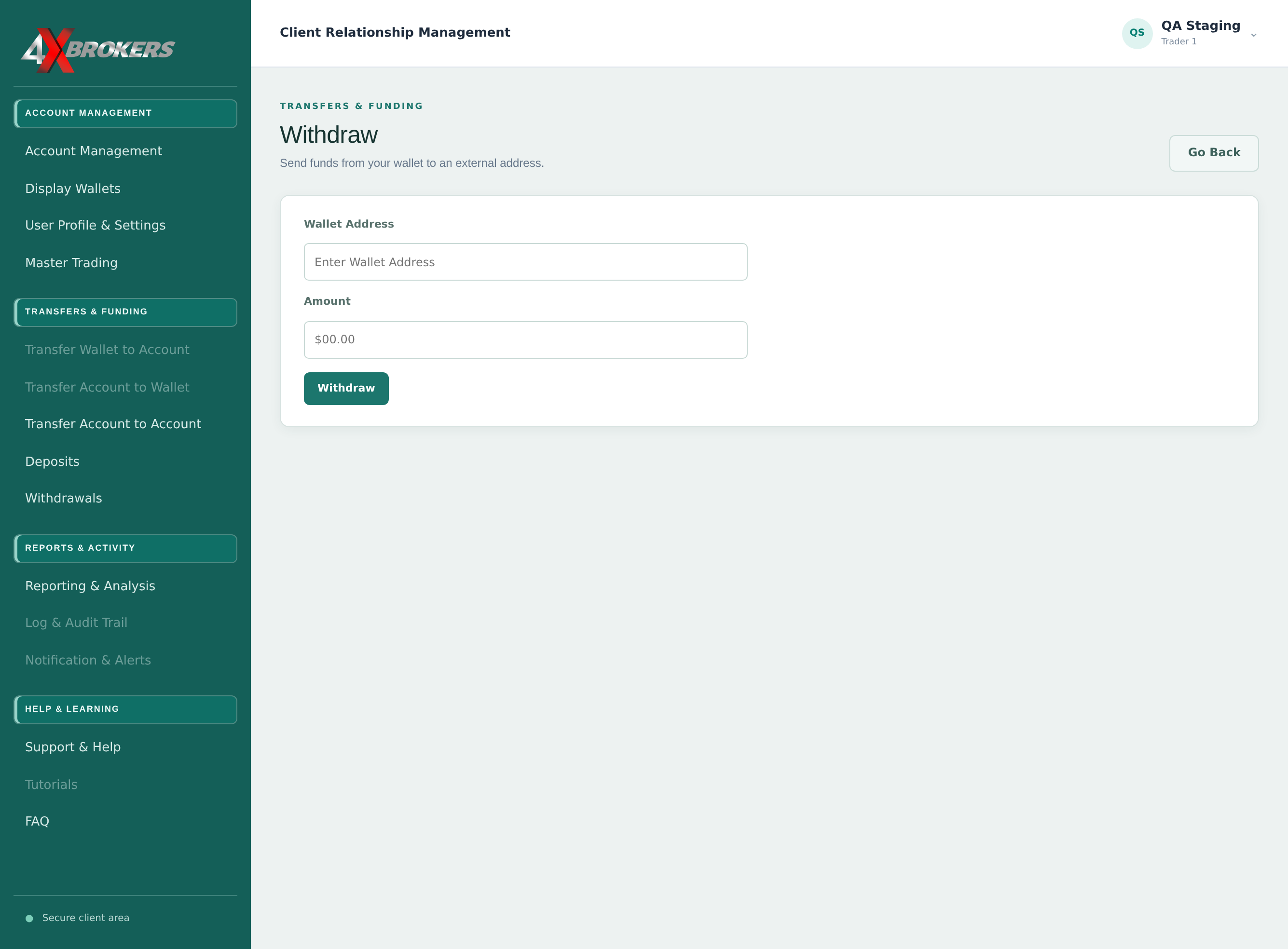
The amount cannot be more than the balance available in your account.
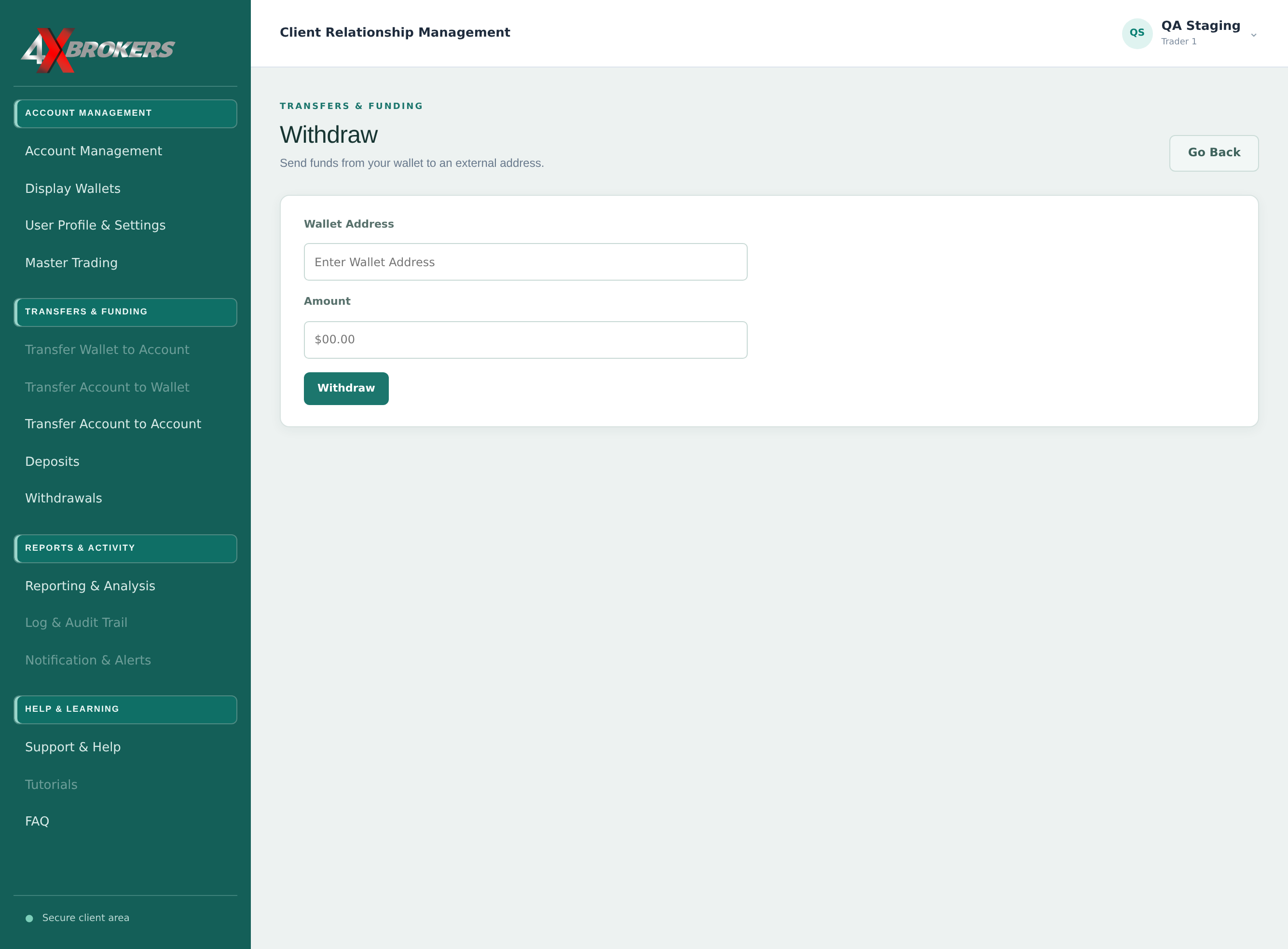
Check the address and amount before you select Withdraw.
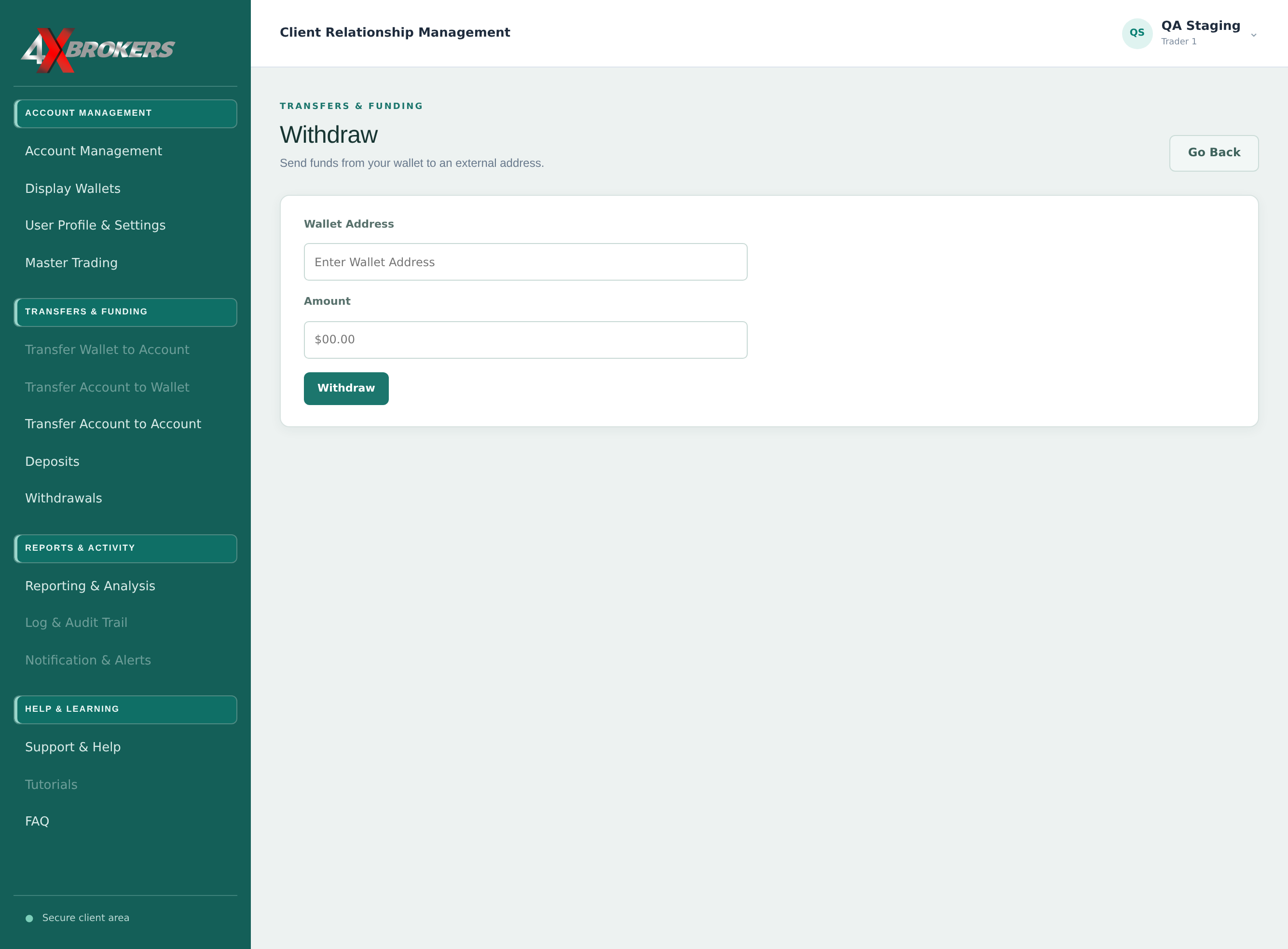
The withdrawal is listed with its fee, date and status until it has been completed.