1
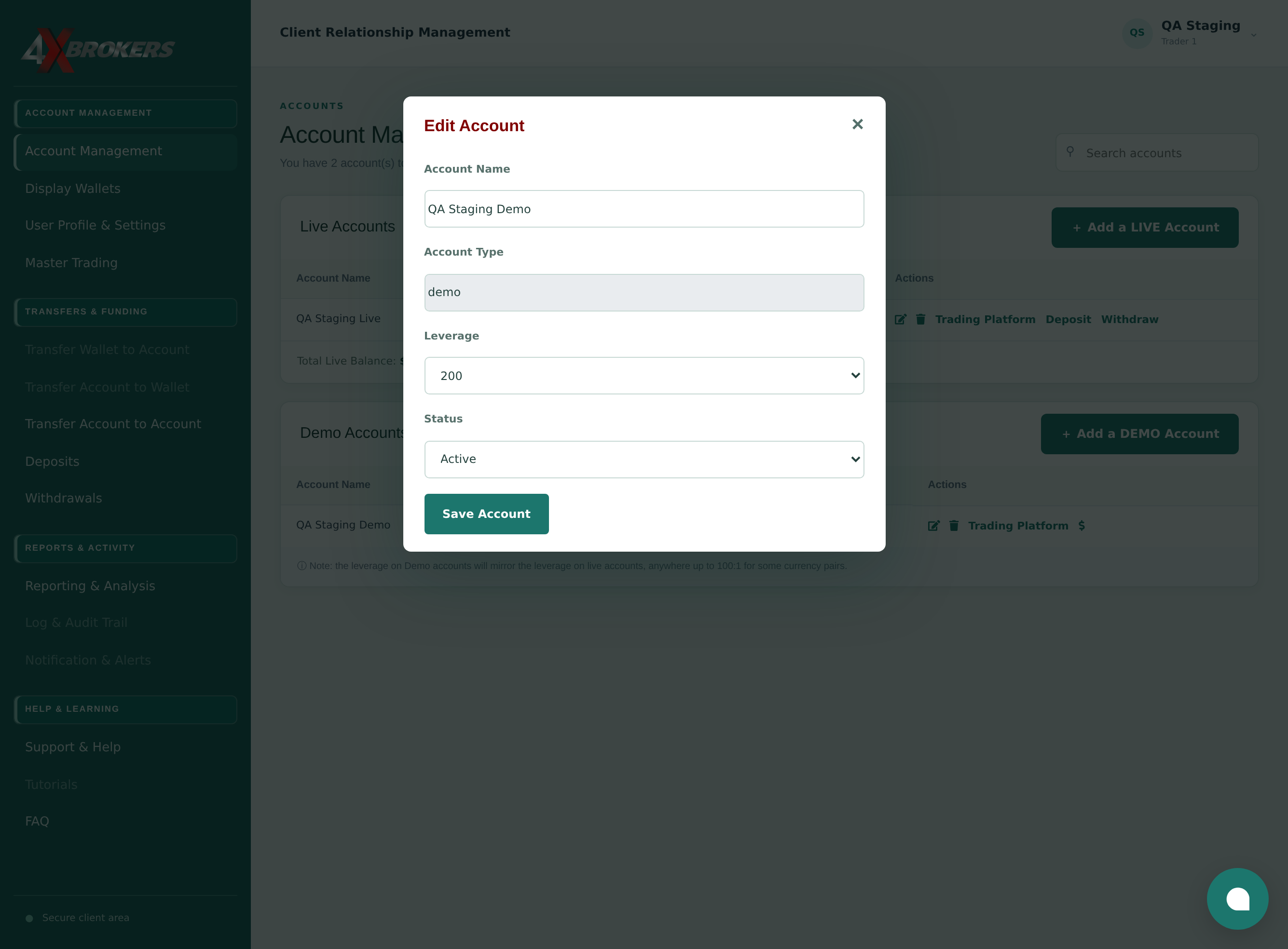
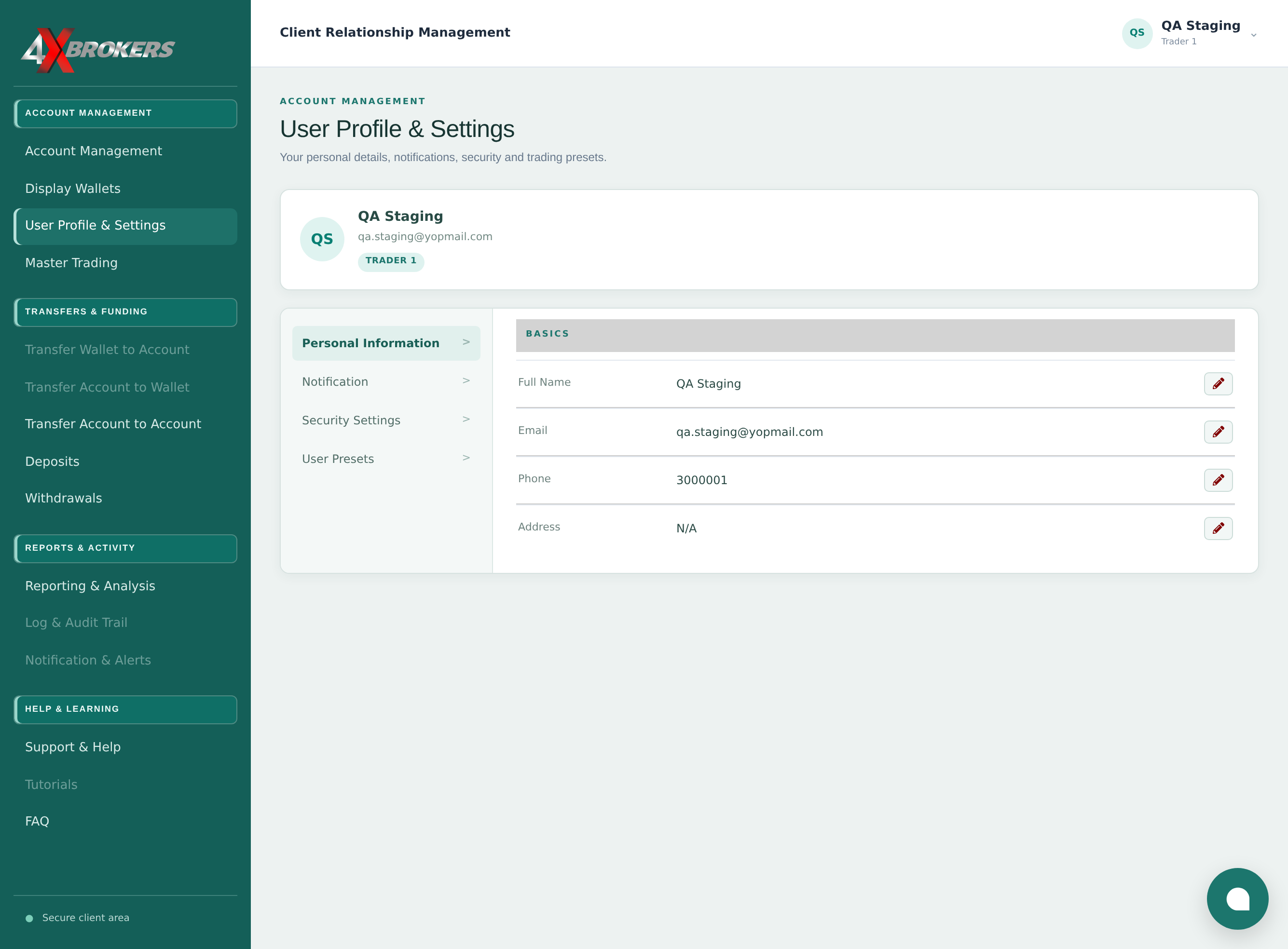
Open Account Management in the client portal.
All of your trading accounts are listed here, with their leverage, balance and status.
Trading Help Center › Accounts & settings
Rename a trading account, change its leverage or set it to active or inactive from Account Management.
How to use this guide: Follow the numbered steps in order. Each heading names the button, field or control to use, the note below it explains what happens, and the pointer on the screenshot shows exactly where to click.
7 Step-by-step guide
Rename a trading account, change its leverage or set it to active or inactive from Account Management.
All of your trading accounts are listed here, with their leverage, balance and status.
The account's settings open in a window.
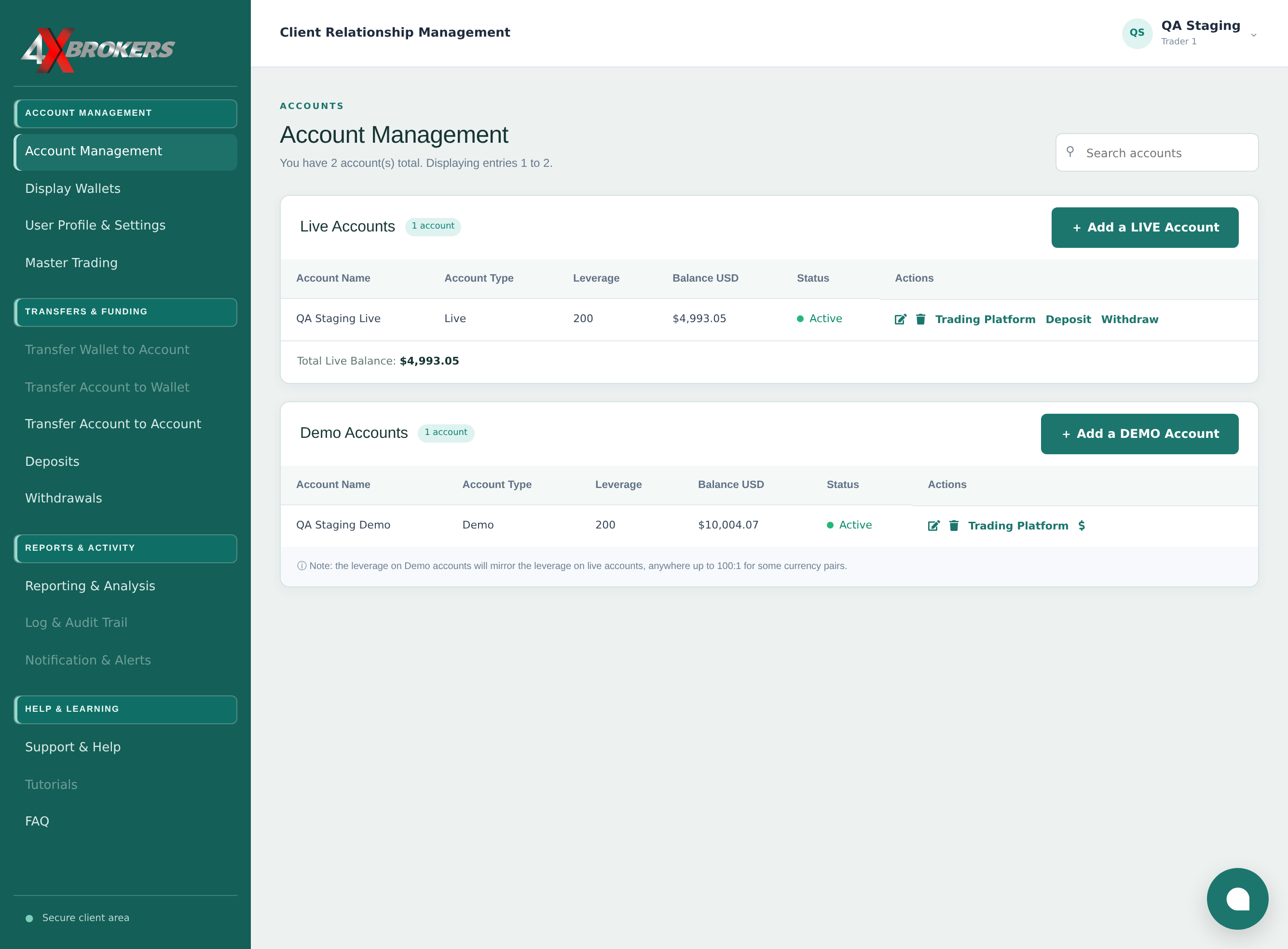
The name is only a label to help you tell your accounts apart. It does not affect trading.
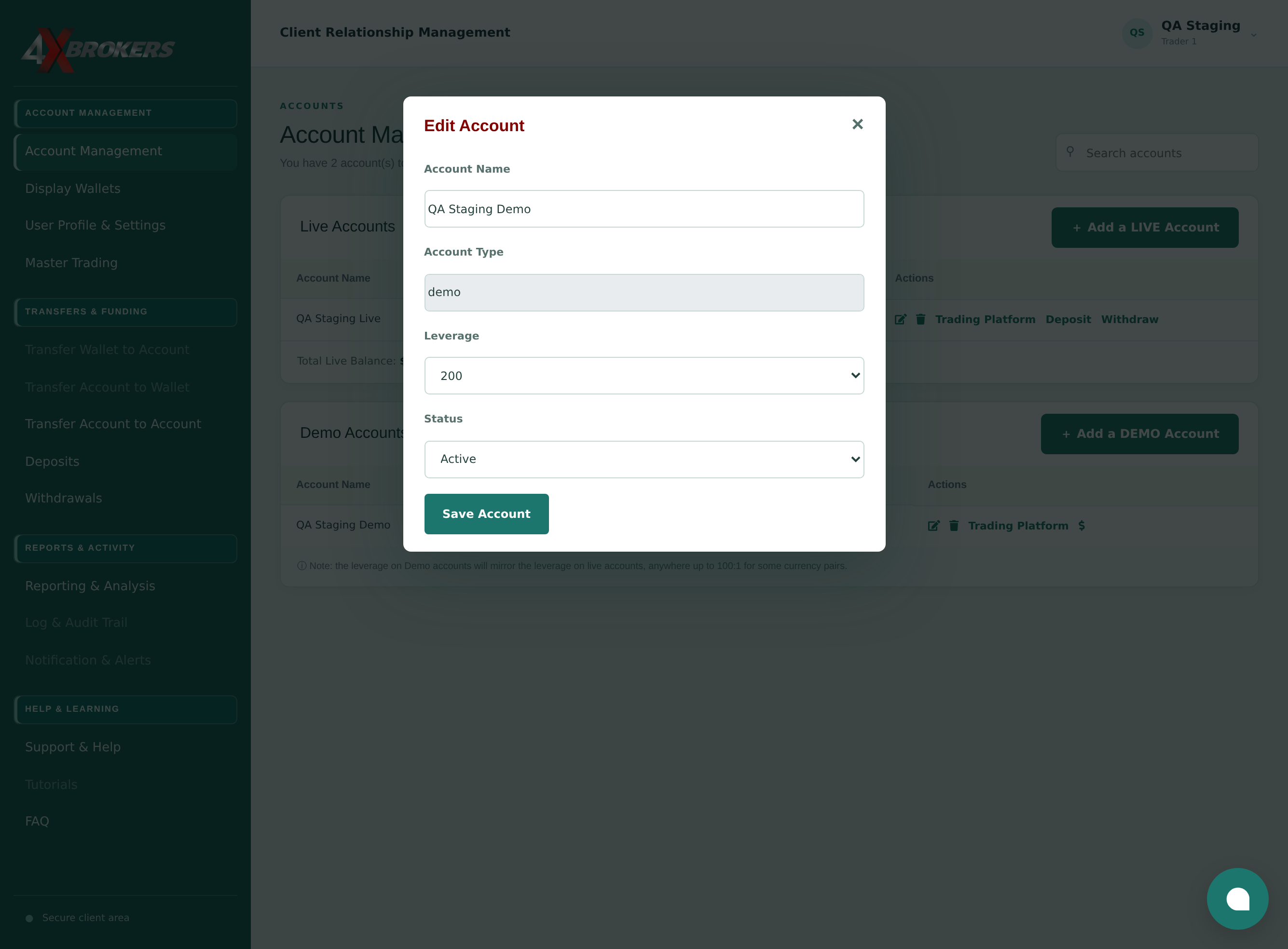
A higher leverage lowers the margin your trades need, but also increases the risk.
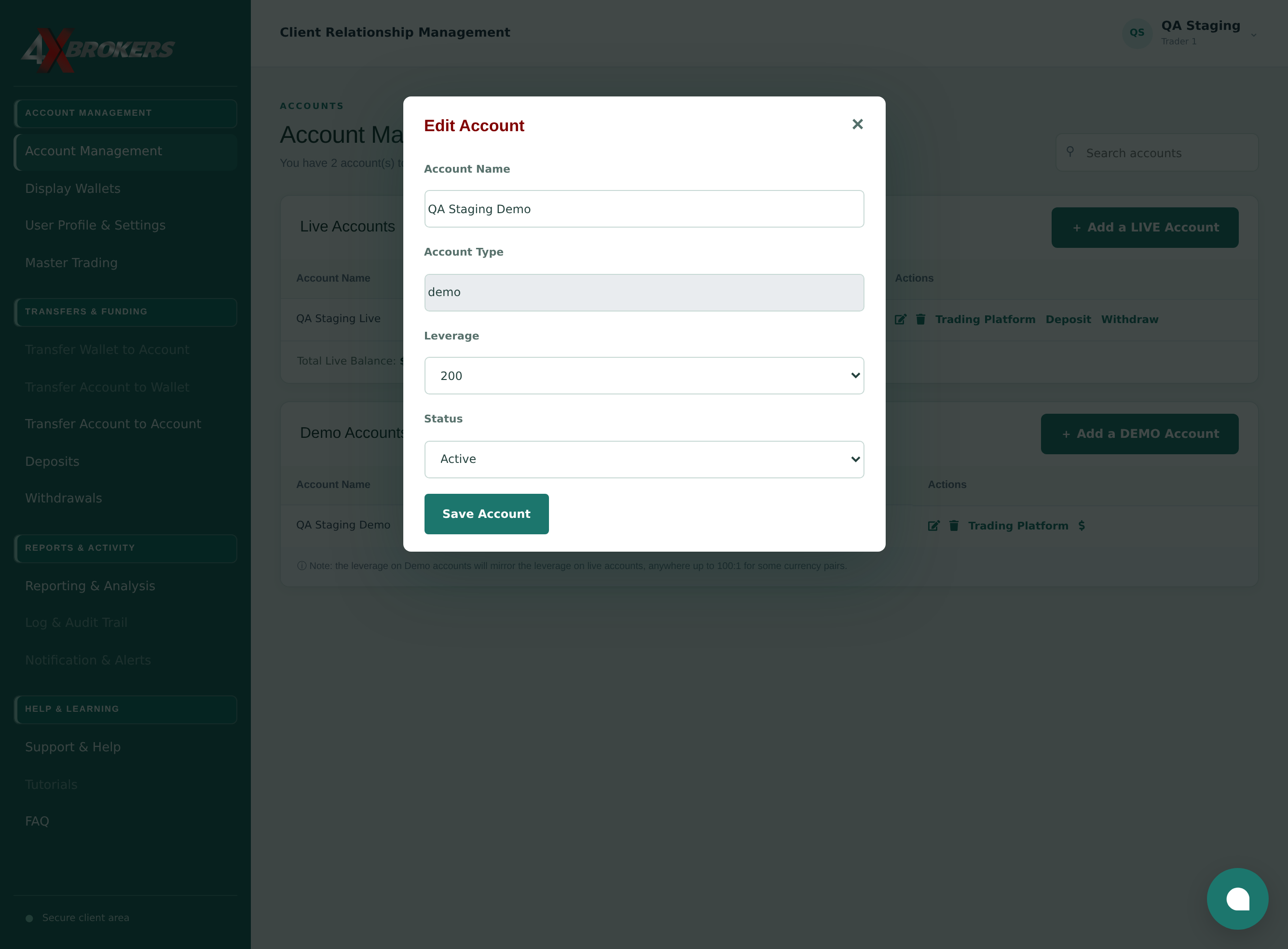
Choose Active for an account you trade on, or Inactive for one you no longer use.
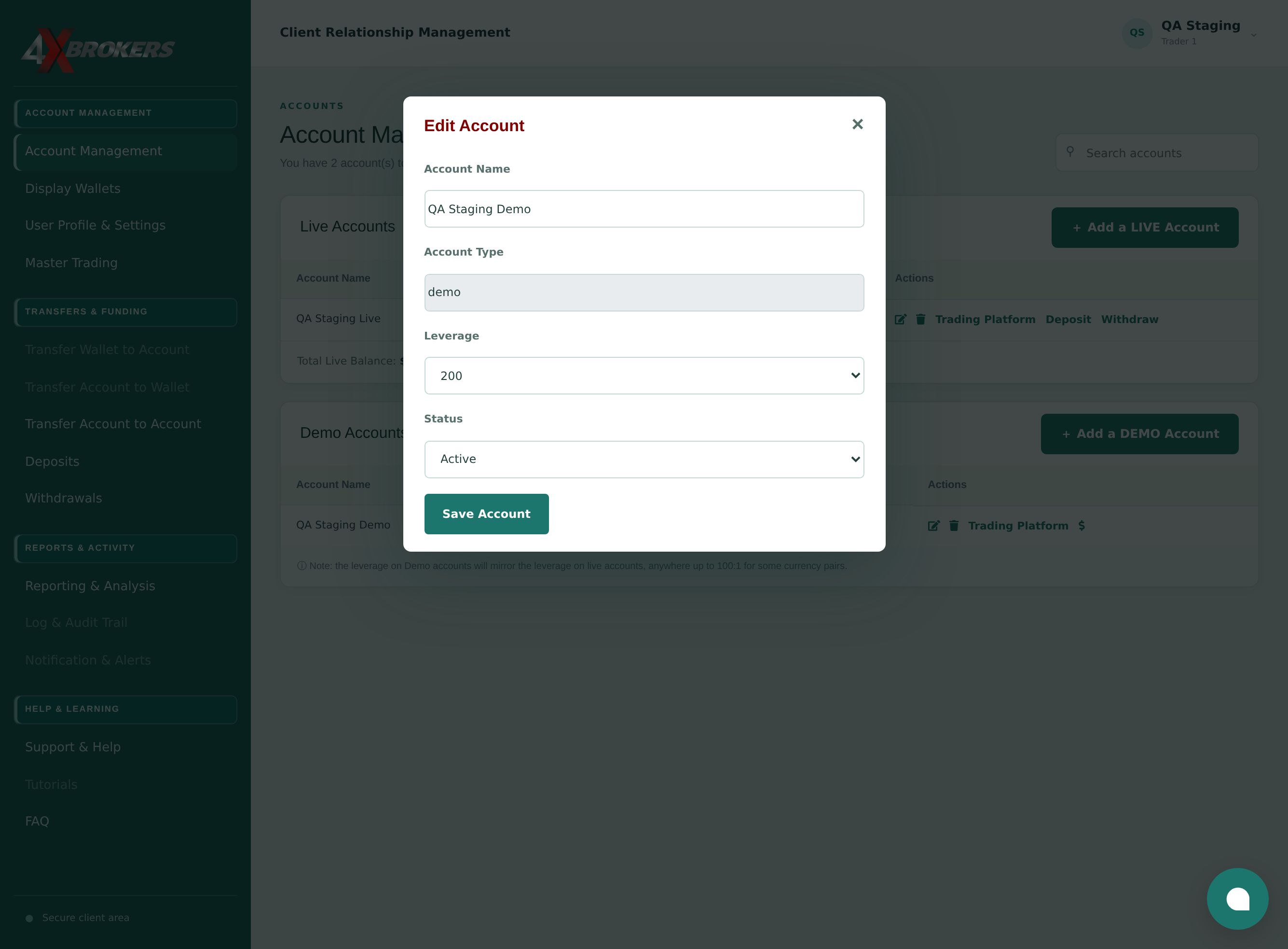
The account list shows the updated name, leverage and status.